







How to import general journal with Excel in Dynamics 365?
Views (4537)
 Mahmoud Hakim
 17,887
 Like
Like Share
Share
 Report
you can upload your journal from excel with simple steps as the below.
Go to General ledger /general entries /general journal

create new journal and select your journal

click lines to enter line details
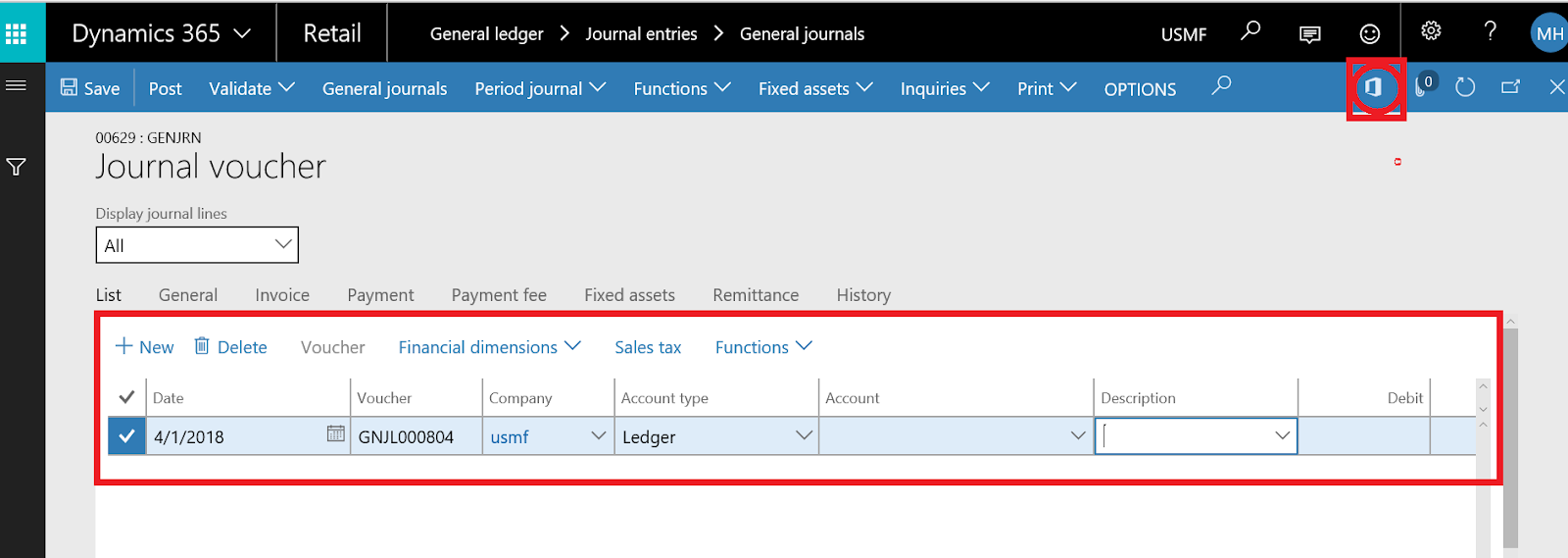
download Excel template to fill your data
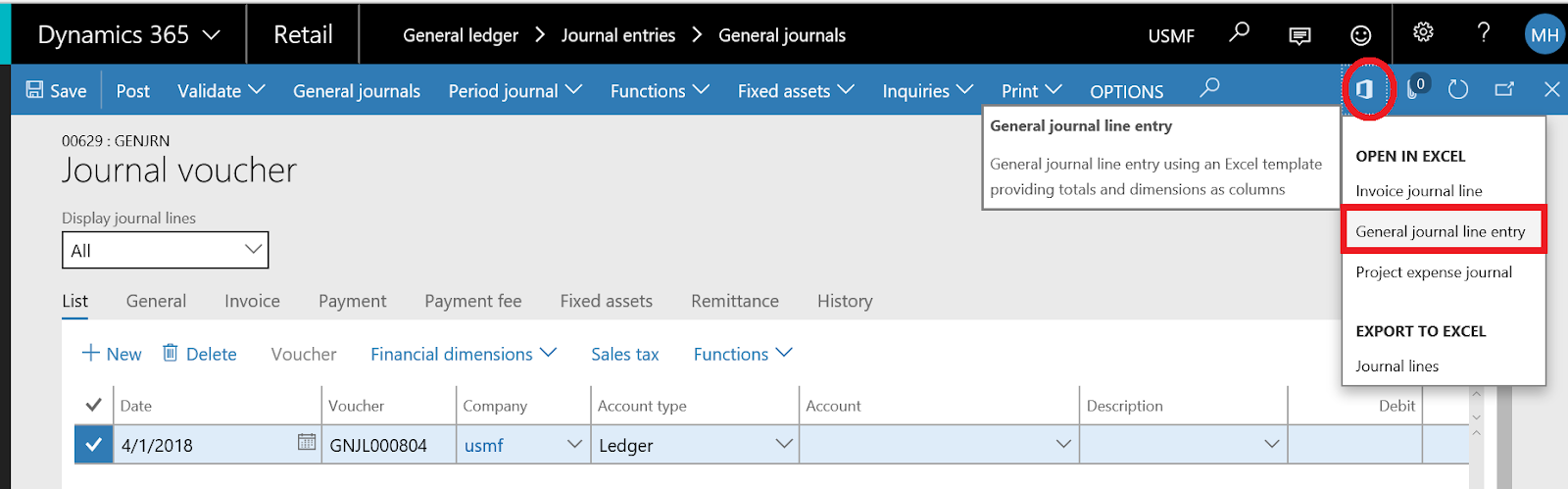
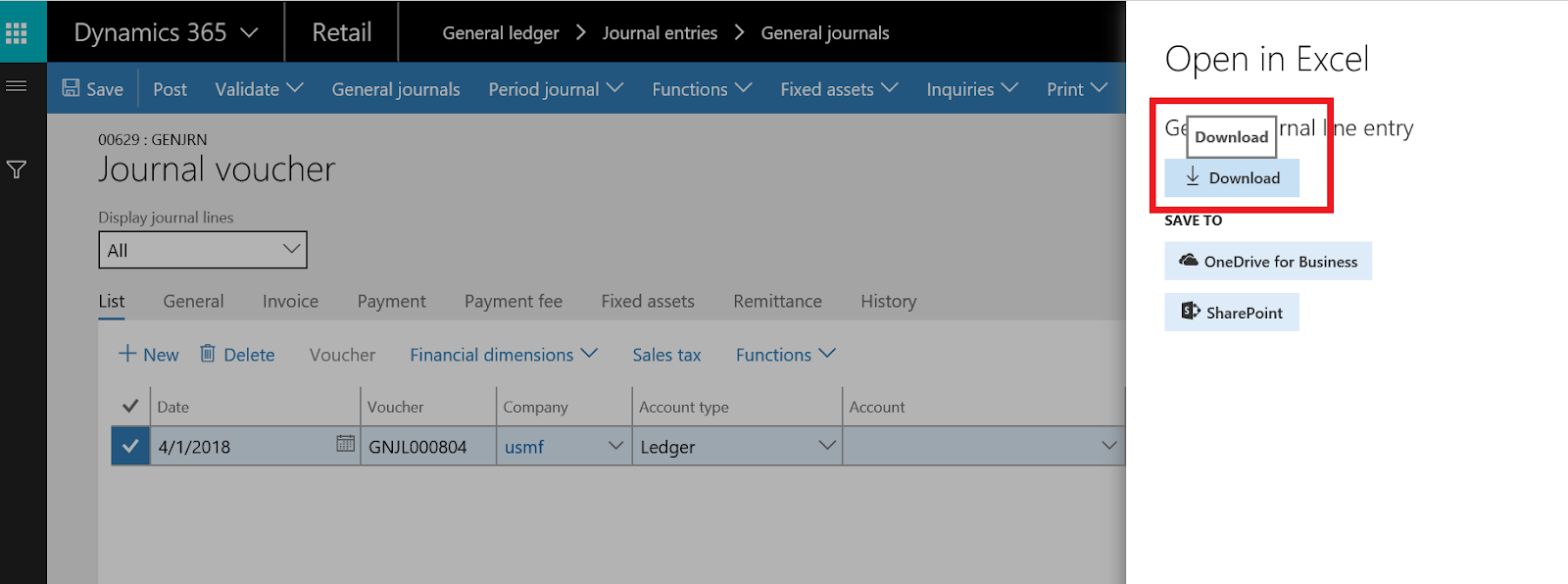
click download
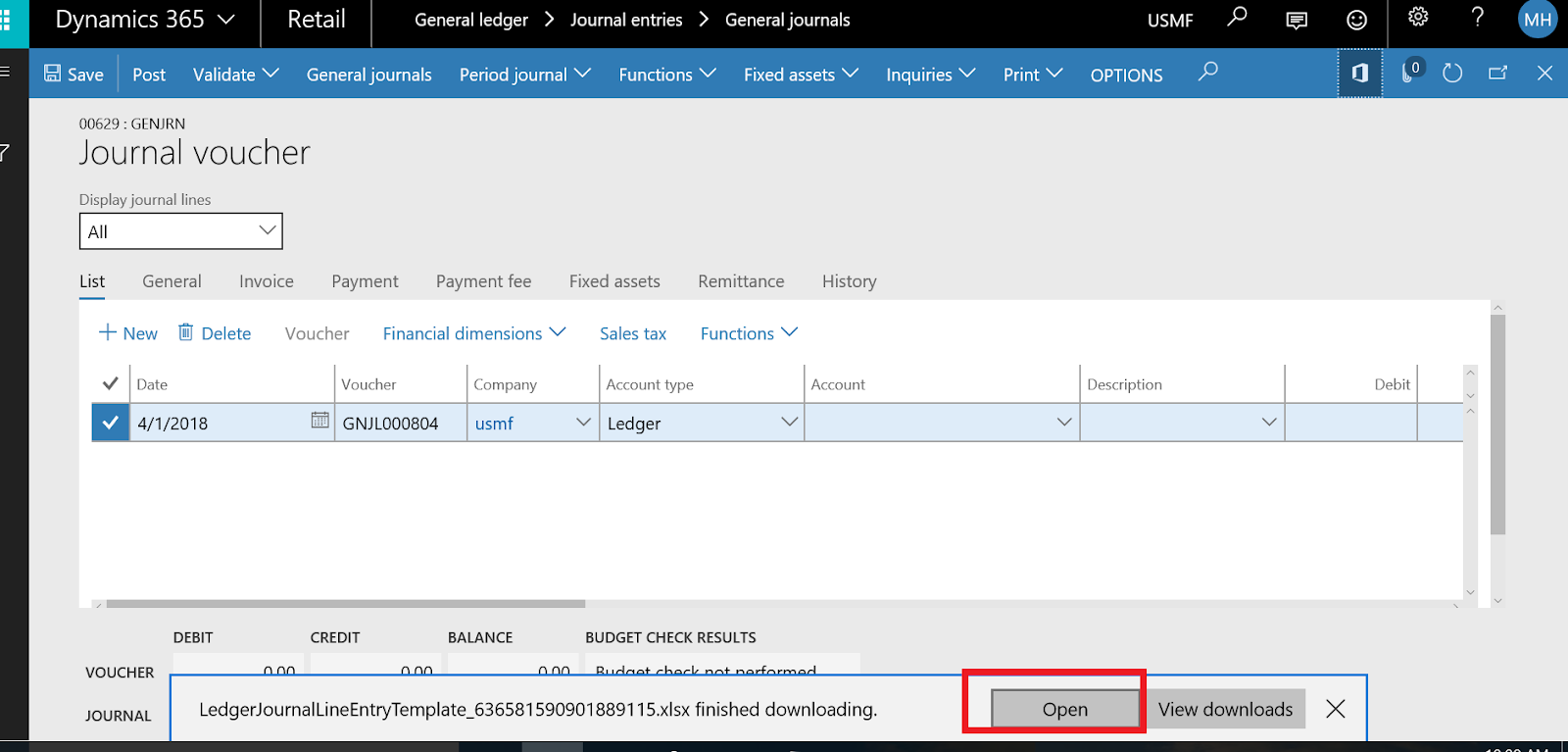
open the download template
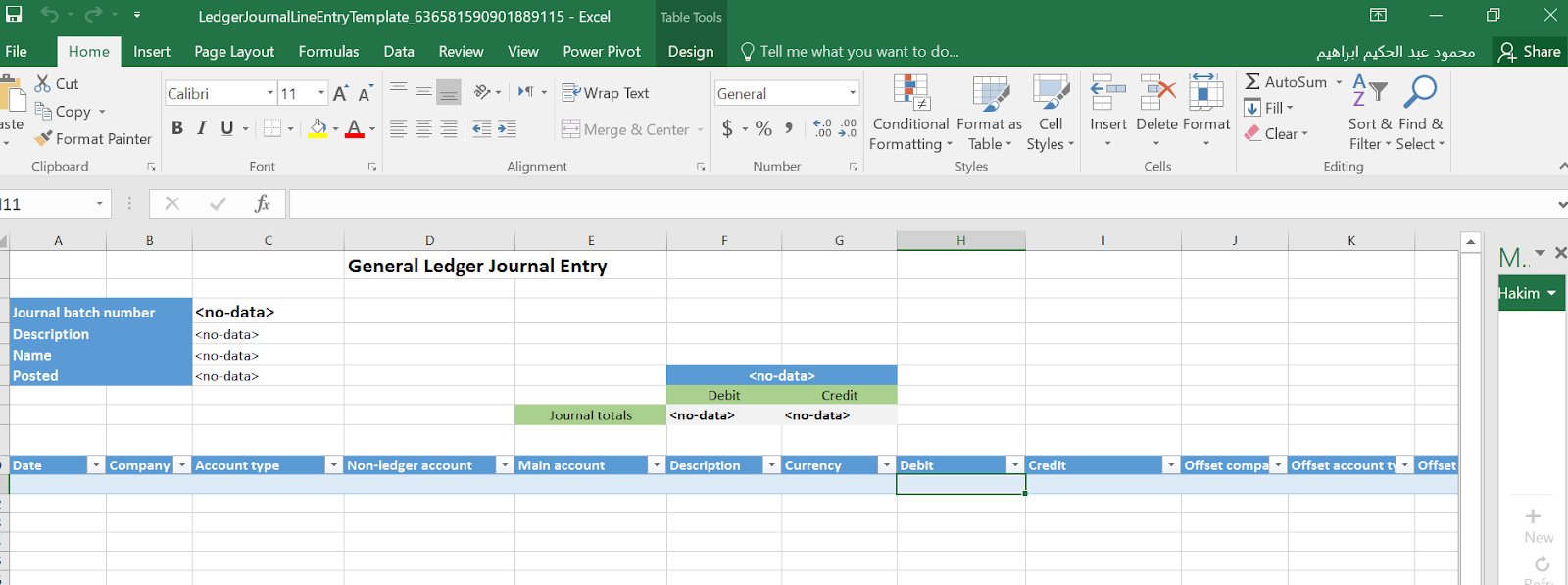
complete data entry and click publish
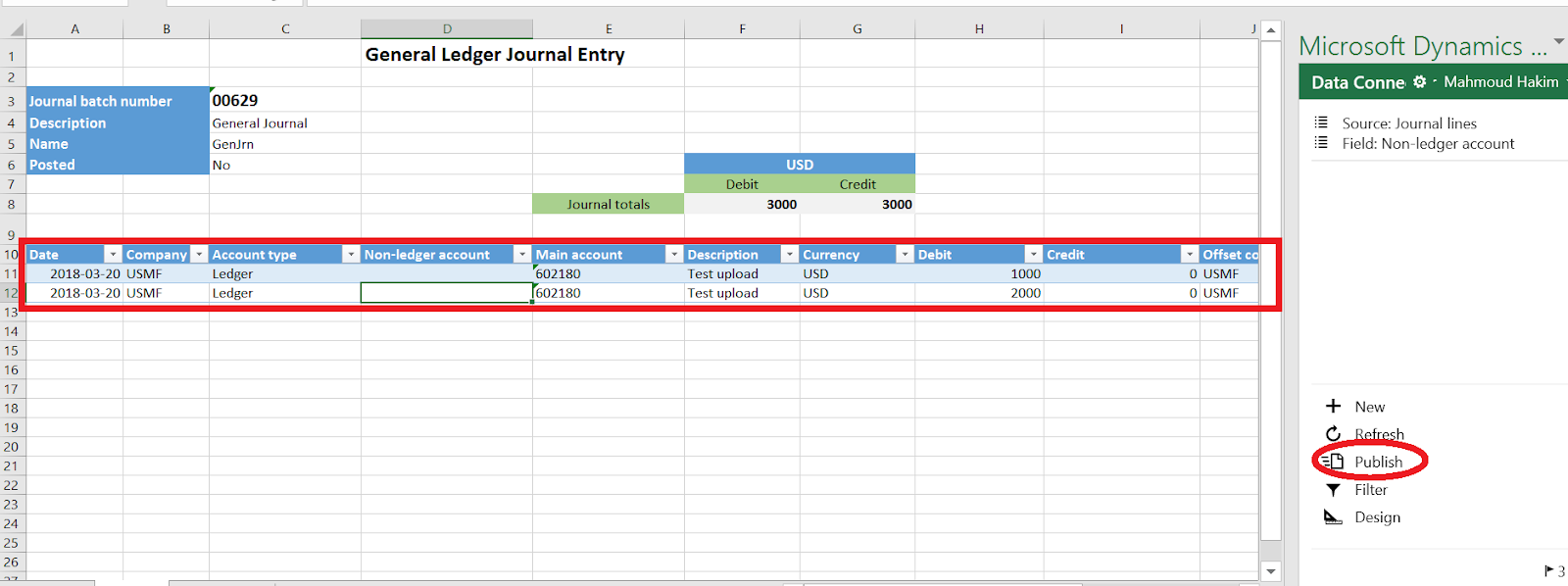
return to your journal in dynamics to check data upload

Thanks.
This was originally posted here.
*This post is locked for comments