




 22,784
 Like
Like Share
Share
 Report
 This post is part of the Installing Microsoft Dynamics 365 Business Central 2022 Wave 1 On-premise Demo series in which I am creating a demo series for learning/demonstrating Business Central.
With the Business Central demo environment installed we can now log in for the first time which you will need to do using the account which did the installation.
While Business Central is not a desktop application, the server will have a shortcut added to the Windows Start menu for the web client:

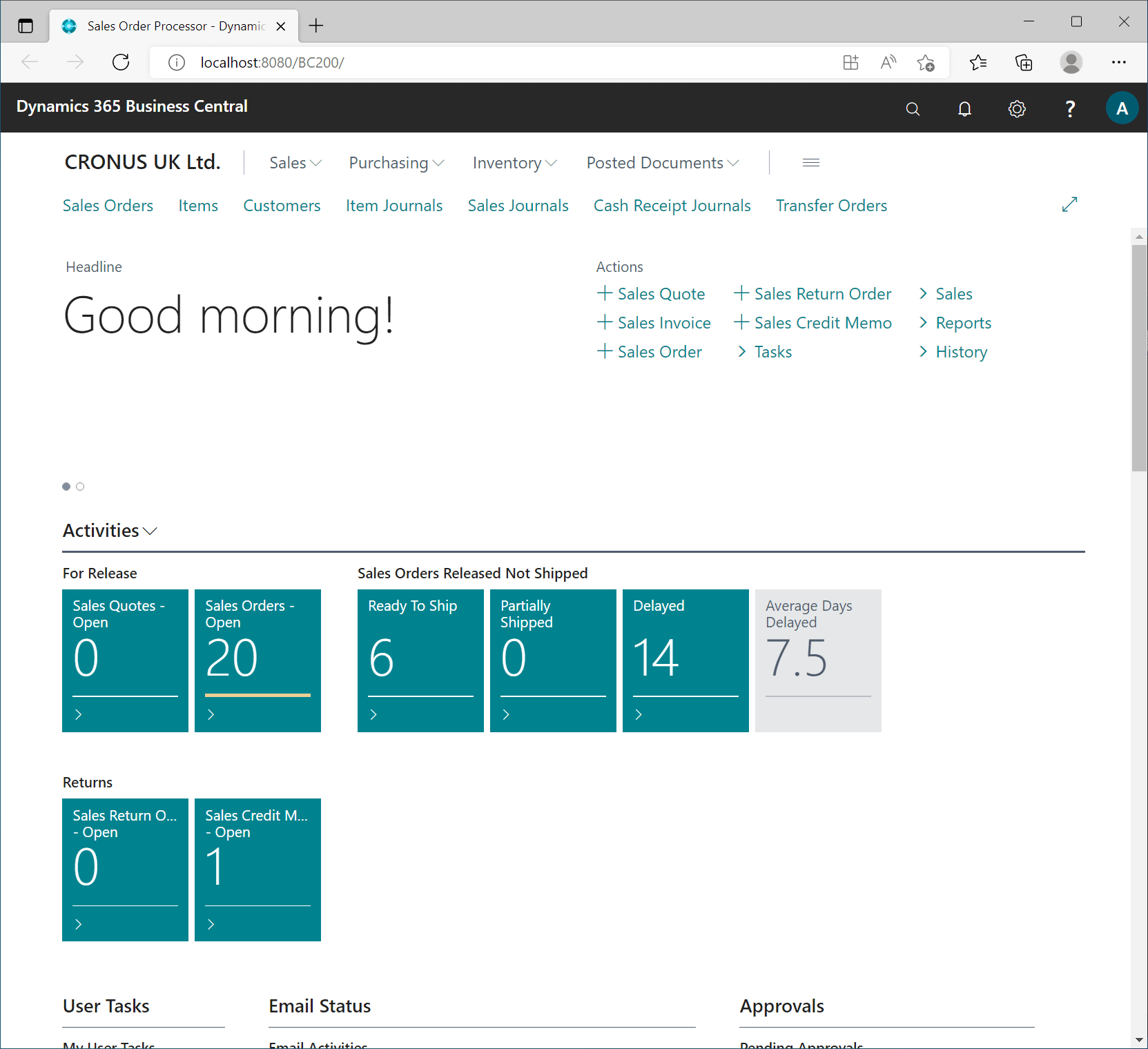
As the web client is launched, you will be logged in using Windows authentication and be presented with the home page:
Read original post Installing Microsoft Dynamics 365 Business Central 2022 Wave 1 On-premise Demo: Client Login at azurecurve|Ramblings of an IT Professional
*This post is locked for comments