







Field Service: playing hide and seek with the products
 ashlega
 34,477
 Like
Like Share
Share
 Report
I was setting up products for Field Service and made a bit of a rookie mistake.. Which resulted in the same product being available in some places but not in others.
See, on the following screenshot I have a few mugs in the Main warehouse:
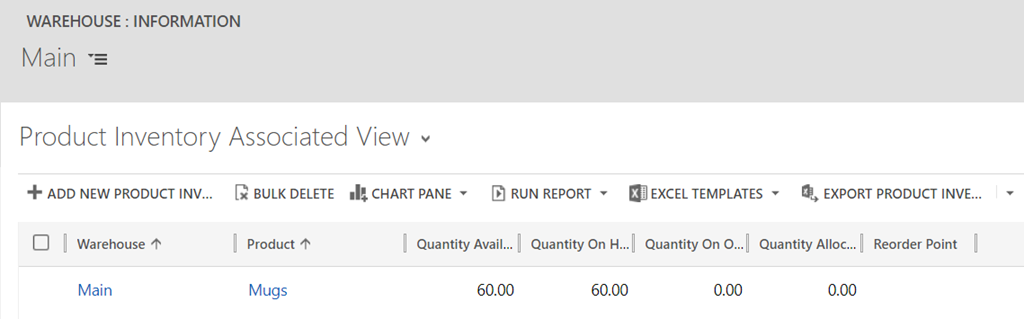
However, when trying to create a new purchase order and add mugs to that order, I can’t, really, do it:
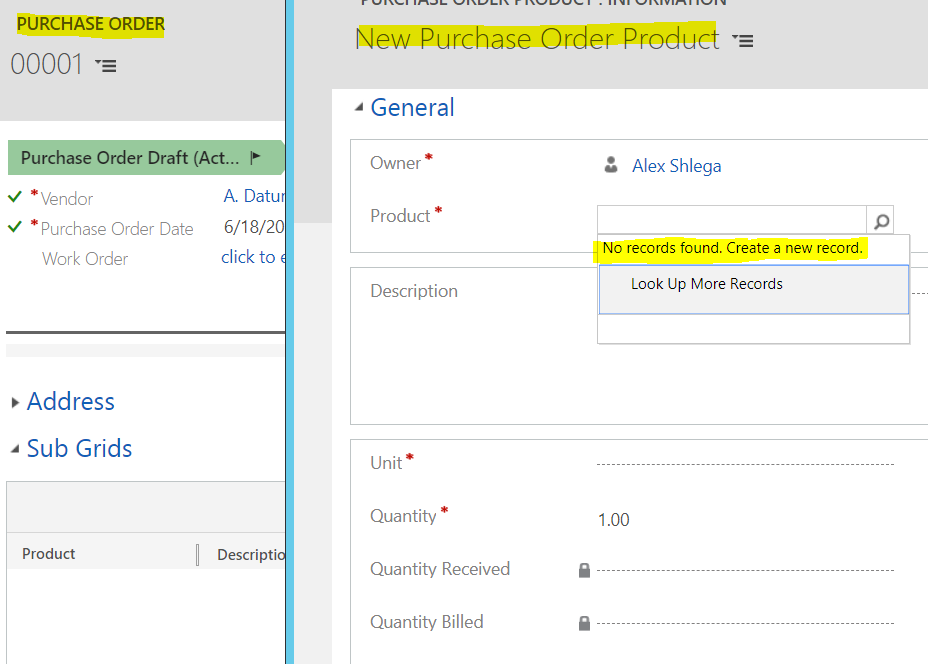
Turned out I did not set up the product correctly – it was still in the “draft” state, so it was not showing up in some views yet. Publishing the product
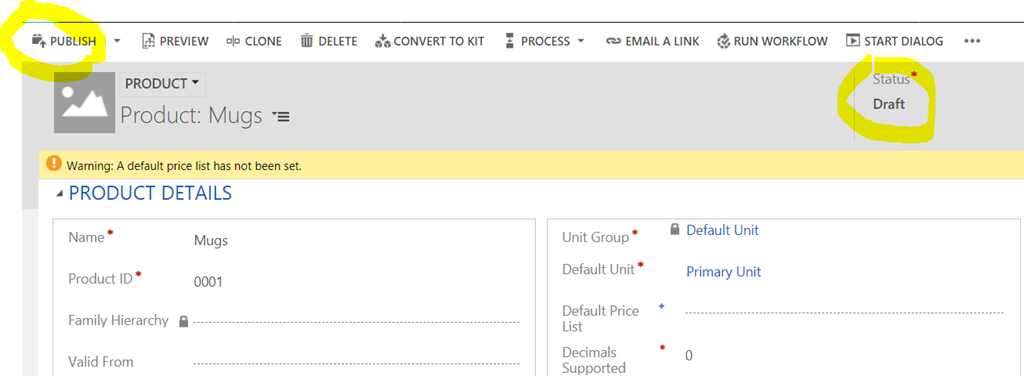
Did take care of the issue, though:

And on a related note, if you were wondering (like I was) what’s the purpose of the product type field
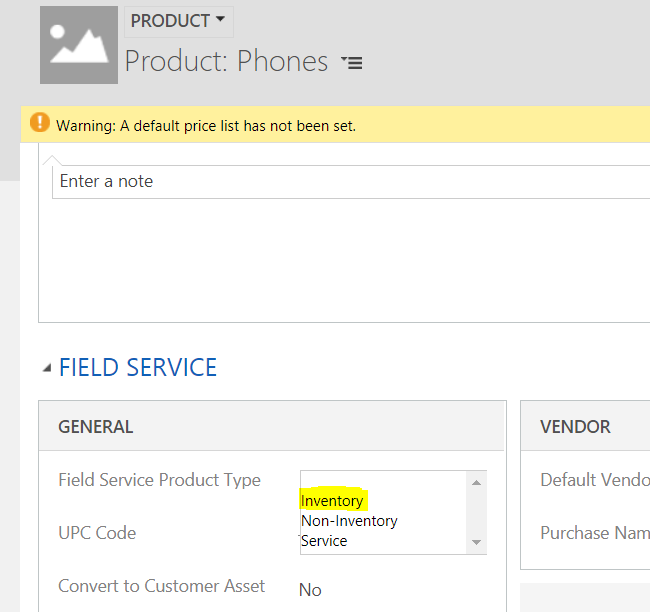
Here is what the user guide would tell you:
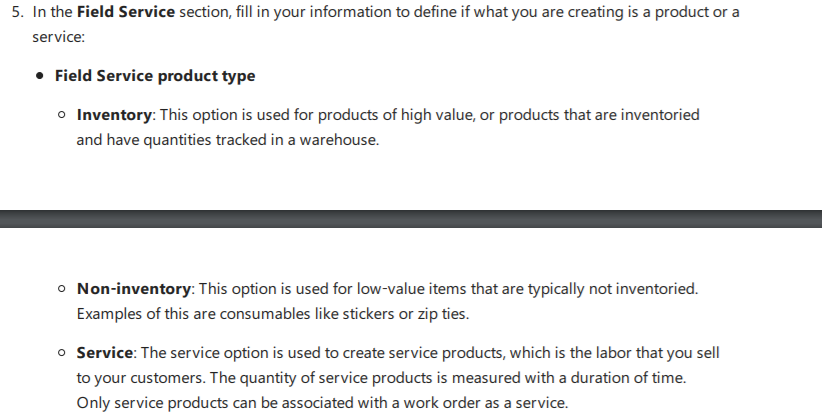
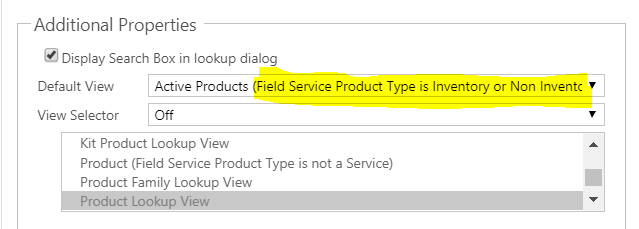
I am not sure this definition explains all the details, but, since the field is not mandatory, you might want to keep in mind that some lookup controls in the Field Service solution will be using filtered views where filtering will be happening on that field (and some will not be using filtering). For example, you will see a product in the list of purchase order products only if that product is either an inventory or a non inventory product:
This was originally posted here.
*This post is locked for comments