






MSDyn365FO. How to Import CSV file using Electronic Reporting. Part 2 – Format.
 Mea_
Mea_
 60,286
 Like
Like Share
Share
 Report
In this blog post we will create new Format. It represents document schema and is used to parse it. Go to Organization administration > Workspaces > Electronic reporting, select Data Model created in the previous post and create new configuration:

In the format designer Add root –> File:

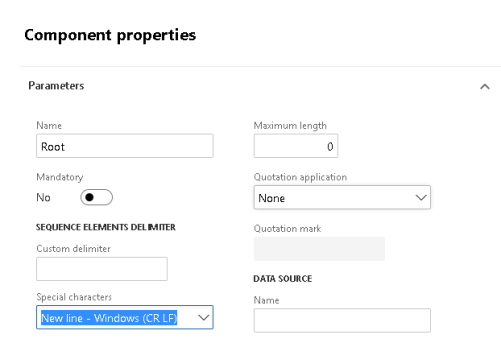
Add sequence and set delimiter to New line – Windows (CR LF). It will tell ER that file has lines split by CR LF. It is possible to select CR for Mac or LF for Linux or specify a custom delimiter.
Add new sequence. This sequence will represent lines. Set Multiplicity to “One many” to say that at least one line is required.

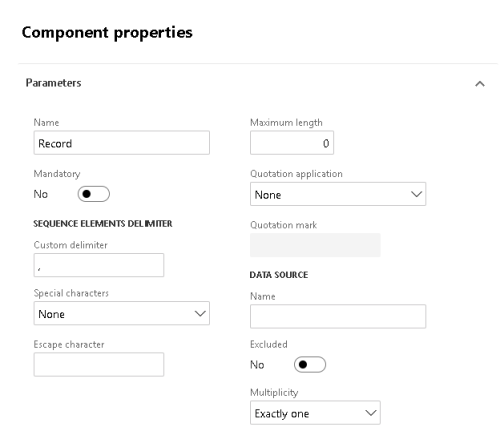
Add another sequence. It will represent individual lines. Set delimiter to ‘,’, to split fields by comma. Use another delimiter, if required.
Add 3 fields:

In the end you should have format like this:

In the next post we will map format to model and test it!
This was originally posted here.
*This post is locked for comments