




 Like
Like Share
Share
 Report
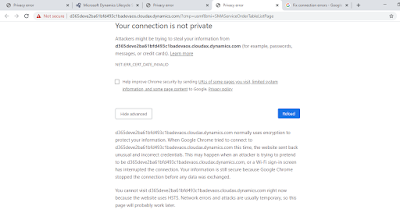
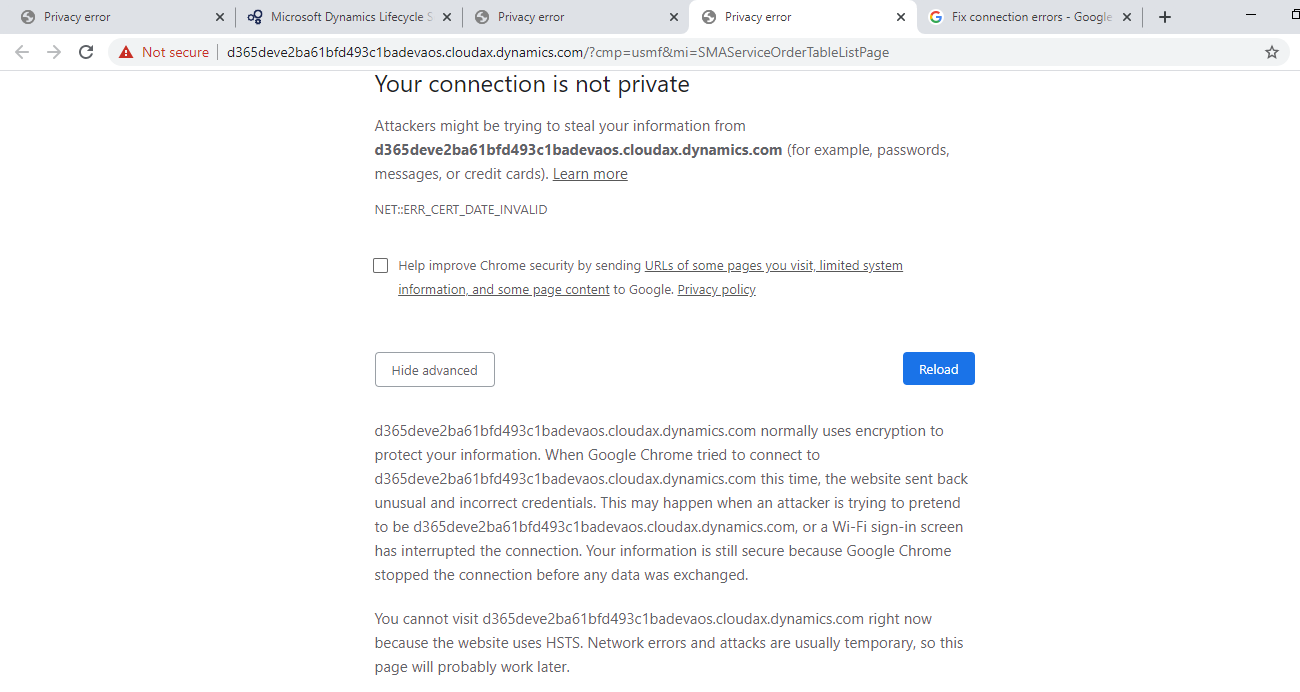
As seen in title when error “Your connection is not private | NET::ERR_CERT_DATE_INVALID” occured which seems as follows in screenshot when you try to open environment link in browser.
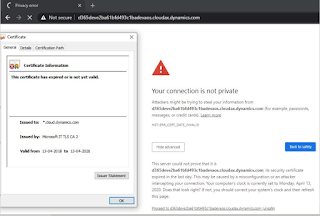
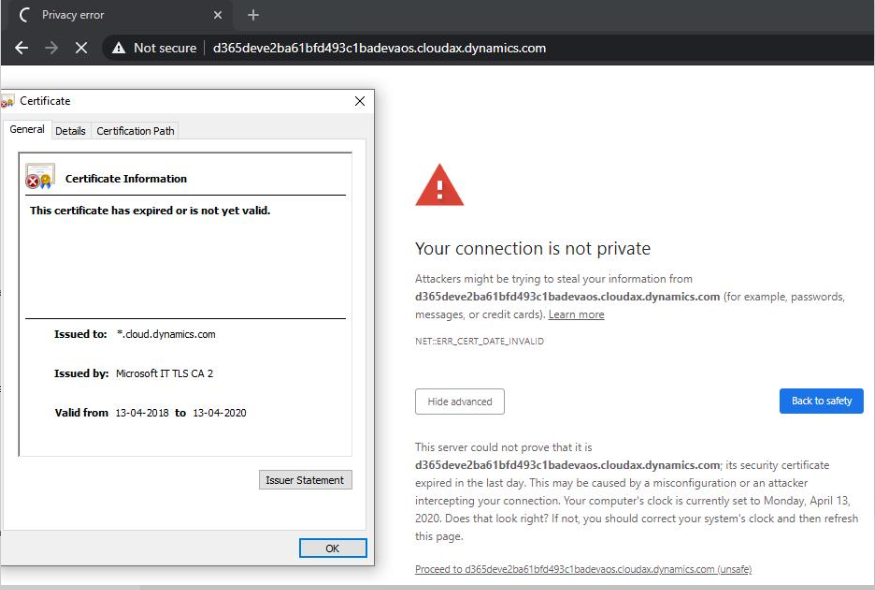
The reason for above error in my case was that SSL certificate was expired as you can see in following screenshot
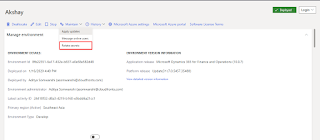
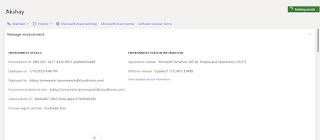
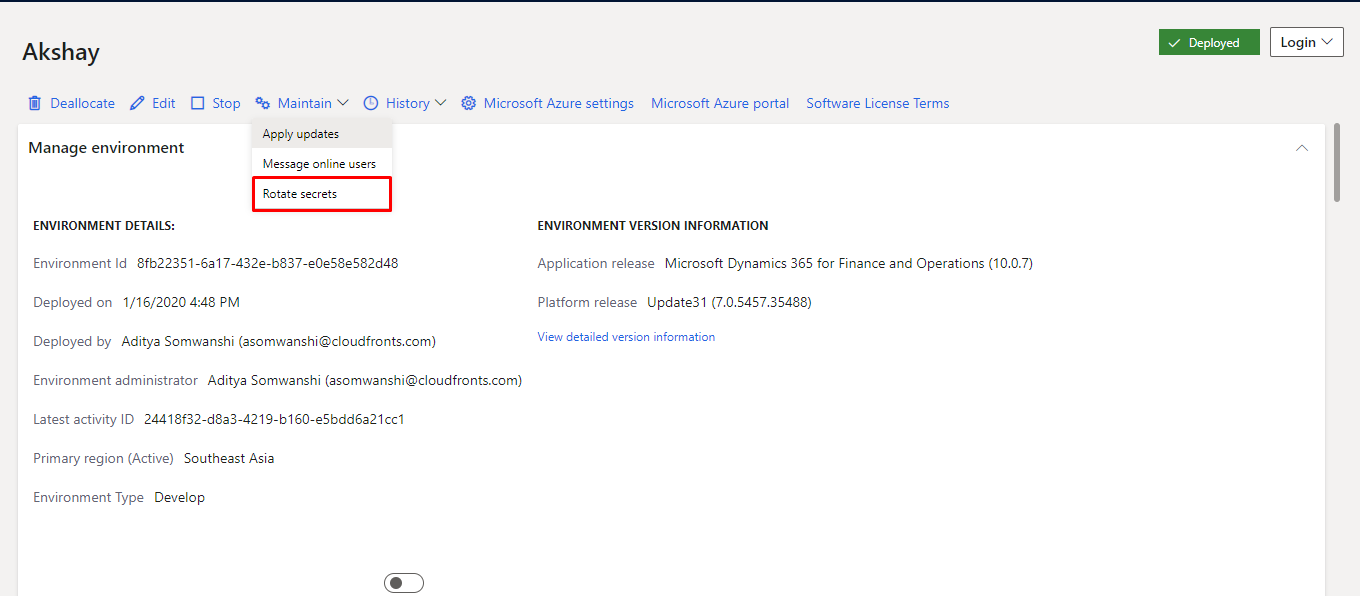
To solve this issue go to your lcs.dynamics.com with your credentials and open your project now select which ever environment and visit see details/Full details page and click on maintain button and select Rotate secrets button
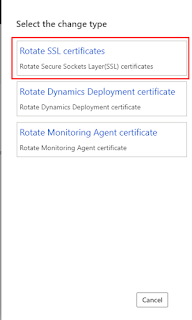
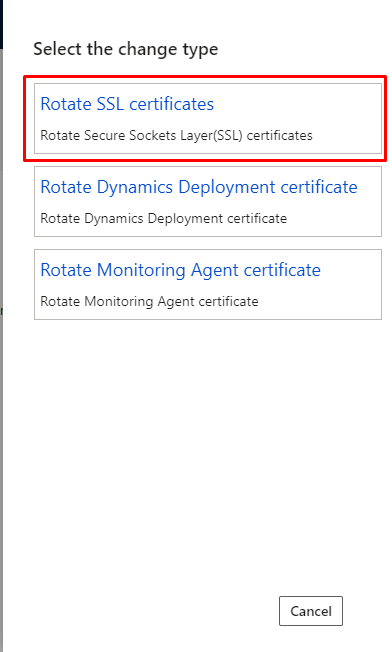
Now click on Rotate SSL certificates
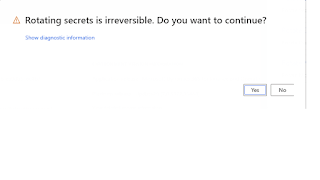
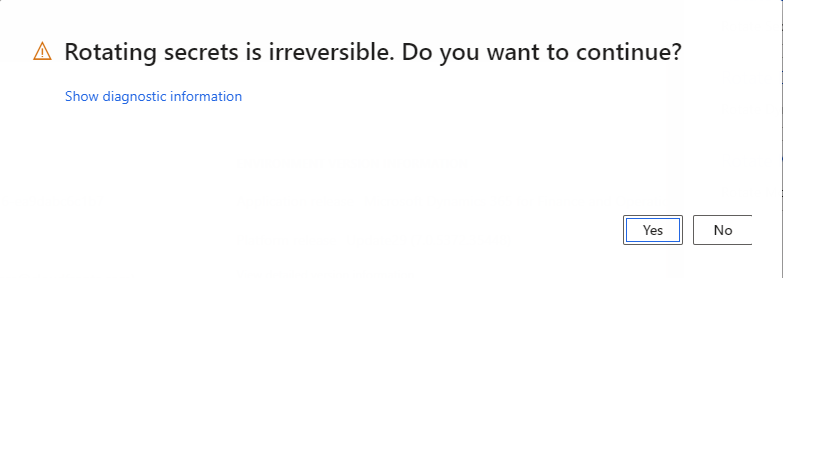
after which dialogue box will appear click on yes
Now wait till rotating secret symbol is loading as following screenshot after which you will be able to access your D365 Finance and operation link easily.

Hope this blog will help you.Thank you
The post Your connection is not private | NET::ERR_CERT_DATE_INVALID Error in D365 Finance and Operations appeared first on .
*This post is locked for comments