







Creating Shopify development stores – Part 3
Views (0)
 Mohana Yadav
 61,005
Super User 2025 Season 2
61,005
Super User 2025 Season 2
 Like
Like Share
Share
 Report
Start selling the products online
Open Shopify’s online store and open the product catalog.

Choose any product that can be sold, for example, ANTWERP Conference Table. Notice that the description contains item attributes.
Choose the Buy it now button.

Oh Noo, this is not what I wanted

Let’s check the Orders section in the Shopify admin portal

We cannot create orders as we are using the trial version of Shopify
We have 3 options
1. Choose a plan temporarily and deactivate the plan before you get billed

2. Create an app development to send the order details via APIs
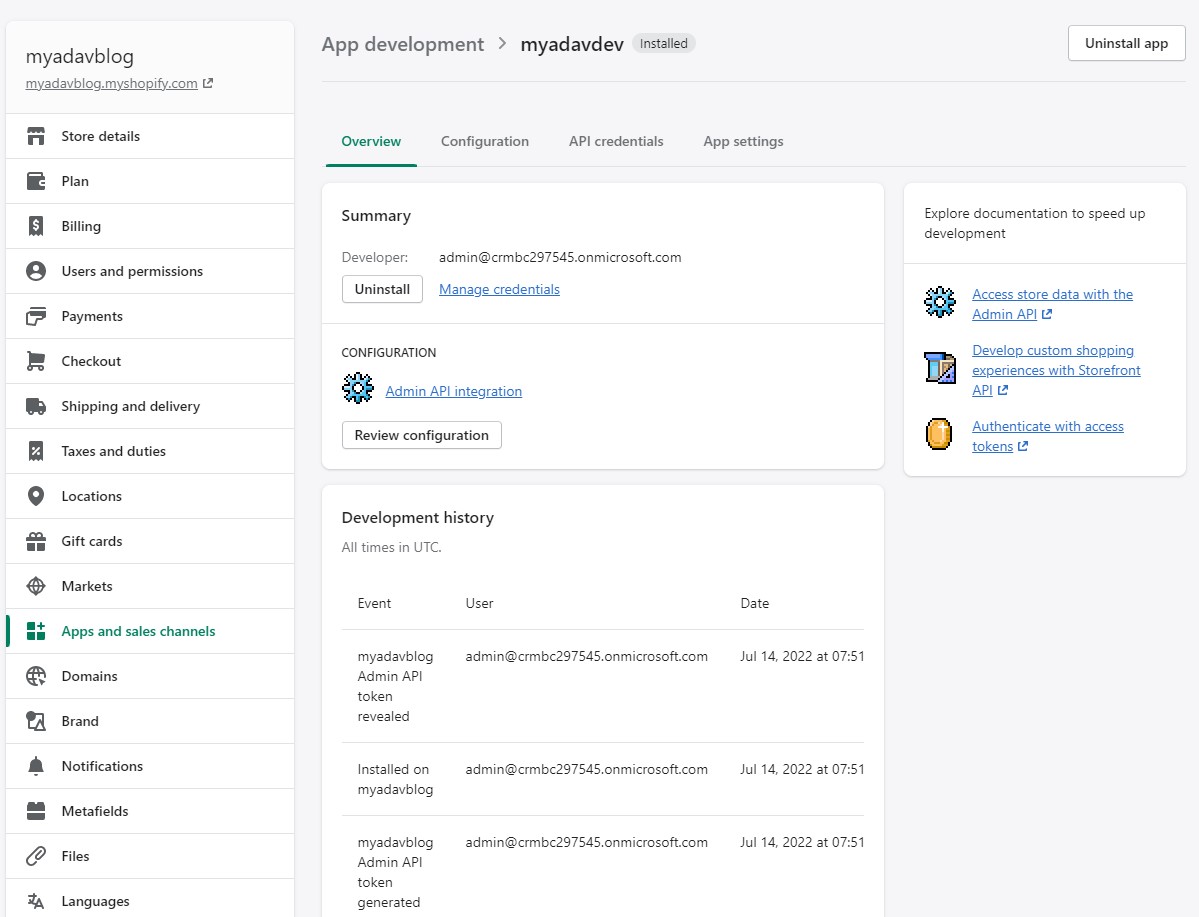
3. Create a Shopify Partner Account
As a Shopify Partner, you can create an unlimited number of development stores. A development store is a free Shopify account that comes with a few limitations. You can use a development store to test any themes or apps that you create, or to set up a Shopify account for a client.
Navigate to https://www.shopify.com/partners

Enter the email address and click Join Now
Enter the Account Information
Click View your dashboard

Click on Create store

Save the store information
Let’s Activate test payments
Click on Activate the test payment providerlink on the top of the screen

Click Activate (for testing) Bogus Gateway.

Follow the Steps of to sync Business Central and Shopify
Integrating D365 Business Central with Shopify - Part 1
Now, repeat the above steps again
Open Shopify’s online store and open the product catalog.
Choose any product that can be sold, for example, ANTWERP Conference Table. Notice that the description contains item attributes.
Choose the Buy it now button.

Yay!!! Now, we can buy the products.
I will show the full sync with Business Central in next blog
This was originally posted here.
*This post is locked for comments