




 Like
Like Share
Share
 Report
There are two ways to find out the version information. Either use LCS or look at individual files on the box (in case the VM is not hosted on LCS).
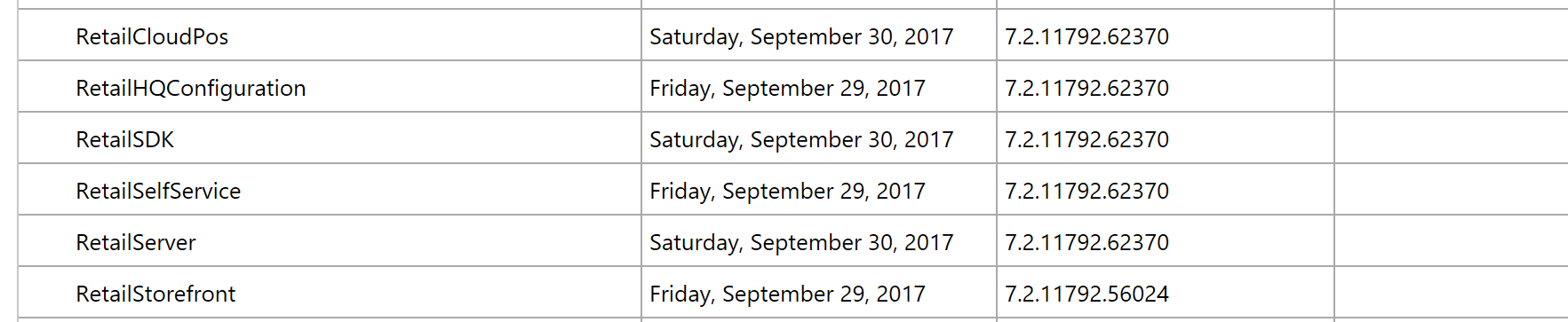
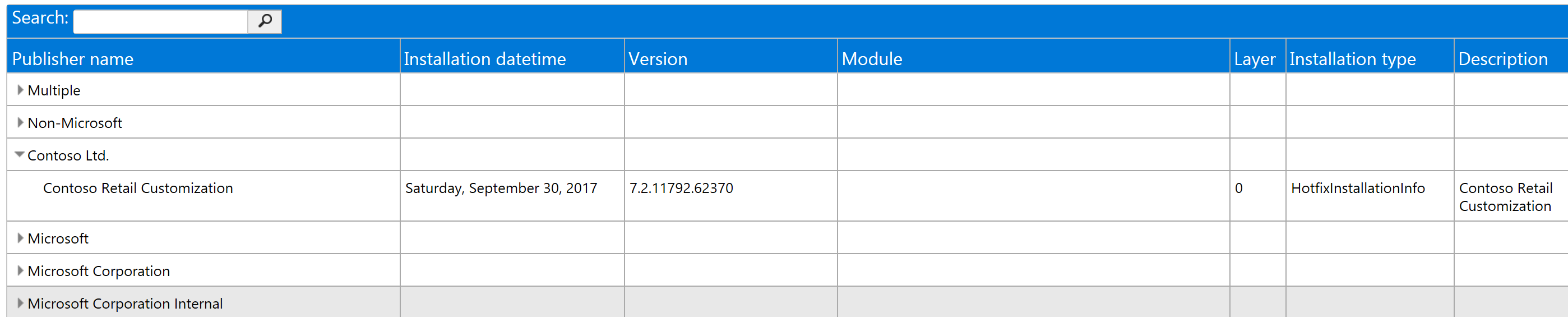
In the LCS case, browse to the environment in question and follow the “View detailed version information” link. The following information will be available:
-
- Platform update version (blue)
- Binary hotfixes (red)
- Application/X++ hotfixes (black)

-
- Microsoft modules versions (incl. Retail)
-
- custom modules versions
*This post is locked for comments