




 34,477
 Like
Like Share
Share
 Report
Every now and then, I would run into this error:
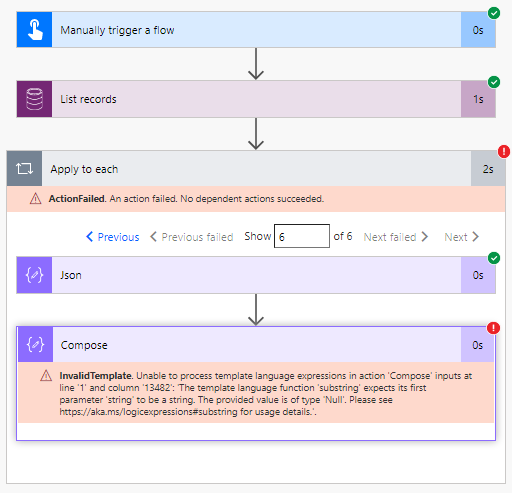
What’s happening there is that I’m going through a list of records, and, occasionally, there is a field that’s not populated. So, in the example above, here is where it fails:
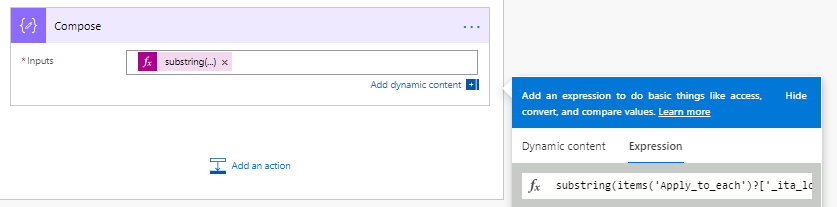
That substring function expects a value, but how do we check if the value is there?
I could add a condition:
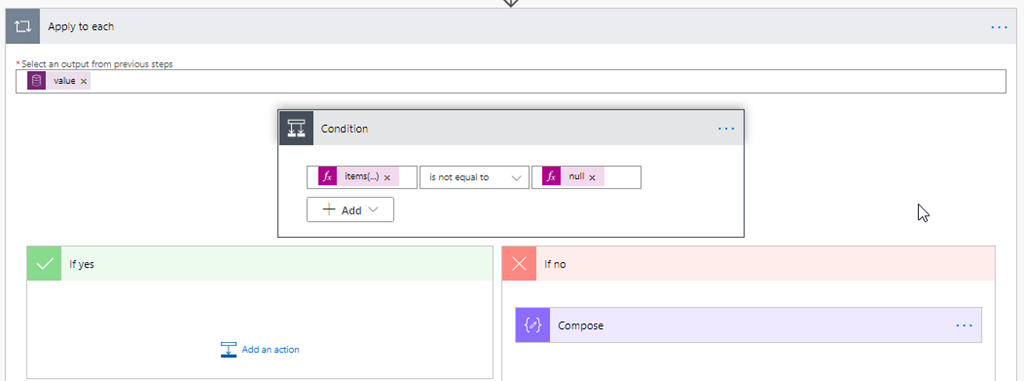
But you can see how it still does not work:
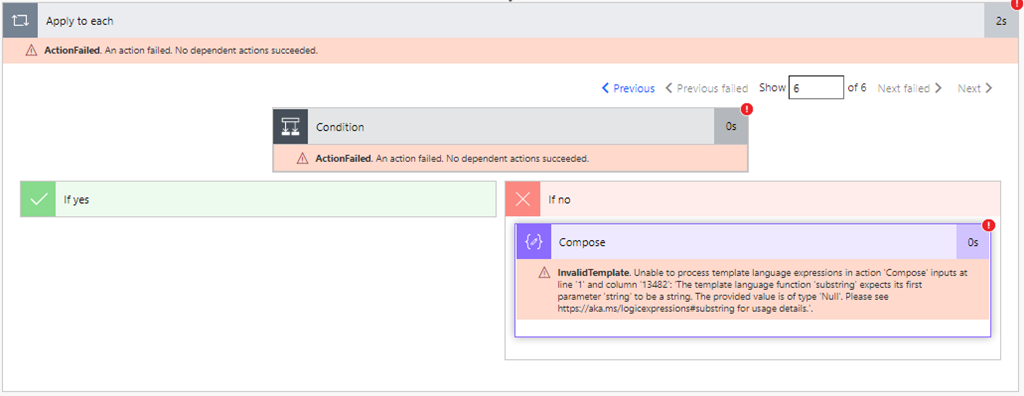
I could check if the property is empty:
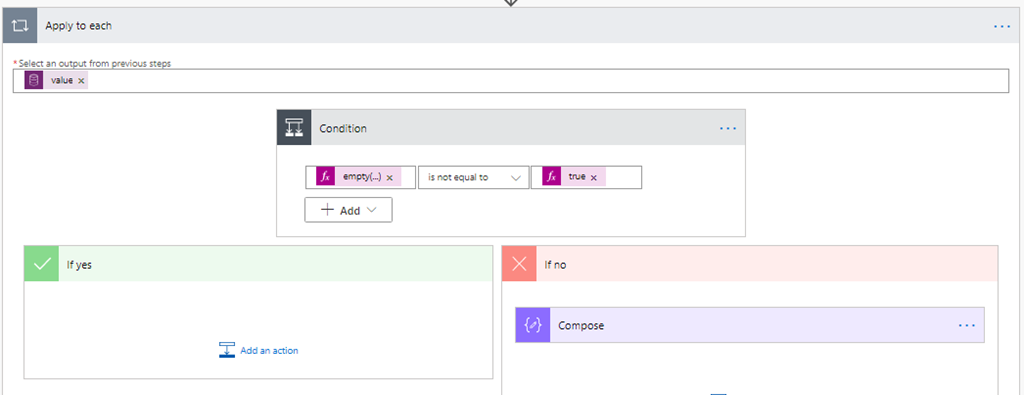
That does not help either:
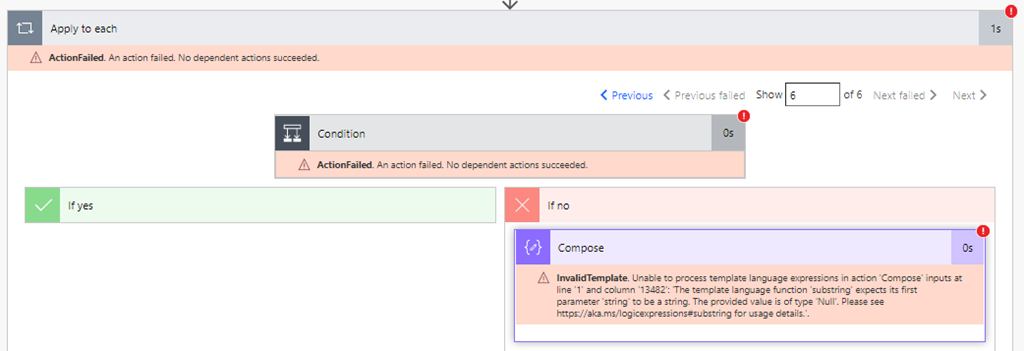
How do we work around this?
It seems here is what works pretty well (though I’d think it’s a bit resource-intensive?):
- We can use string function to convert our object to string
- Then we can use “contains” on that string to check for the presence of the property in that object
- And we can add “if” to the expression, so that the property is there we’ll be doing something with it. And, if not, we’ll just use some default value
It becomes a relatively long expression in the end (I could have done it in C# much faster), but it seems to work:
if(contains(string(items(‘Apply_to_each’)), ‘_ita_location_value@OData.Community.Display.V1.FormattedValue’), substring(items(‘Apply_to_each’)?[‘_ita_location_value@OData.Community.Display.V1.FormattedValue’], 0, 3), ”)
The same works fine with object variables, too.
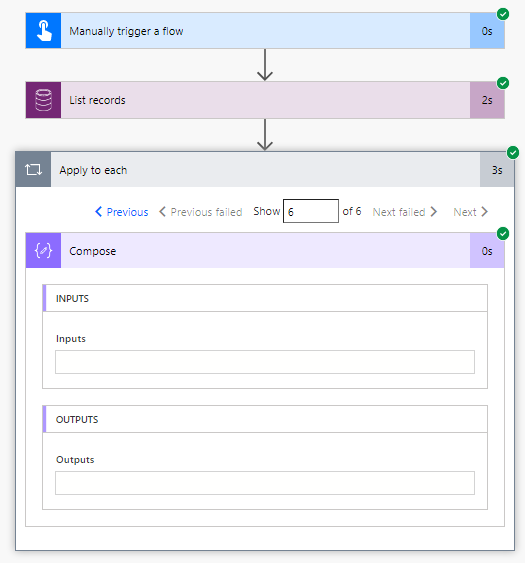
And, once that is in place, my Flow starts working just fine:
*This post is locked for comments