




 1,856
1,856 Like
Like Share
Share
 Report
For any organisation, building and maintaining relationships with other companies is a key component of it’s success. This can be with existing customers, or for a sales or business development team it’s important to understand a company to suggest and provide the best fit services or products. One free app available in Microsoft AppSource is ‘Customer Today’, using Bing News Search API to display recent articles directly on a CRM record.
The “Customer Today!” solution will provide end users to get top news articles with Bing News Search API. Results include details like authoritative image of the news article, related news and categories, provider info, article URL, and date added in configured CRM entity.
To get started, visit the app store and install Customer Today from here.
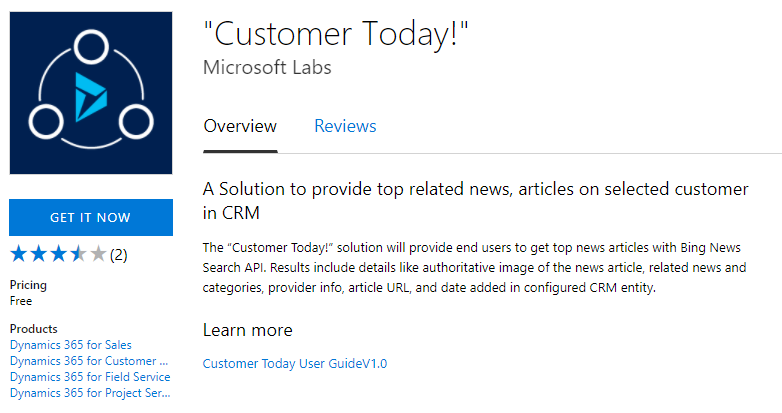
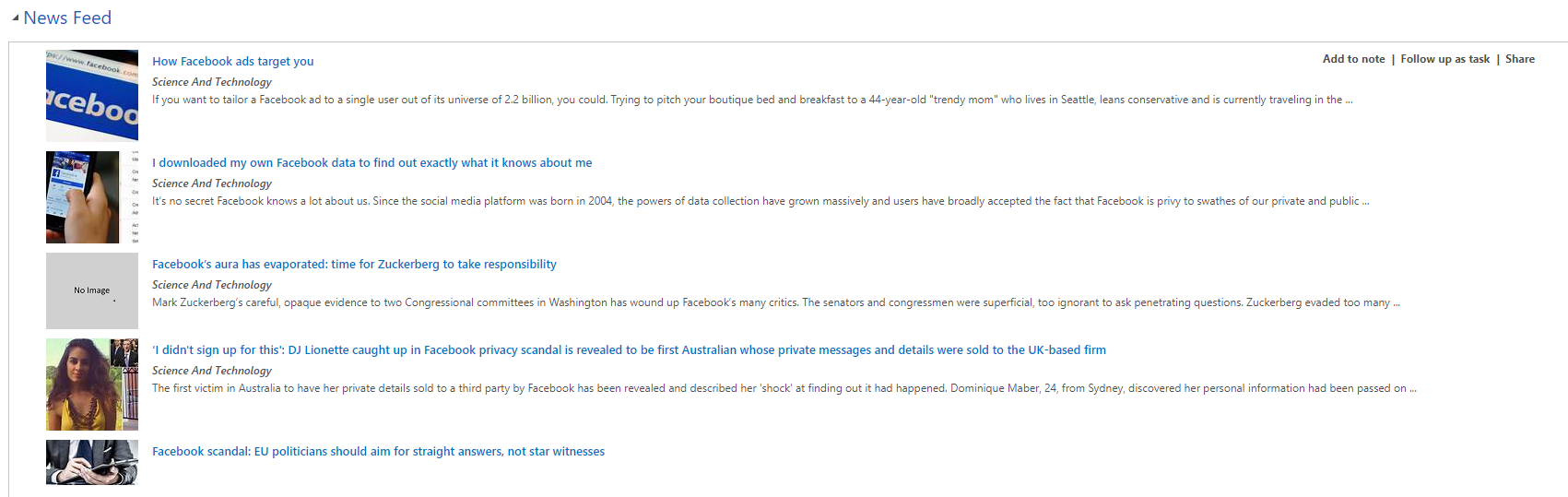
The link below Learn more on the app source overview page will provide you steps on how to install it, so I won’t cover that here. Note, when adding the news entity configuration, you can add multiple for the same entity. I tried adding them all in one record and separating the field values by a comma or semi-colon but that didn’t seem to do anything. Also, the name seems to need the exact name of an entity, rather than naming it account name or account website to make it easier to identify the different logic. Once you have added the web resource to your form, you can then see the News Feed on the account record (assuming that’s the entity you used). Below you can see a News Feed for Facebook. Hovering over an article provides three options: Add to note, Follow up as task & Share.
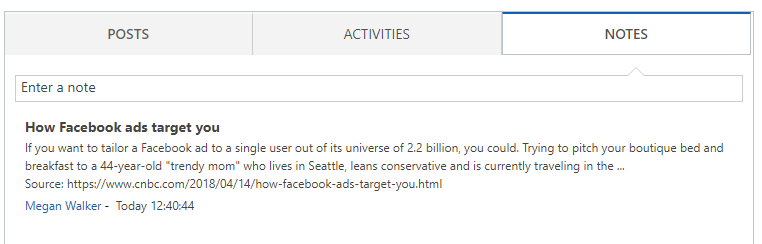
Add to note does just that, it creates a new note with the title and description of the post, along with the URL to access the article online. As you would expect, it stamps it with the user and time/date it was added. This could be a great way to make sure items from the news feed don’t get lost or missed by other users.
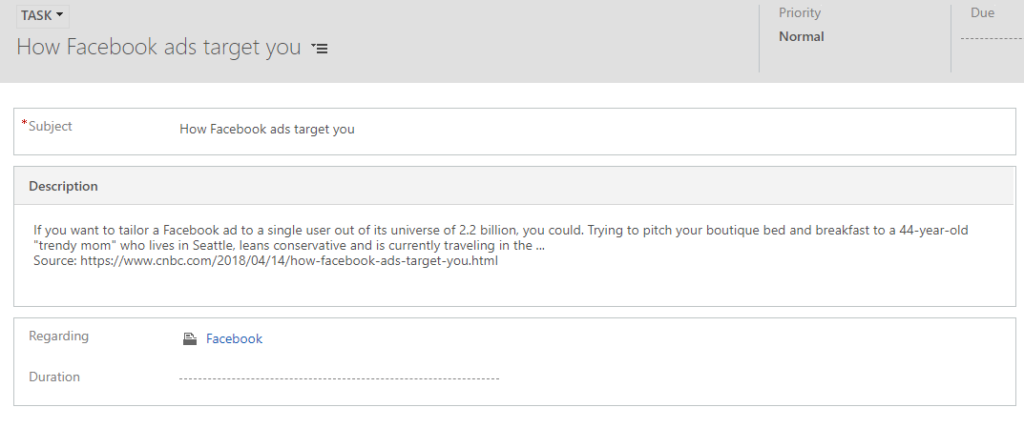
Follow up as task creates an incomplete task, owned by the user who performs the action. The task could be reassigned to the Account owner using a workflow, letting them know they should review it, and perhaps follow up with the client/prospect accordingly. The task can then be updated/completed accordingly depending on your needs.
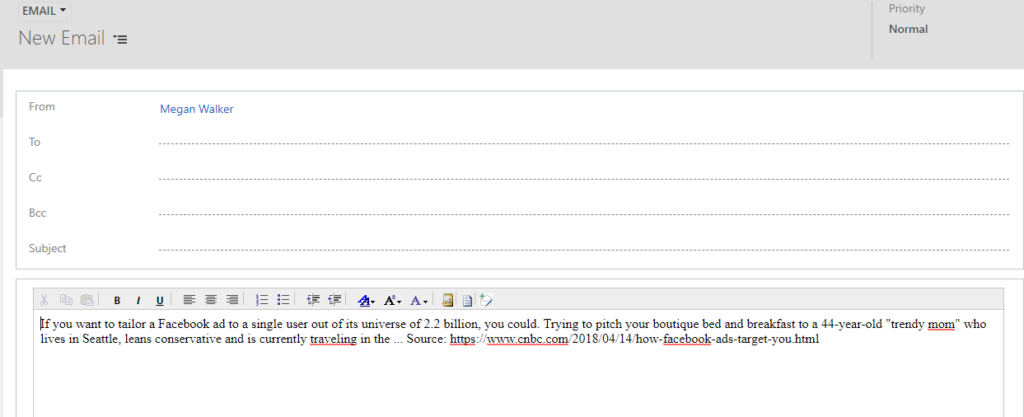
Finally, the share creates a new email, providing you with the description and source link for the article. This could be useful if you wanted to email someone at the account to say congratulations if it’s an article about an award won or another success for their organisation. It could also be emailed to a specific person or team within your organisation.
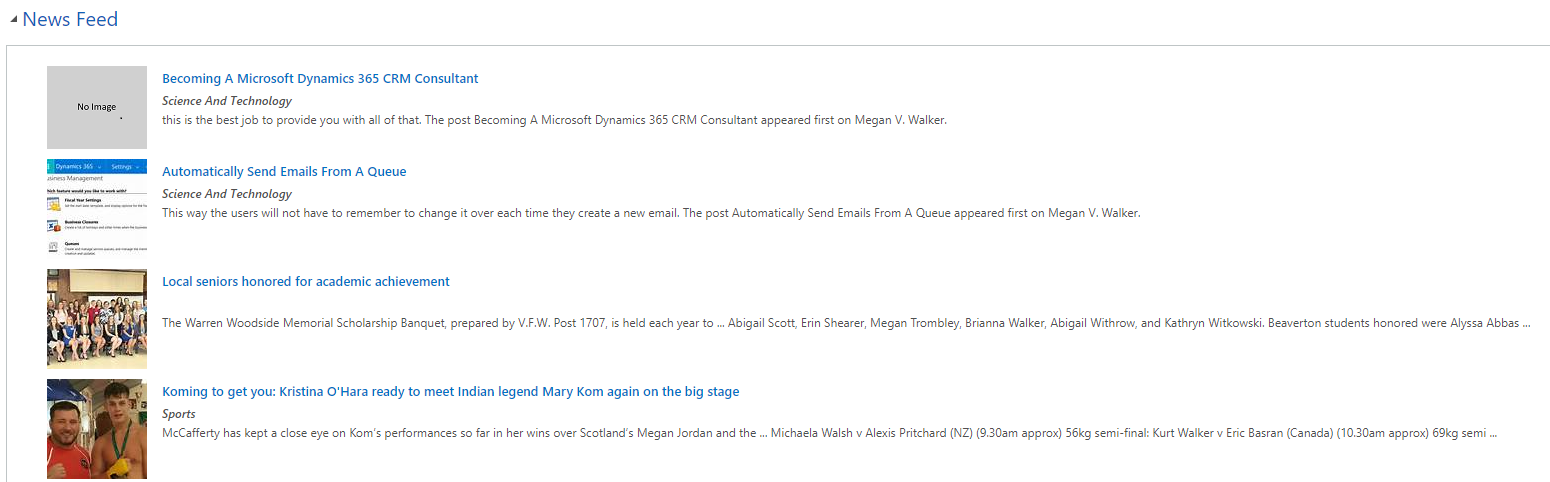
So, is it worth installing? It’s free, which is good, but sometimes the results aren’t all that accurate as you might imagine. Here are some results from a news feed added to my account named Megan V Walker, with my website included on the record. The first two are relevant, but that’s it. For companies with a very unique name, yes it’s going to be pretty accurate. There is no harm in having this included, and it could provide some useful insights and information directly within Dynamics 365 CRM. I’ve always found Bing to be a little challenging when it comes to search engine results, but it could be a very handy new addition to your Account records!
The post Customer Today For News Feeds In Dynamics 365 appeared first on Megan V. Walker.
*This post is locked for comments