




 312
312 Like
Like Share
Share
 Report
There are pre-defined datasource formats in F&O – XML, CSV, Excel etc. But there is no option of exporting the data as JSON using DIXF.
Using this GitHub extension which convers xml to json, it is possible to achieve this.
Download the file from github here
As we are using XML as the source format here, there is no need to create a new one for the export.
Create a new project and select the source data format as ‘XML-Attribute’.

Click on ‘View map’ and using transformation tab, map the file which was downloaded from github .

I am filtering the customer records to export only for a specific customer group.


Trigger the export and download the file.
Using the plugin in notepad , the data can be viewed in json format.
Go to Plugin and install ‘Json Viewer’. This would format the data in json.


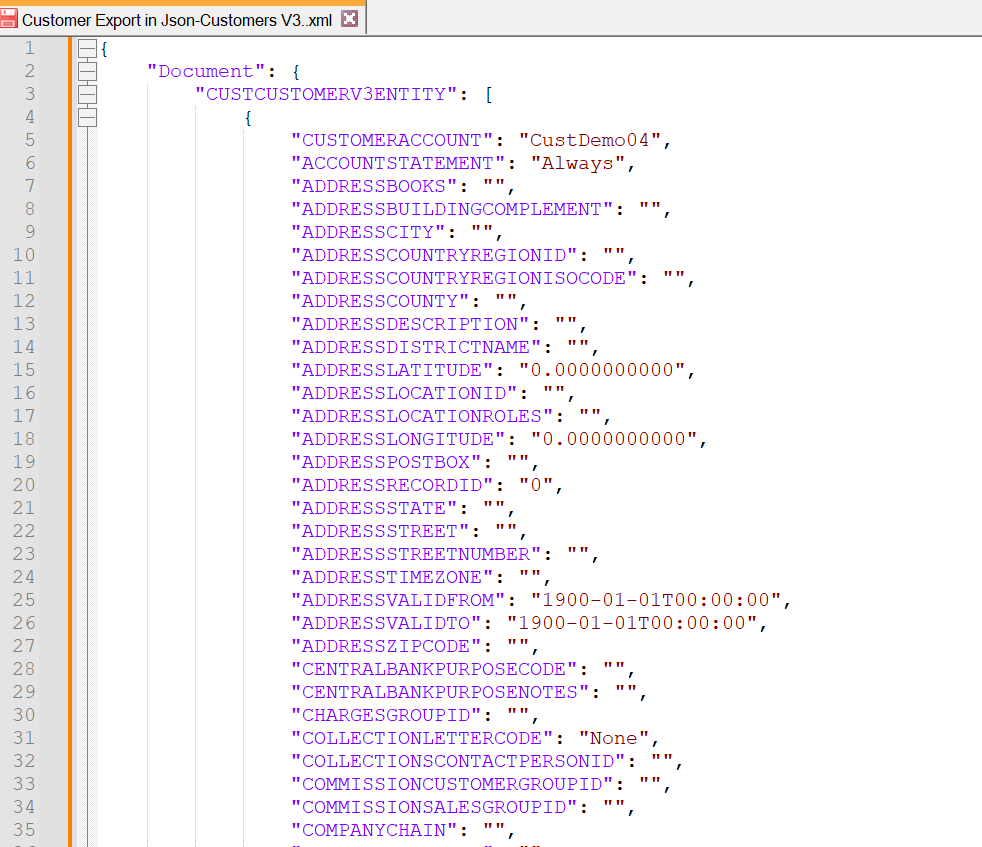
Thus the data is exported in json format using this extension.
*This post is locked for comments