




 6,648
6,648 Like
Like Share
Share
 Report
1. Open System administration > Setup > Services and Application Integration Framework > Inbound ports.
2. Click New.
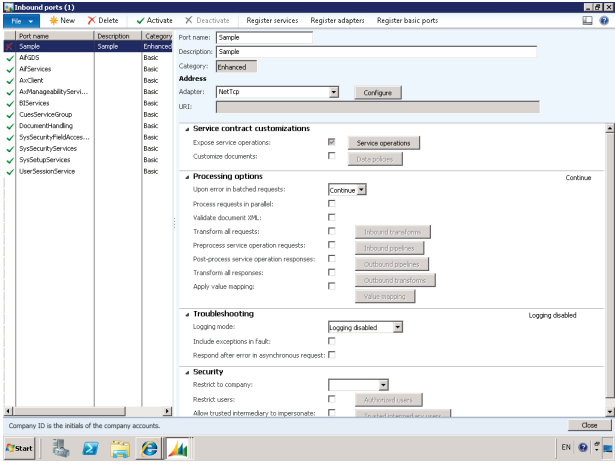
3. In the Port name field, type "FinDimValidate".
4. In the Description field, type "FinDimValidate".
5. Click Service operations on the Service contract customizations FastTab.
6. Drag the service operations starting with "FinancialDimensionValidation" from Remaining service
operations to Selected service operations.
7. Close the Restrict service operations form.
8. Click Activate.
9. Go to http://SEA-DEV:8101/DynamicsAx/Services/FinDimValidate
(http://sea-dev:8101/DynamicsAx/Services/FinDimValidate) to view
the WSDL of the Inbound port you just activated.
Regards,
Hossein Karimi
*This post is locked for comments