




 10,796
 Like
Like Share
Share
 Report
Scenario:
The D365 finance & operations app is linked to Common Data Services through dual-write in development or sandbox environments. You are required to refresh databases in D365 FO and CDS both from another production environment (dual-write integrated (linked) environments in the scenario)
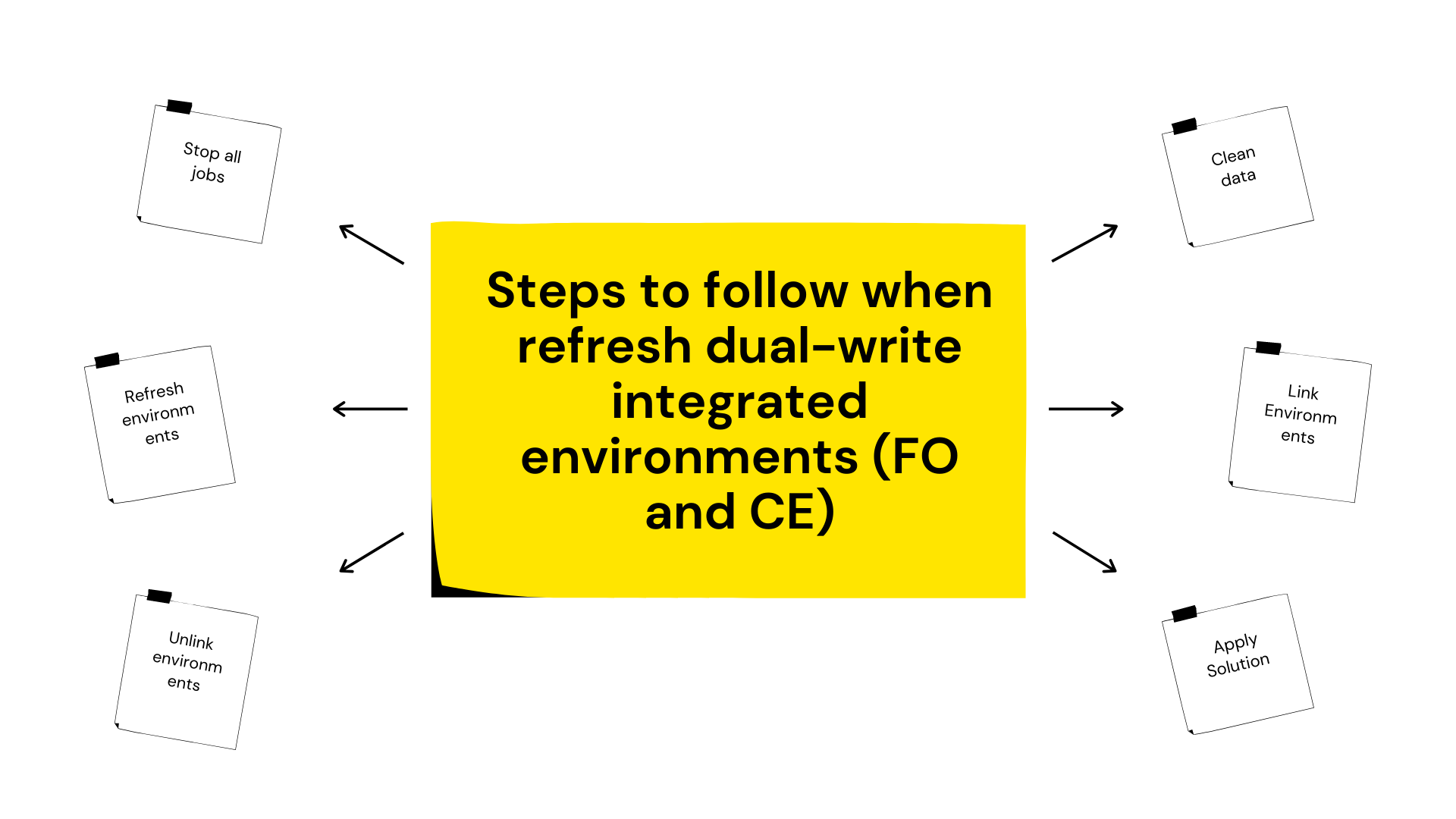
Steps to follow:
- Before initial refresh, log on to target environment
- Go to Data management > Dual write and stop all jobs
- Refresh FO and CDS environments from the same integrated source environments
- Go to Data management > Dual write and Unlink environments
- Clean data from following tables in D365FO if data exists
- DualWriteProjectConfiguration
- DualWriteProjectFieldConfiguration
- Clean data from DualWriteRunTimeConfiguration Table in CDS
- Link Environments
- Apply MS dual-write solutions and your custom solution if there is any
- Start jobs and no need for initial sync, both environments are already sync as were copied from another dual-write integrated source environments
*This post is locked for comments