







Tip - Check current setting for a rich text editor config using browser directly
Views (6)
 Nick_Zheng
 105
105
 Like
Like Share
Share
 Report
- In a Microsoft Edge or Google Chrome web browser, run your model-driven app and open a form that has the rich text editor control, such as an account row.
- Press F12 on your keyboard to open the Developer Tools from the browser
- Select the Console tab, and then select the parent Main.aspx page in the drop-down list box on the command bar, or you can clear console first, then input
> CKEDITOR.config.then a list of properties will show up after the dot, where you can select the property you’re look for to find out the current setting for the rich text editor configuration.
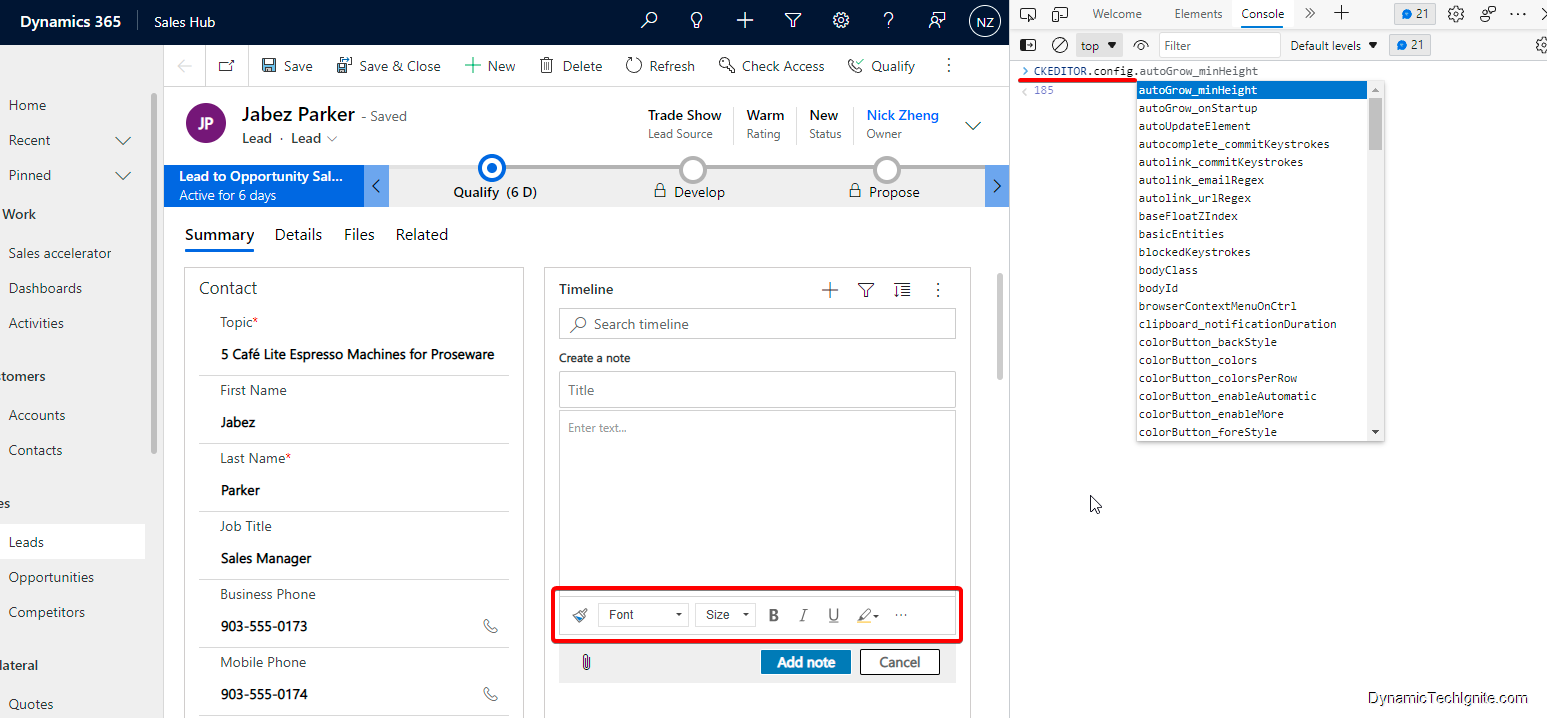
This was originally posted here.
*This post is locked for comments