







Tip #94: Cancel workflow in style

 Like
Like Share
Share
 Report
If you decided to follow our previous tip and cancel workflows only when necessary, you may wonder what does the Set Properties button for this step do. As it turns out, stopping workflow has a single property called Status message:
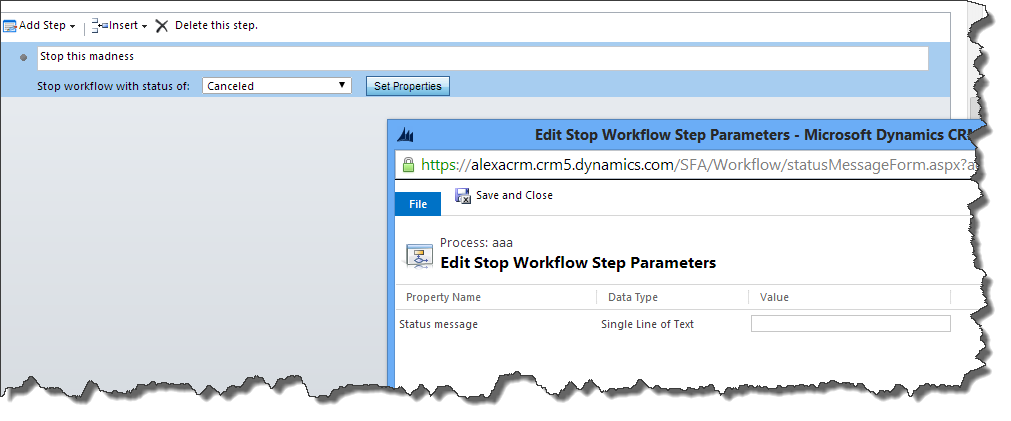
The best use of this property comes with the new real-time workflows in CRM 2013. If the workflow is part of transaction initiated by a user e.g. when creating a record, and Status message property is not set then the user will see a generic error message:
Business Process Error
ISV code aborted the operation.
If Status message property is set then it will be displayed instead of “ISV code aborted the operation.”. The best part is that status message can be built at run-time to contain references to the attributes of the workflow records:

This was originally posted here.
*This post is locked for comments