







Tip #1242: Invalid App SiteMap
Views (1043)

 Like
Like Share
Share
 Report
After an update, you can’t get into your model driven app. The error says “Invalid App Site Map.”
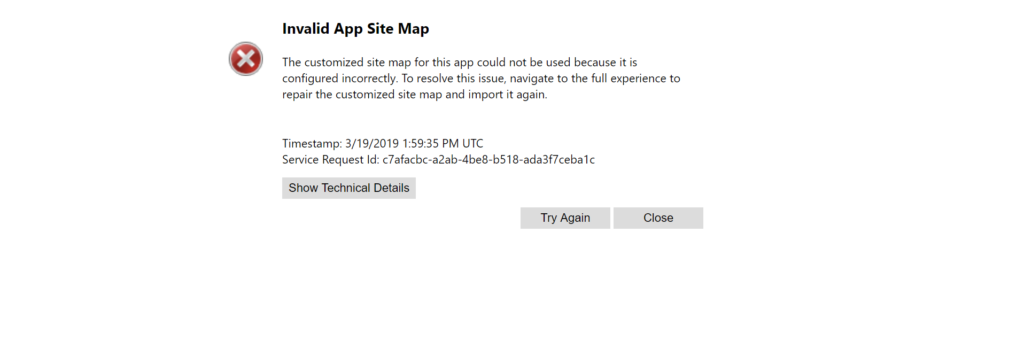
To fix this, open the app in app designer.
Click the pencil to open Site Map Designer.
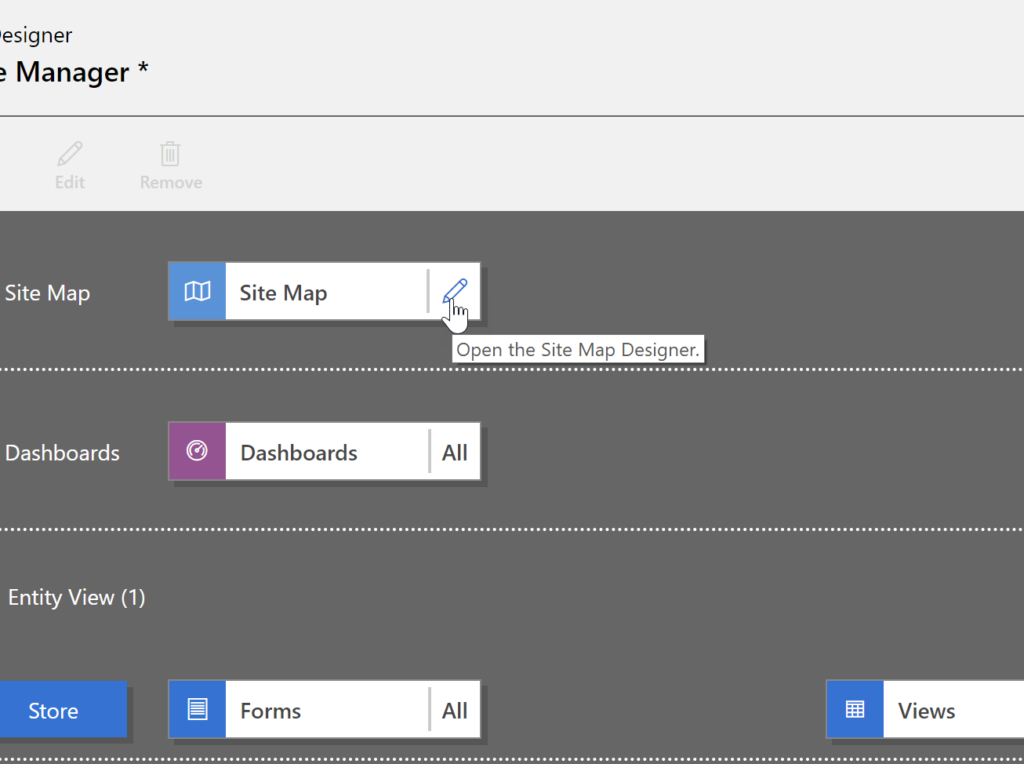
Make some kind of update to the SiteMap–if you don’t want to rearrange the subareas you can simply edit the name of one of the areas or groups, then change it back to what it was.
Save and publish your sitemap, then save and publish your model driven app.
Problem solved!
Cover photo by Muhammad Haikal Sjukri
This was originally posted here.
*This post is locked for comments