







How to: Create a New Extended Data Type
Views (1848)
 Ajit kumar G
 534
534
 Like
Like Share
Share
 Report
Use the following procedure to create a new EDT that will define how the Id of the BookType is stored.
To understand the example scenario - Go here
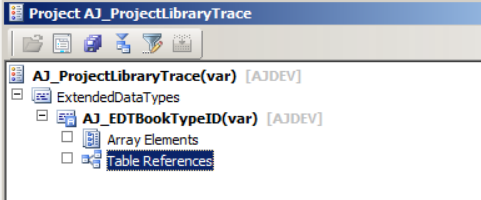
To understand the example scenario - Go here
1. Open a new development workspace.
2. In the AOT, expand the Data Dictionary node.
3. Right-click the Extended Data Types node.
4. Select New > String. A new EDT called Type1 is created.
5. Right-click Type1 and select Properties.
6. Modify the property Name to AJ_EDTBookTypeID.
7. Modify the property Extends to SysGroup.
8. Modify the property Label to “Type of Book”.
9. Close the property sheet and click Save in the AOT to save your changes.
10. On the Database Synchronization dialog, click Yes. This will take a few minutes to complete.
This was originally posted here.
*This post is locked for comments