






Stocked Product in Item Model Group: Dynamics 365 for Finance & Operations

 Like
Like Share
Share
 Report
Introduction:
If Stocked product checkbox is selected, then inventory transaction will be generated, and product inventory will be tracked. If this checkbox is not selected(Mainly for service items), then Inventory transaction will be not generated, and product inventory will be not tracked.
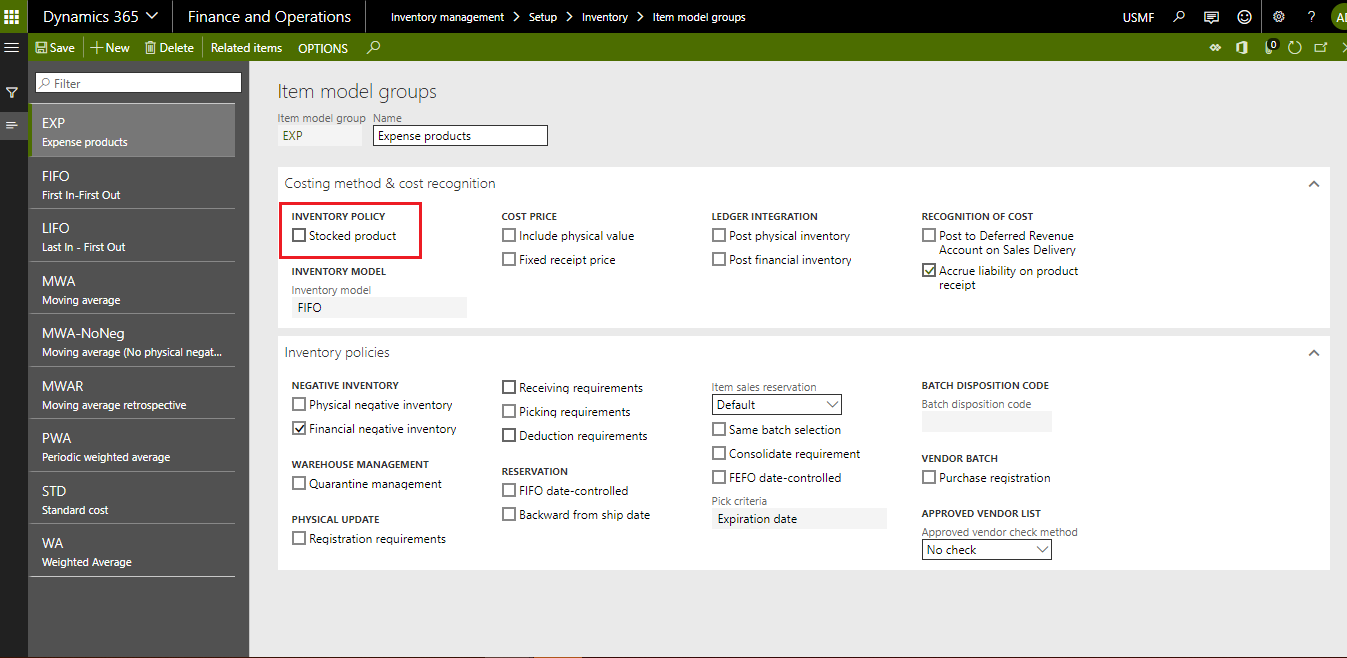
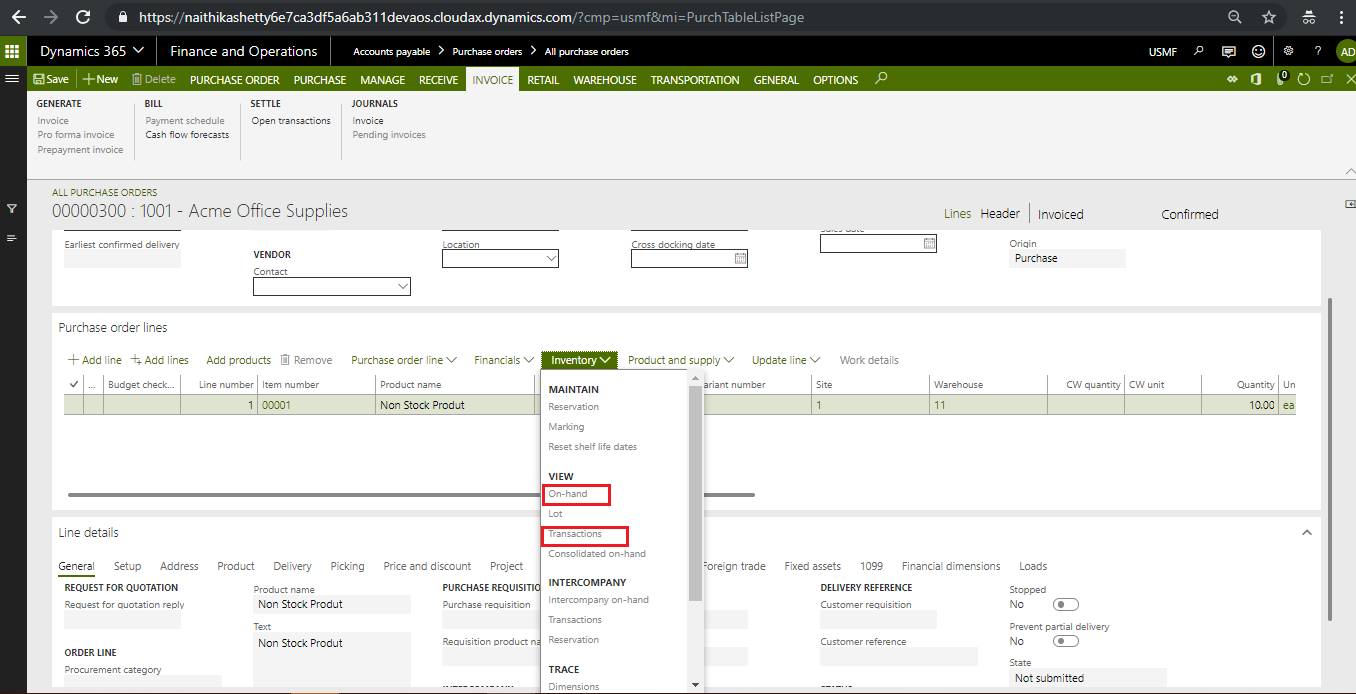
Scenario 1: If Stoked Product Checkbox is not selected
Posted purchase invoice for product for which stock product checkbox was unchecked. Inventory transaction has not been generated. This setting mainly uses for service type of products.
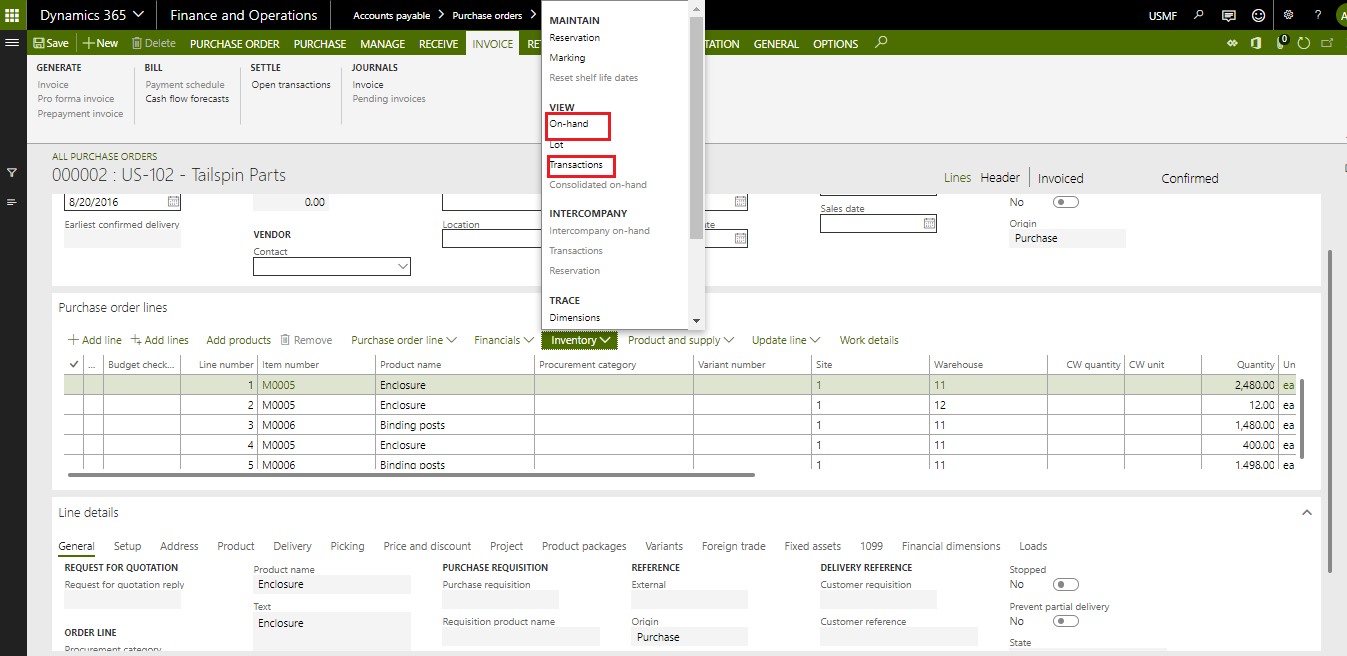
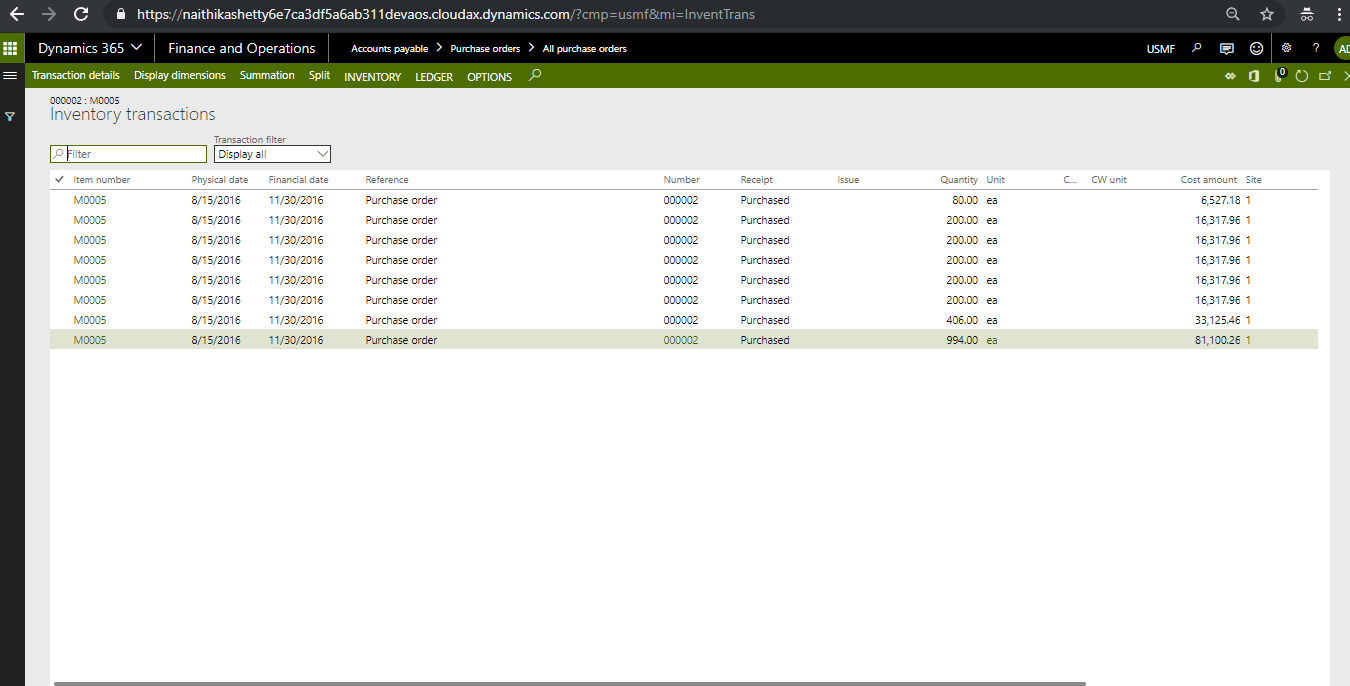
Scenario 2: If Stoked Product Checkbox is selected
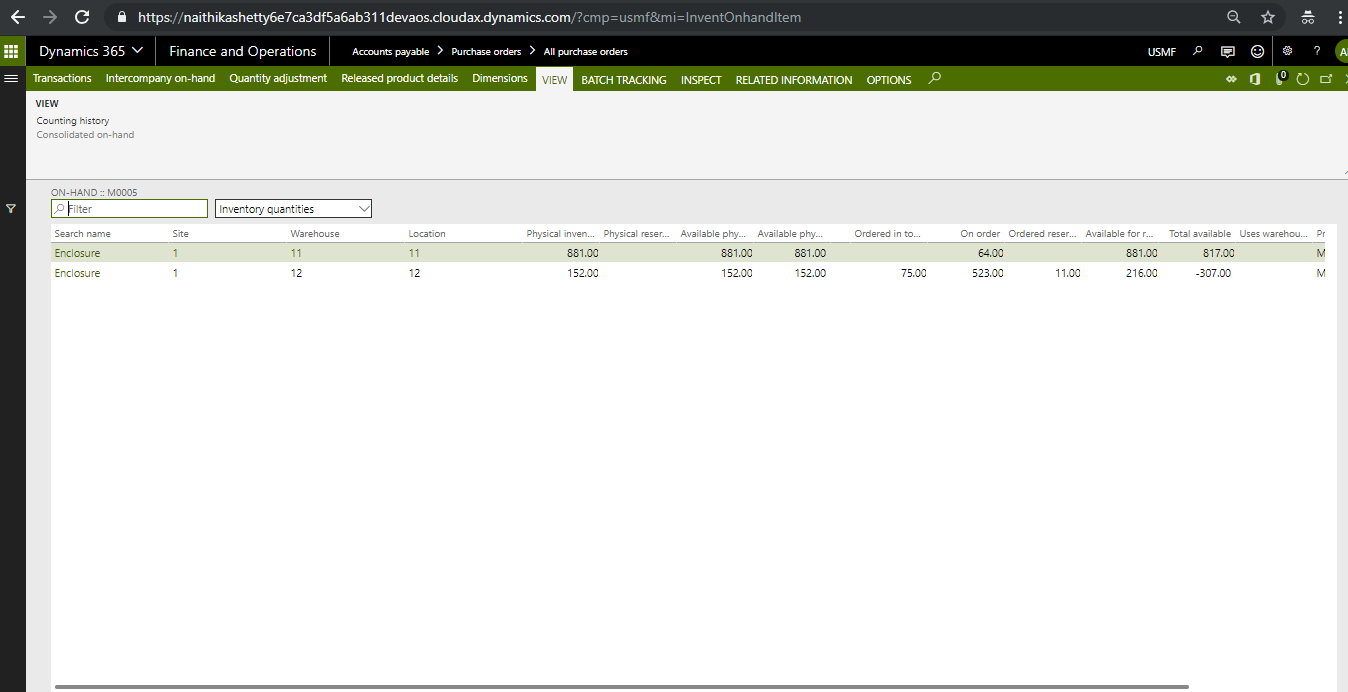
Posted purchase invoice for product for which stock product checkbox was checked. Inventory transaction has been generated. This setting mainly uses for those products for which you want to track the inventory.
Conclusion:
This functionality is helpful to take decision for the product for which you want to track the inventory, or you want to book directly as an expense for service item without tracking inventory.
The post Stocked Product in Item Model Group: Dynamics 365 for Finance & Operations appeared first on .
This was originally posted here.
*This post is locked for comments