







How to : Make hard disk space available on D 365 VM
Views (63)
 vinitgoyal2005
 6,332
6,332
 Like
Like Share
Share
 Report
When Binary update/platform update is being applied, often we have seen that it fails after performing some steps. When we analyse it, often issue is "Insufficient hard disk space".
So what do we delete to make enough space (min 15GB recommended)?
You can start with Temp folders but that wont be enough.
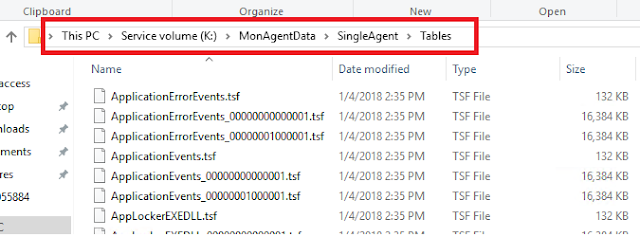
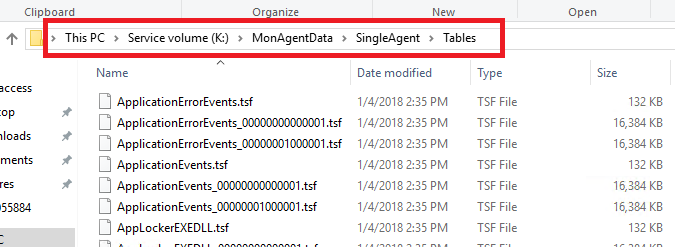
Next you can delete the content of "K:\MonAgentData\SingleAgent\Tables"
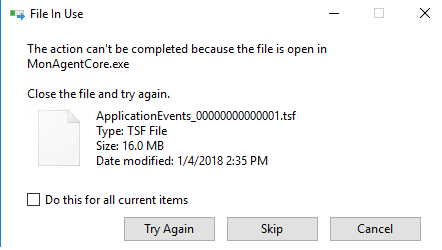
You may not be able to delete all the files when they are open in Monitoring agent like below:
In that case you will need to stop the MonAgentCore.exe service from Task manager.
It is good practice to check/make the hard disk space available before you start any updates from LCS.
This was originally posted here.
*This post is locked for comments