







Getting the source code of the .app extension in Microsoft Dynamics Business Central

 Like
Like Share
Share
 Report
Objective:
This blog demonstrates how to get the source code of the extension app installed in Microsoft Dynamics Business Central.
Pre-requisite:
- Docker
- Microsoft Dynamics 365 Business Central on Container
- Nav-Container Helper Module installed in Powershell
Demonstration:
1. List the Docker Container:
Command: docker ps
2. Entering the Container:
Command: Enter-NavContainer <Container Name>
3. List all directories in Container:
Command: dir / ls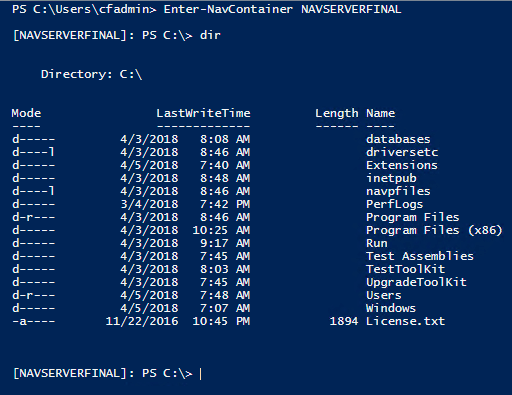
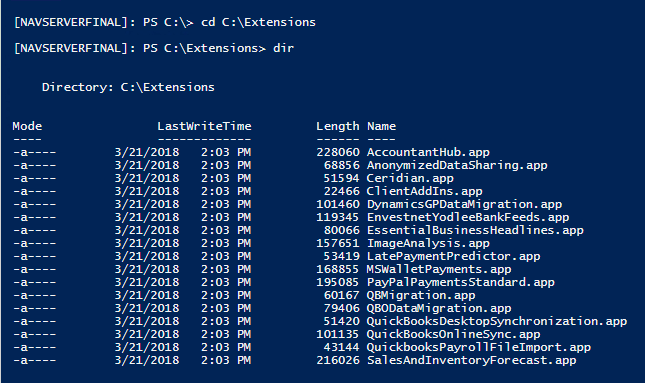
4. As Extensions are stored in C:\Extensions getting into Extension directory
Command:
i. cd C:\Extensions
ii. dir
5. Exit the Container:
Command: exit
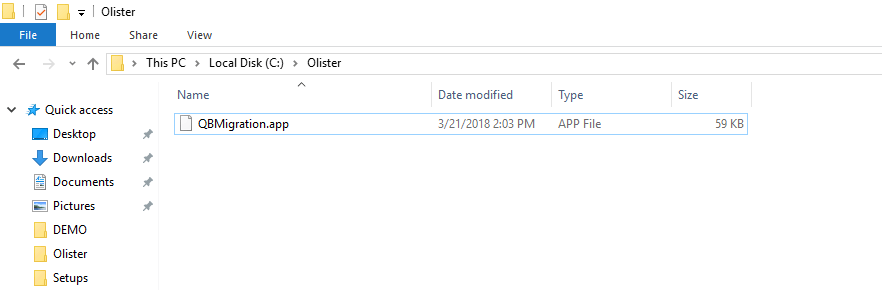
 6. Copy the .app file inside the container to local path:
Command: docker cp <Container Name>:C:\Extensions\<Filename><LocalDirectory>

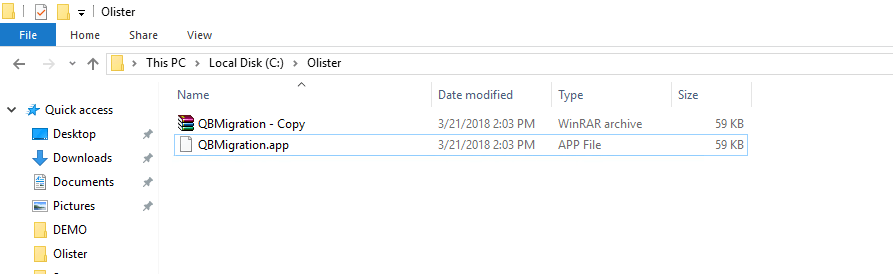
 7. Make a copy & rename the file with .rar as extension
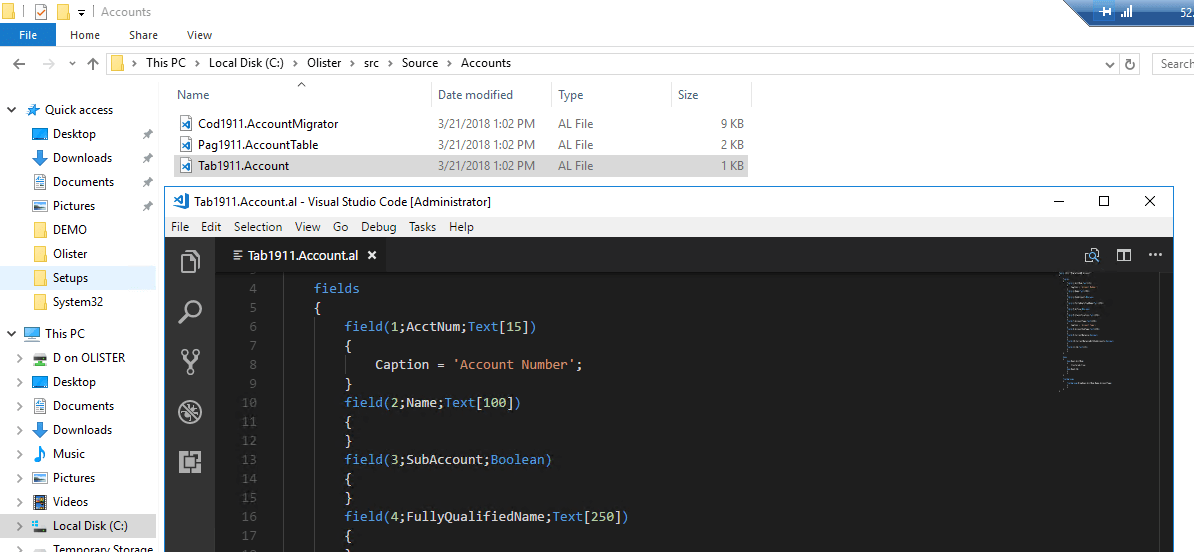
 8. Extract the .rar file and explore the ‘src ‘ folder to get the source code in .AL files
Conclusion:
Thus, in this way the source code is visible and can be used for reference.
The post Getting the source code of the .app extension in Microsoft Dynamics Business Central appeared first on CloudFronts - Microsoft Dynamics 365 | Power BI | Azure.
This was originally posted here.
*This post is locked for comments