




 Like
Like Share
Share
 Report
In the Onboarding Application you can create Templates to make it easier for the new manager or hiring team to onboard a new employee.
To create a new template you click on the big + sign under my templates.
 Onboarding templates
You write the name of the template an click Save to start editing your new template.
 Template name
The new template is blank with the name you gave it.
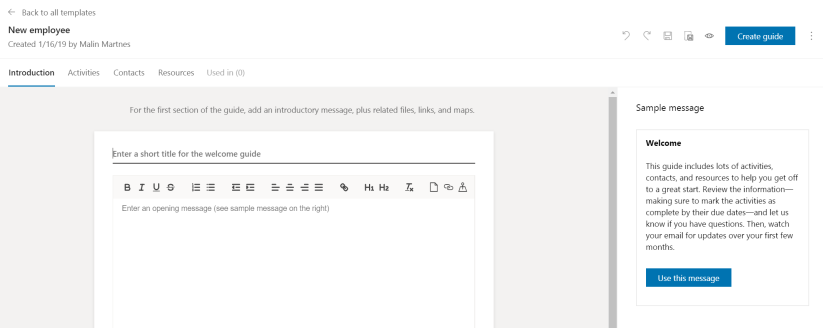 New blank onboarding template
Now you have to write the Introduction or use the sample message and click save.
If you have created a new welcome guide for a new employee and you want to save that as a new template, you can click the save as template and create the existing guide as a template.
 Save as template button
Remember to save, as the autosave isn’t planned for general availability until March 4, 2019!
*This post is locked for comments