




 6,230
6,230 Like
Like Share
Share
 Report
In Dynamics 365, Microsoft have introduced the ‘Dynamics 365 App for Outlook’ to replace the old ‘CRM for Outlook’ plugin.
Often users will want to track emails from Outlook in their CRM system. The ‘Track’ and ‘Set Regarding’ functionality in Dynamics 365 lets you link your email to an Entity like an Account or Contact. This functionality can accidentally be disabled when customising Dynamics 365.

If the ‘Tracking’ menu doesn’t appear for Emails, then check the below settings:
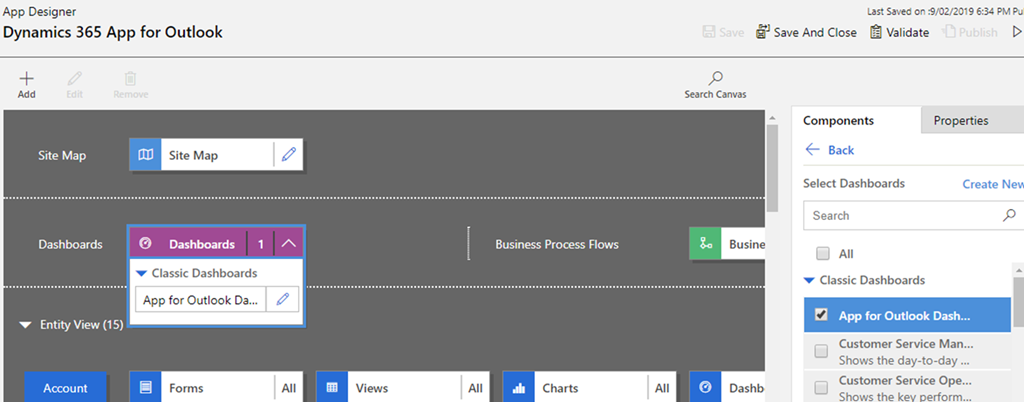
- In the ‘Dynamics 365 App for Outlook’ App Designer check if the ‘App for Outlook Dashboard’ is enabled. The ‘Tracking’ functionality uses the ‘App for Outlook Dashboard’. So, the ‘App for Outlook Dashboard’ must be enabled for the Dashboards in the App Designer like below.
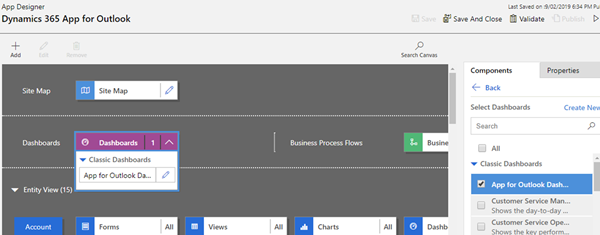
- The Default Dashboard is ‘App for Outlook Dashboard’ in the ‘Dynamics 365 App for Outlook‘ App Designer. If you change the default dashboard then the ‘Tracking’ will be disabled, so you won’t be able to ‘Set Regarding’ and the ‘App for Outlook Dashboard’ won’t be available to select.
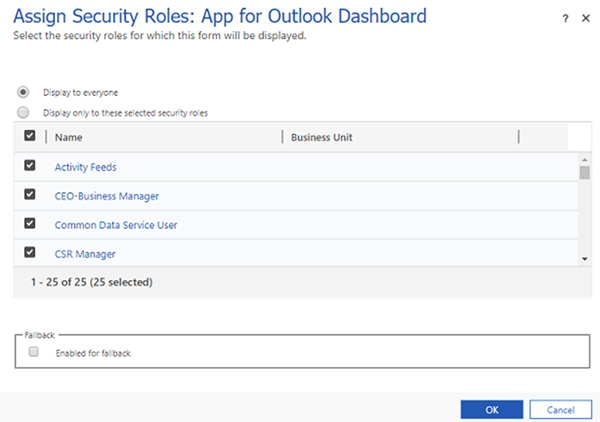
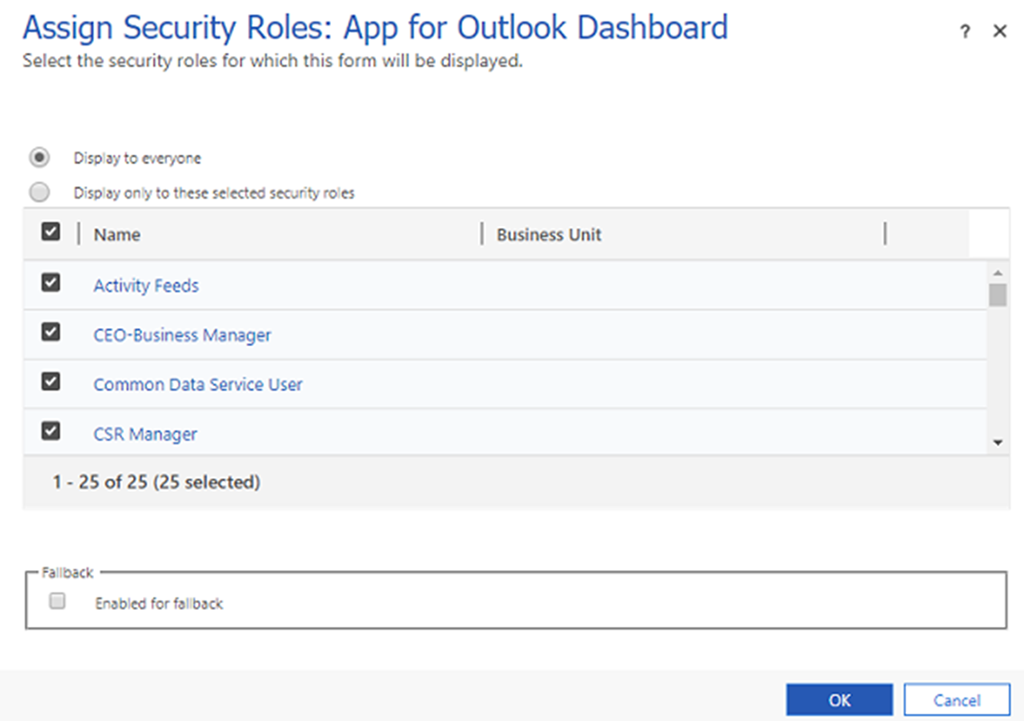
- By default the dashboard permission is set to ‘Display for everyone’, if you change this to selected security roles then you need to make sure the users who need access are in the selected security role list. Also remember Customization changes need to be published for dashboards.
Hopefully these tips help resolve your tracking issues in the Dynamics 365 app for Outlook.
*This post is locked for comments