




 34,477
 Like
Like Share
Share
 Report
When I think of the required fields in Dynamics, what comes to mind is the proverbial saying which is quite popular in Russia:
“You are not allowed, but if you really want to.. you can”
It’s the same with the required fields. They are not supposed to be empty according to the manuals:
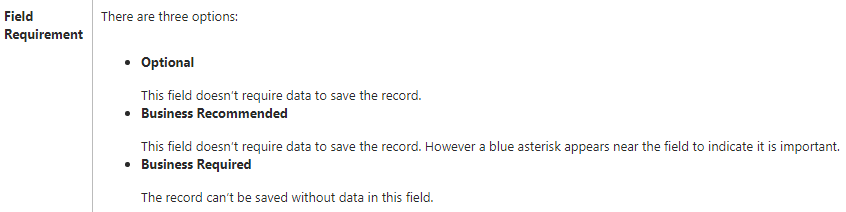
But, if you really want to, you can usually find a way. Everyone who worked with Dynamics for a little while has, probably, been able to discover this amusing feature of the required fields, but, if you have not done it yet, I’ll explain one scenario (and there are others for sure).
You see, that whole thing about being a required field only applies when you are looking at the form and that field is highlighted as required:
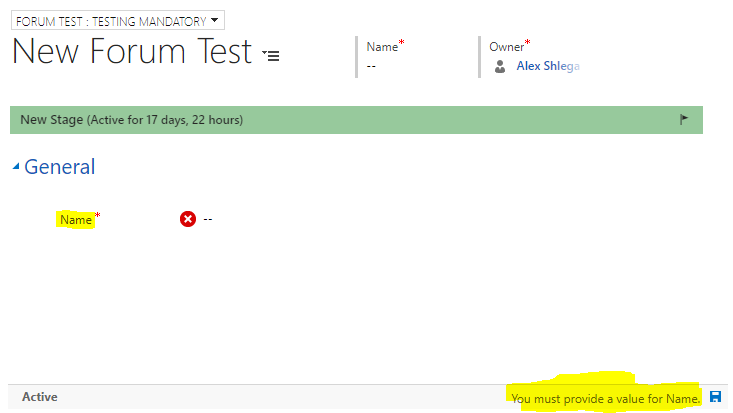
It works just fine there, so, let’s say I have entered some data and saved the record:
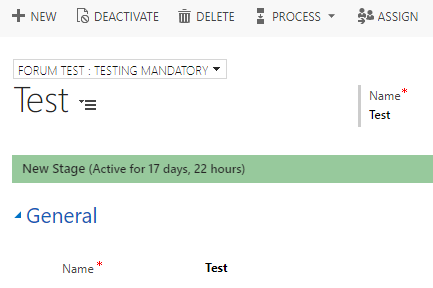
Nothing stops me from defining a workflow that will clear that field:
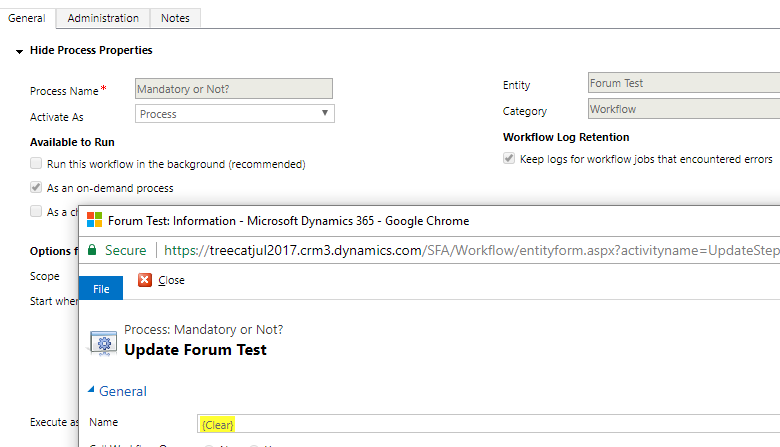
I can run that workflow on the record I just saved without any problem:
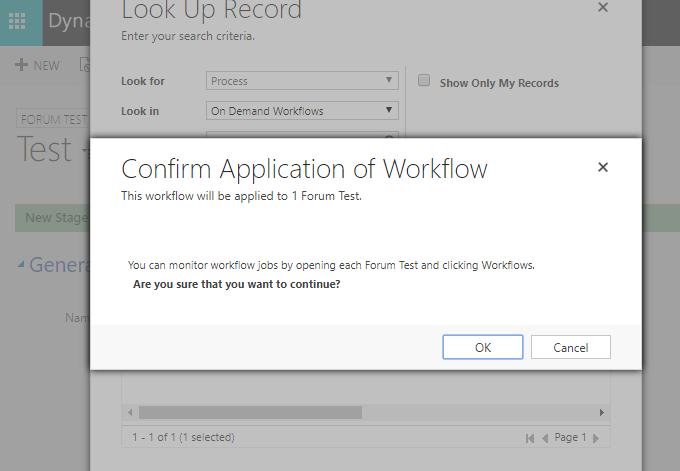
And, once I click “F5” to refresh the screen, I see a perfectly empty required field:
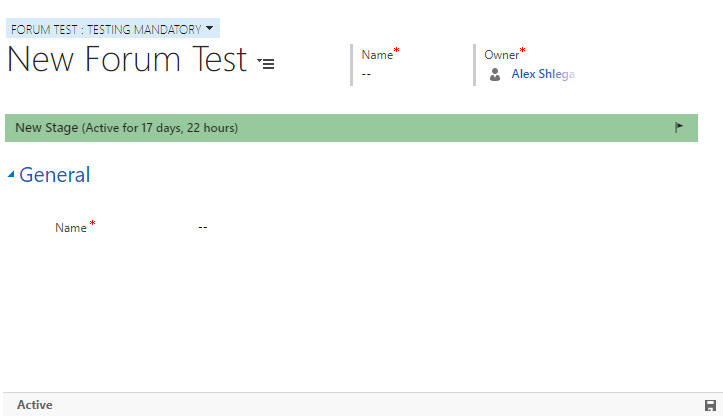
Why am I blogging about it? It’s simply to emphasize a few things which new Dynamics developers/admins will usually realize once there is, already, a data consistency problem:
- You can make a field required, but it’s all about client-side validation. On the database level, Dynamics would not mind at all if that field is left empty
- There are at least a few ways you can push an empty value into a required field: you can use a business rule to temporarily make that field optional; you can use javascript for the same purpose; you can use a workflow, a plugin, or a javascript Web API call to simply bypass that validation; and you can use some integration software to do the same (SSIS, Scribe, etc)
If you do want to enforce that requirement on the server side, you have two options:
- Create a synchronous plugin and register it on the create and update – check for the value in the required field (you might use a post image for that), and throw an error if there is no value
- Create a real-time workflow and stop it as cancelled if that required field has no value
That way, you will actually be able to guarantee that there will be no records where that particular field is empty. Otherwise, if you look at it from the data consistency perspective.. It’s simply the Murphy’s law that things will go wrong in any given situation, if you give them a chance.
*This post is locked for comments