







Fixing service unavailable 503 Error ADFS -Quick Tip
Views (5837)
 Mahendar Pal
 45,095
 Like
Like Share
Share
 Report
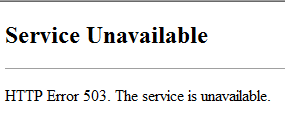 You may get this error while accessing your IFD deployment if you recently changed your ADFS service account password. To resolve this issue, you can follow below steps:
- Start Internet Information Services Manager and select applications pools.
- Select ADFS app service pool and click on Advanced Settings under Actions from right hand navigation.
- Click on Identity ellipse (…) under Generate Process Model Event Log Entry.
- Click on Set.. button and re-enter adfs service account credentials.
- Start ADFS app service pool.
- Also make sure to update password for ADFS windows service under Administrative Tools->Services (double click on AD FS windows service and update password under Log On tab).
HIMBAP | Need any help in Microsoft CRM Contact US
*This post is locked for comments