




 Like
Like Share
Share
 Report
In this blog, we will see how we can show activities on Notes in D365 CRM.
Step 1 – Click on Entity and check marked Activities.
Save and publish the Entity.

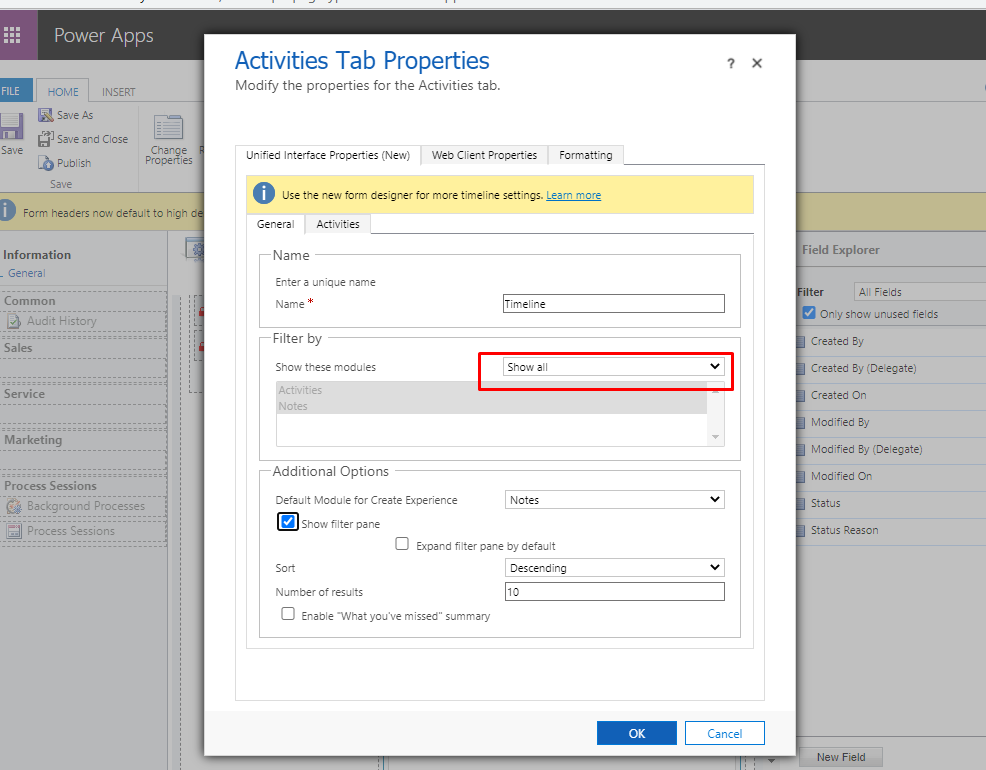
Step 2 – Open Main form where you have added timeline, Double click on timeline notes and mark filter by as Show all.
Save and Publish the form.
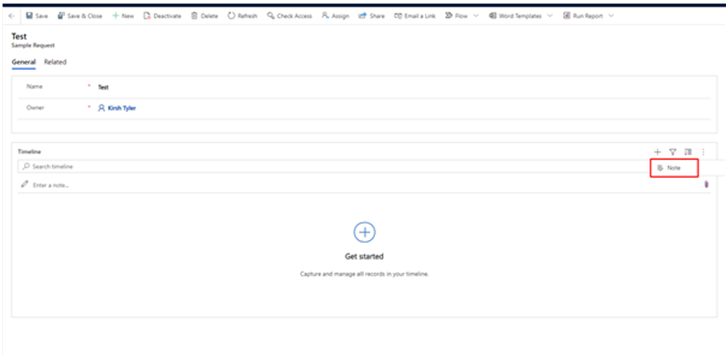
Output before enabling the activities
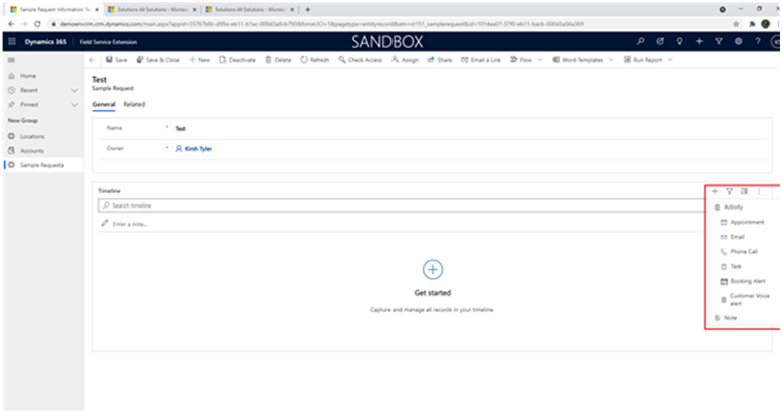
Output after enabling the activities
The post Quick Tip – Enable/Show Activities on Notes in D365 CRM appeared first on .
*This post is locked for comments