




 Like
Like Share
Share
 Report
Throughout Project Service Automation (PSA) there are Out of the Box (OOB) metrics, such as the Project Contract Performance tab on your Project Contract. However, this uses the baseline Contracted Amount and as anyone who works in Professional Services would know, the Contracted Amount can differ from the actual amount of work completed/expected revenue on time and material projects.
One simple customisation to make is to give clients the visibility of what Unbilled Sales have been billed on T&M Projects, and what hasn't. The way to distinguish which Unbilled Sales Actuals are on a confirmed Invoice is the Billing Status ID field.
The filter criteria you'll need is seen below on either the Order entity (Project Contract) or Project entity. Obviously, you could also create specific views for users using this criteria on either of these entities. For my example, I am going to create a custom rollup field on my Project Contract as that is the ‘centre of billing and financial information’ in PSA. Note that I am only including those that are Chargeable and I am also excluding those with a Cancelled status.
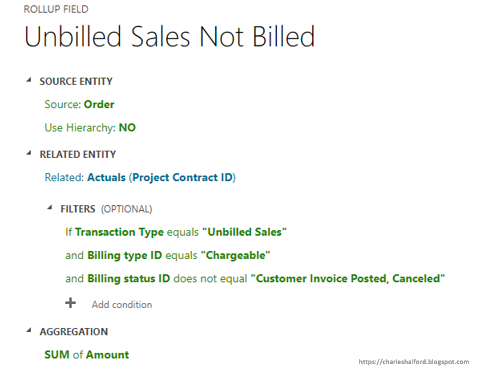
Essentially, this is going to give me the amount of all Unbilled Sales Actuals that relate to my Contract and have not yet been added to an Invoice and confirmed (this would usually be the trigger for pushing these across to ERP). Doing this allows the User managing the Project to see the amount of expected revenue that has not been billed, giving them early visibility if they are behind on billing for their completed T&M work.
So now I've created that field, I can go submit and approve my time against a T&M Project (ensuring I submit it against a role that has a role price on my Project Contract Price List).
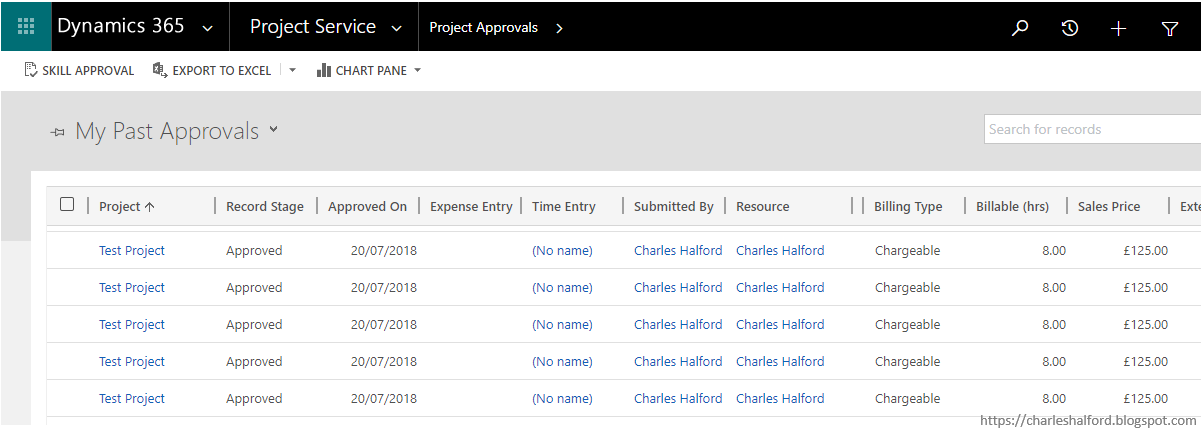
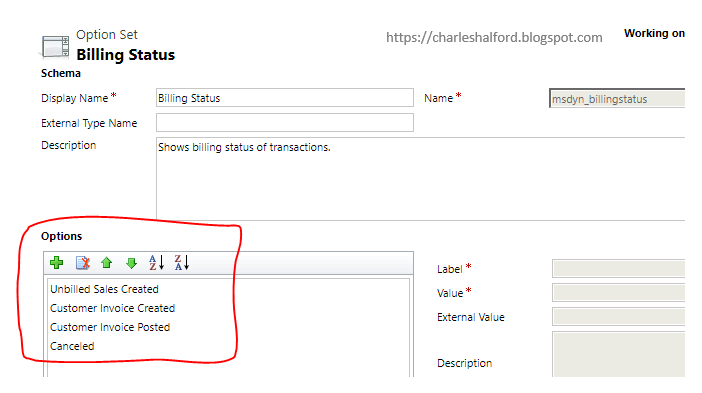
After approving the time entries, my Unbilled Sales Actuals are created. OOB the Billing Status ID field on your Actual has four values:
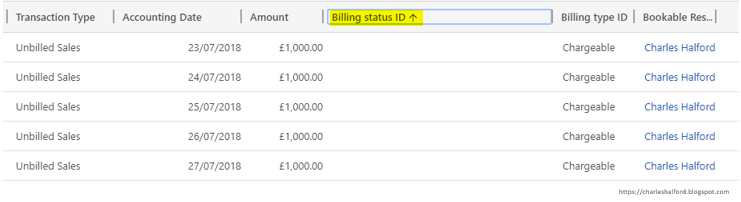
If I then use Adv. Find to show my Actuals that have been created on the Actual entity with the below filter criteria set, I get the below results:
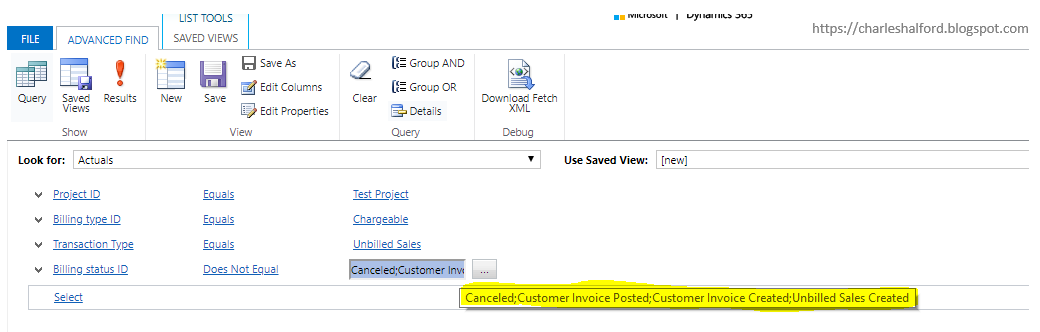
As you can see, my Project now has 5 Unbilled Sales Actuals that add up to £5000 and the Billing Status ID field is blank.
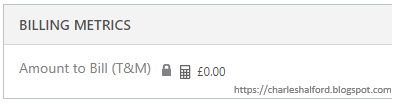
My next step is to place my custom field on the form, I have placed it on the Project Contract Performance tab in a custom section called Billing Metrics.
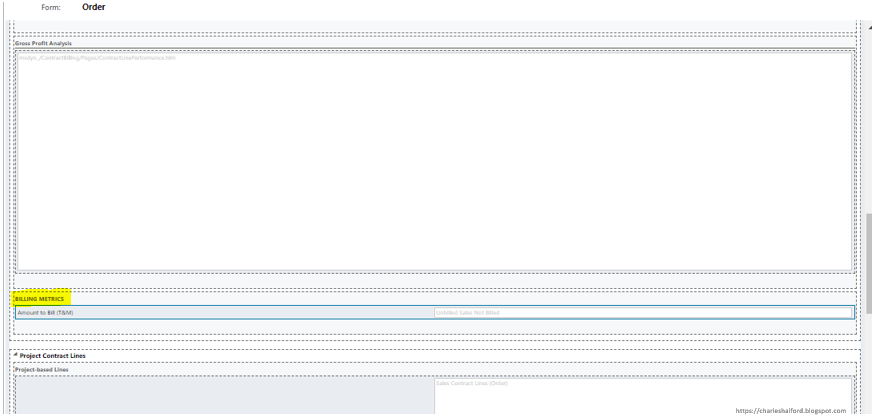
My field shows as the below on my Project Information form on the Order entity (Project Contract), meaning I have £5000 worth of work which I am yet to bill the client for.
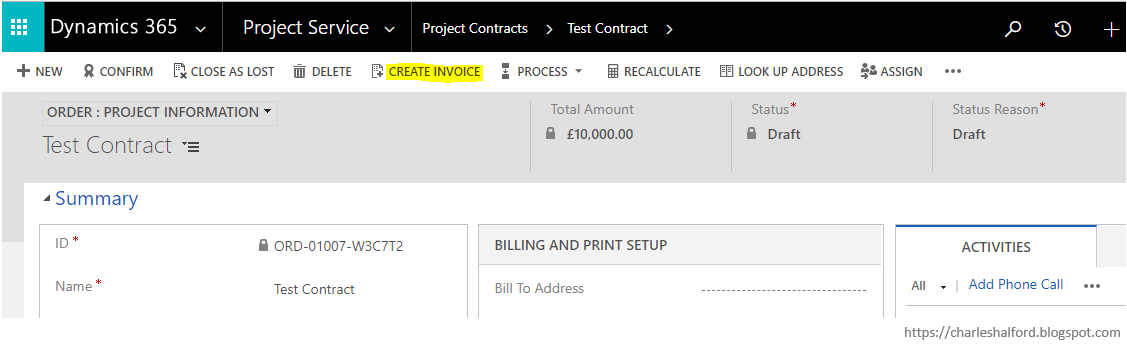
So now if I go and create my Invoice from my Project Contract, it will have £5000 outstanding.
Contract:
Invoice:
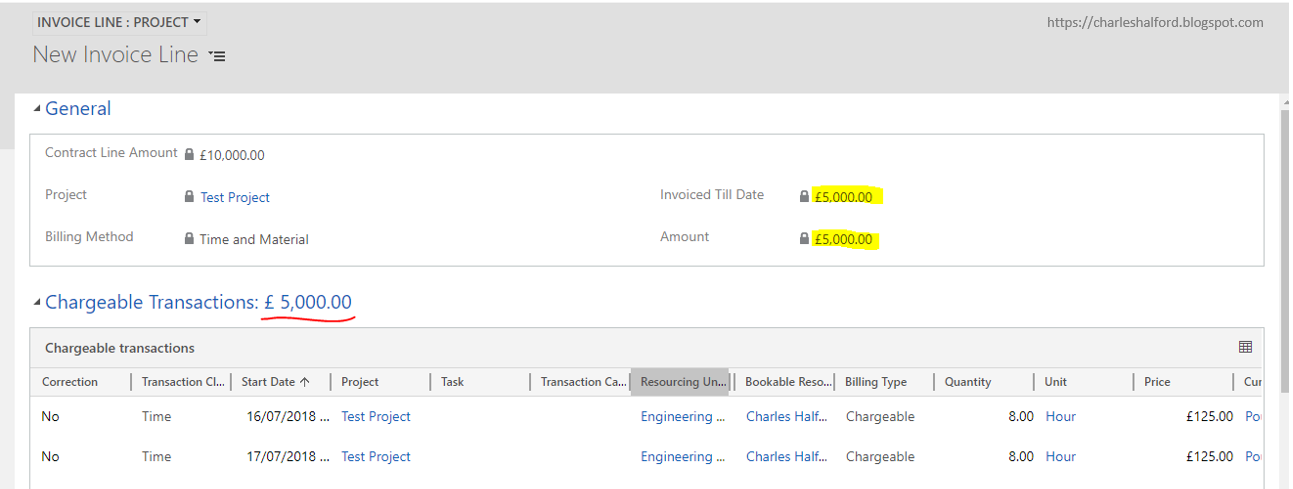
When I confirm my Invoice, the Billing Status ID on my Unbilled Sales Actuals will update to Customer Invoice Posted.
This will also create my Billed Sales Actuals. Take a look at Matt's tip as to when Actuals are created here https://crmtipoftheday.com/829/project-service-automation-when-are-actuals-actually-created/
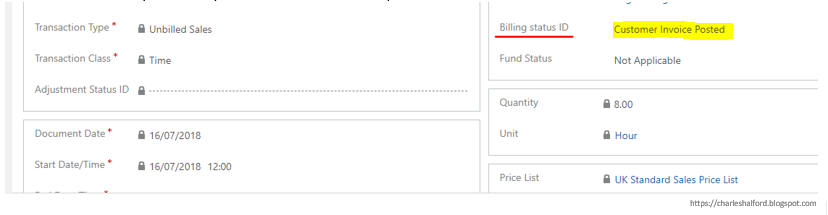
It is also worth noting that if you use the Correct this Invoice functionality, your Unbilled Sales Actuals will remain as Customer Invoice Posted but be reversed i.e. you will have two Actuals (£1000 and -£1000). You will then still have an Unbilled Sales actual at £1000 that is yet to be billed, with a different Billing Status ID.
*This post is locked for comments