web
You’re offline. This is a read only version of the page.
close
Skip to main content

Announcements

No record found.

News and Announcements icon
Community site session details

Community site session details

Session Id :
Customer experience | Sales, Customer Insights,...
Answered

Appointments from Dynamics Sales Pro not Syncing with Outlook Calendar

(0) ShareShare
ReportReport
Posted on by 265

Hello Everyone, 

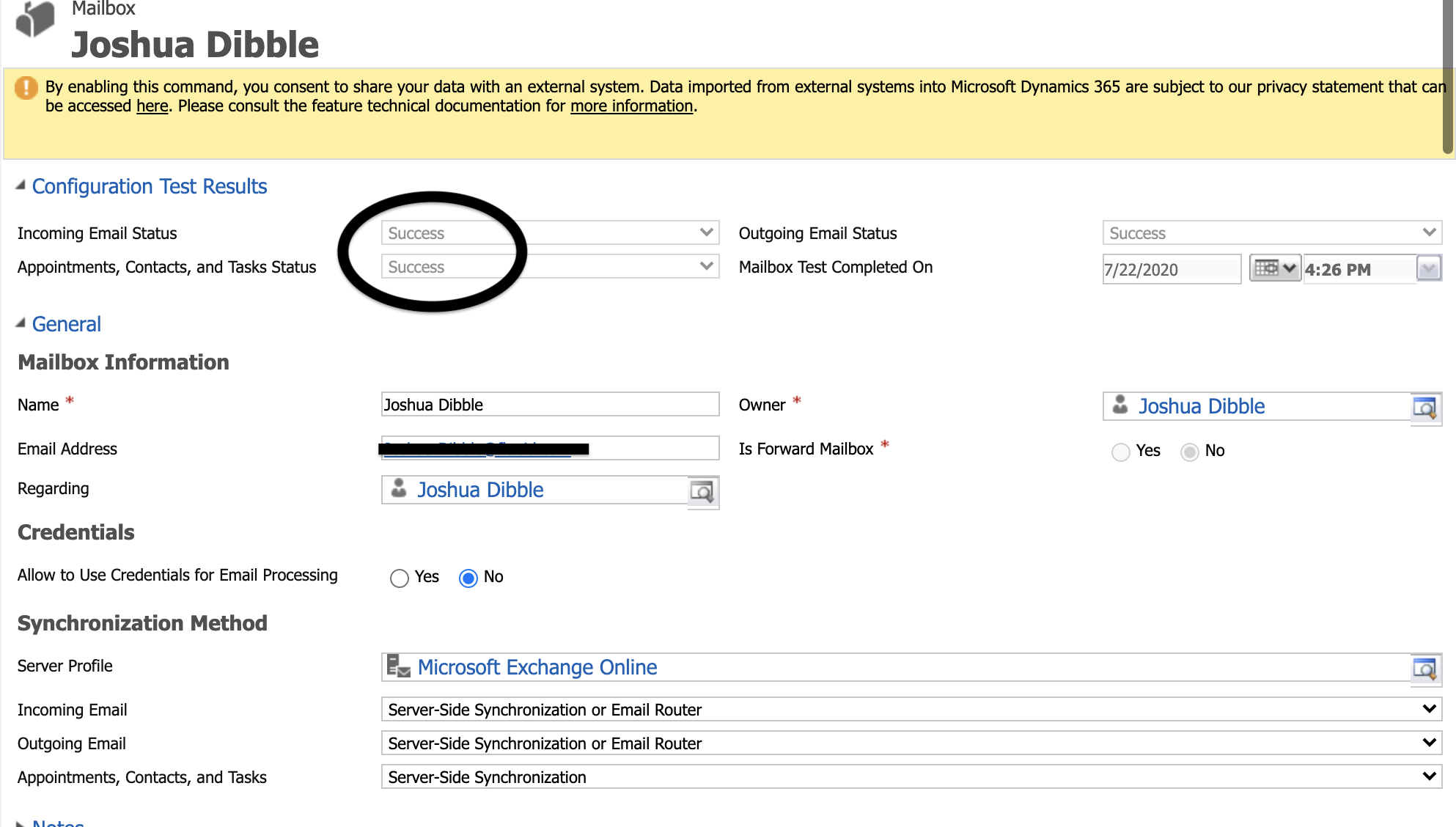
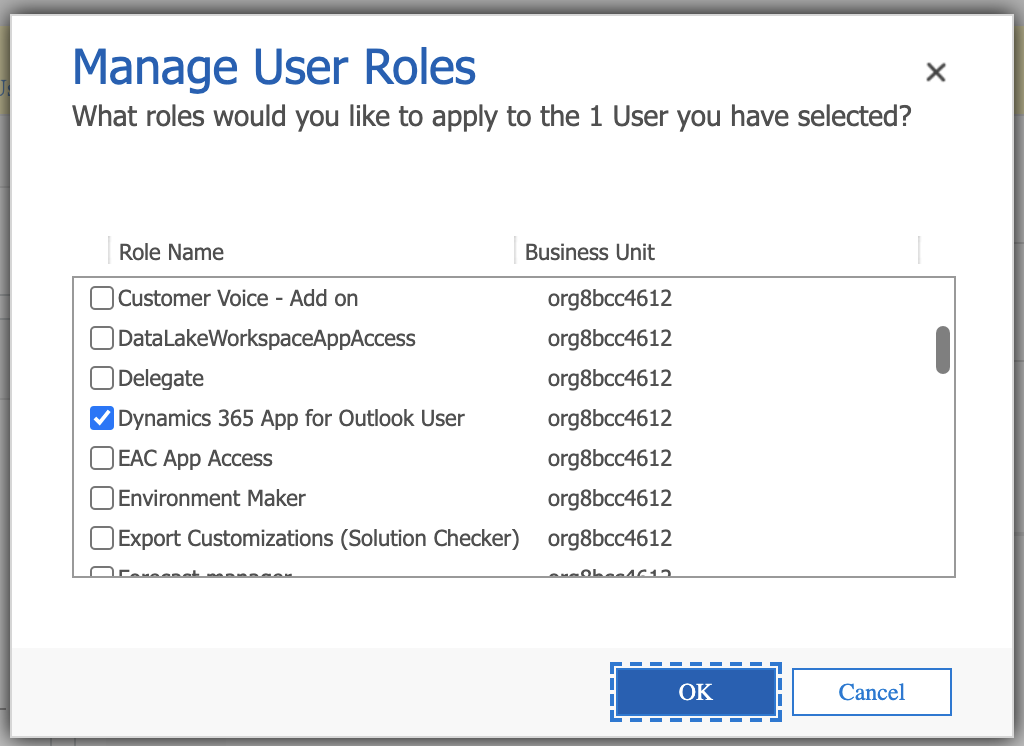
I believe I have set up the email config properly in Dynamics Sales Pro. Using my user as a reference I have checked server side sync for appointments etc... and it shows success. However, when I make an appointment in Dynamics it does not show up on my outlook calendar. Additionally, when I try to send emails from the CRM they stay as pending. I have also added to my roles "Dynamics App for Outlook" user role. 

Screen-Shot-2020_2D00_07_2D00_28-at-3.12.20-PM.pngScreen-Shot-2020_2D00_07_2D00_28-at-3.16.23-PM.png

Screen-Shot-2020_2D00_07_2D00_28-at-3.21.23-PM.png

Does anyone have an idea why my appointments are not syncing to my outlook calendar?

All the best, 

Josh

I have the same question (0)
  • Bipin D365 Profile Picture
    28,985 Moderator on at

    Hi,

    Can you navigate to settings->Administration->System settings->Email tab settings as shown in below image

    CQ59.PNG

    Also, check synchronization tab and system filter to see if all settings are correct.

    https://docs.microsoft.com/en-us/power-platform/admin/system-settings-dialog-box-email-tab

    For pending emails - check if you have approved email address from mailbox ribbon button and also from office 365.

    If found helpful, Please mark my answer verified.

  • Dribblej Profile Picture
    265 on at

    Hi again Bipin, 

    I uploaded the photos you requested. 

    Screen-Shot-2020_2D00_07_2D00_28-at-7.34.41-PM.png

    Screen-Shot-2020_2D00_07_2D00_28-at-7.34.49-PM.png

  • Verified answer
    Dribblej Profile Picture
    265 on at

    I was able to open a ticket with Microsoft help desk. The issue was that I had converted my instance from a production environment to a sandbox to do a system restore. This by default put the system in "ADMIN MODE". The dynamics admin center from the power platform portal is depricated and so I could not manually take my own instance out of this mode without opening a help ticket. There was and is no way for the system admin or global admin to do it apparently right now.

    After the system was taken out of admin mode I was able to manage permissions and synchronization items for users connected to outlook in my org. I simply went to mailboxes, applied the default settings which I made to include syncing appointments, tasks etc., then approved the email and test/configure. I no longer was getting an error message and my outlook sync started working properly.

  • Suggested answer
    Bipin D365 Profile Picture
    28,985 Moderator on at

    Hi,

    Glat that you found solution for your issue. You can marke this thread verified so that it will be helpful for other community members.

    If found helpful, Please mark my answer verified.

Under review

Thank you for your reply! To ensure a great experience for everyone, your content is awaiting approval by our Community Managers. Please check back later.

Helpful resources

Quick Links

Introducing the 2026 Season 1 community Super Users

Congratulations to our 2026 Super Stars!

Congratulations to our 2025 Community Spotlights

Thanks to all of our 2025 Community Spotlight stars!

Leaderboard > Customer experience | Sales, Customer Insights, CRM

#1
ManoVerse Profile Picture

ManoVerse 182 Super User 2026 Season 1

#2
11manish Profile Picture

11manish 123

#3
CU11031447-0 Profile Picture

CU11031447-0 100

Last 30 days Overall leaderboard

Product updates

Dynamics 365 release plans