web
You’re offline. This is a read only version of the page.
close
Skip to main content

Notifications

Announcements

No record found.

Community site session details

Community site session details

Session Id :
Microsoft Dynamics 365 | Integration, Dataverse...
Answered

Translation of buttons created with the Command Bar designer for model-driven apps

(1) ShareShare
ReportReport
Posted on by 26

Hi,

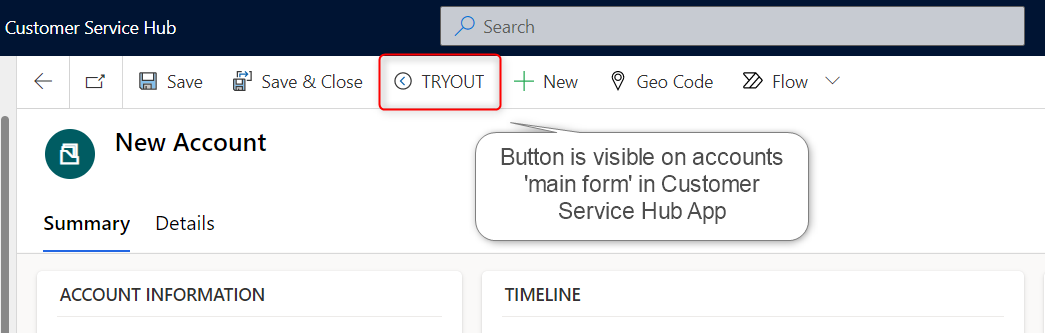
I've recently discovered that custom buttons on the command bar can be created with the Command Bar designer for model-driven apps.
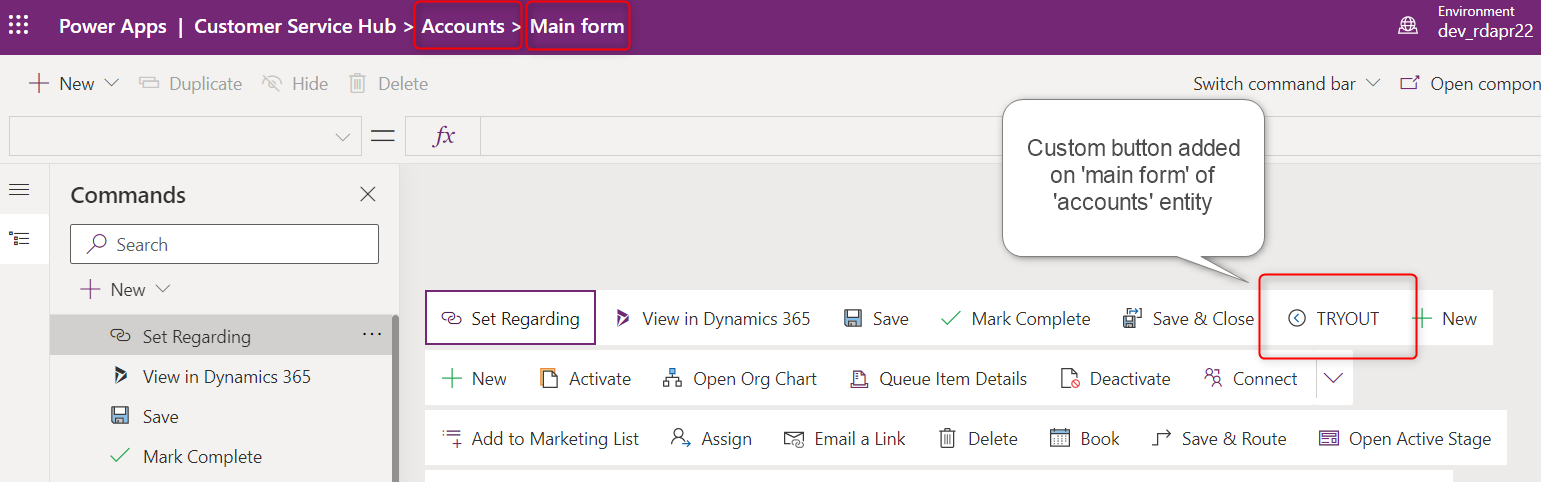
Tryout-button.png

Account-main-form.png

However, I'm struggling to find out how translations of the button labels can be done.

According to the Microsoft documentation, the buttons labels should be included in the XML file when you export the solution translations, but this is not the case.  Perhaps I'm not adding the right components to my solution...

I've tried including the app in my solution.  And I've also tried to include the entity (and all it's components and metadata) for which I updated the main form ribbon.
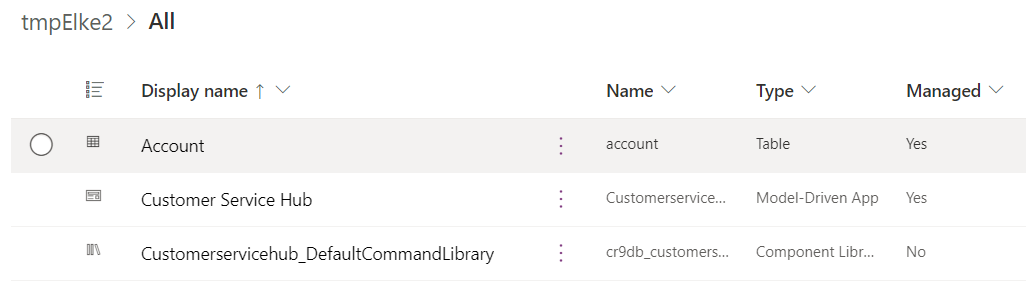
Solution-components.png

Does anyone have any tips/tricks for me on how to translate button labels created with the Command Bar Designer?

Thanks!

I have the same question (0)
  • Verified answer
    ThomasN Profile Picture
    3,190 on at

    Hello, thanks for reaching out.

    Have you tried exporting the translations for the default solution rather than your solution? This may list the labels.

  • Eleem Profile Picture
    26 on at

    Hello Tom, thank you for your reply.

    Unfortunately I'm not able to export the translations of the default solution in the new interface due to a time-out.  (I suppose this is because of the size of the solution)  

    pastedimage1676389688231v2.png

  • Eleem Profile Picture
    26 on at

    Hello Tom, I tried exporting the default solution in the classic interface and was indeed able to find the labels in the exported file.  Thanks a lot for your support!

  • PaulSaker Profile Picture
    2 on at
    I ended up changing my language in Personlization Settings to the language I needed translations for, in my case Francais.
    I then opened Make.powerapps.com for the App in question and located my buttons.
    I simply entered the FR translation of the button.
     
    Now, 
    FR - 

    and 
    EN- 
    Because I could not locate the button translations (appaction) in the solution translation export.
     

Under review

Thank you for your reply! To ensure a great experience for everyone, your content is awaiting approval by our Community Managers. Please check back later.

Helpful resources

Quick Links

Responsible AI policies

As AI tools become more common, we’re introducing a Responsible AI Use…

Neeraj Kumar – Community Spotlight

We are honored to recognize Neeraj Kumar as our Community Spotlight honoree for…

Leaderboard > Microsoft Dynamics 365 | Integration, Dataverse, and general topics

#1
Siv Sagar Profile Picture

Siv Sagar 93 Super User 2025 Season 2

#2
#ManoVerse Profile Picture

#ManoVerse 76

#3
Martin Dráb Profile Picture

Martin Dráb 64 Most Valuable Professional

Last 30 days Overall leaderboard

Product updates

Dynamics 365 release plans



