Good Morning,
Business Central version: CA Business Central 20.5 (Platform 20.0.45448.47082 + Application 20.5.45456.45681)
Cloud Migration Tool version: 2.7.3
Issue
The migration ran for the weekend (I know should have checked after four hours, from previous post).
Still getting the Posting error in batch GPBANK xxx. There is a gap in the number series.
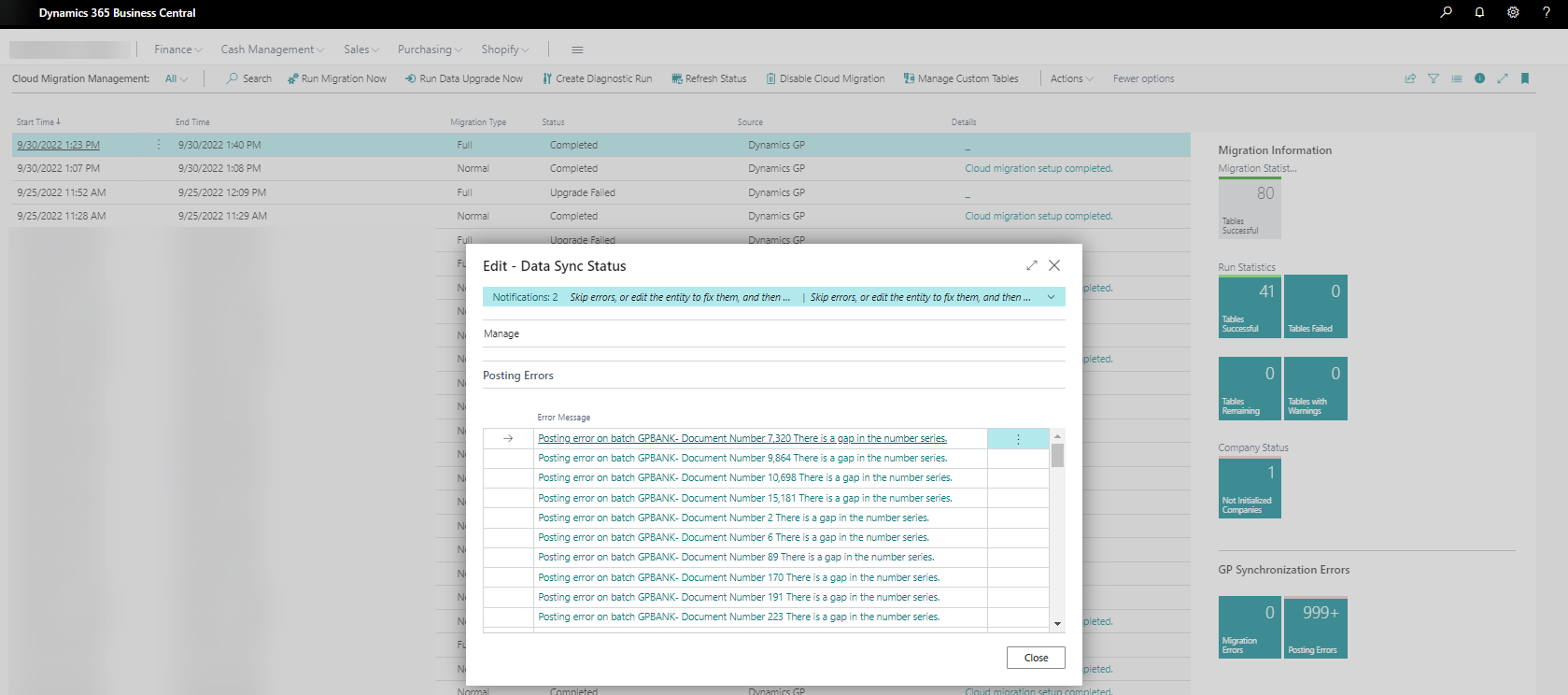
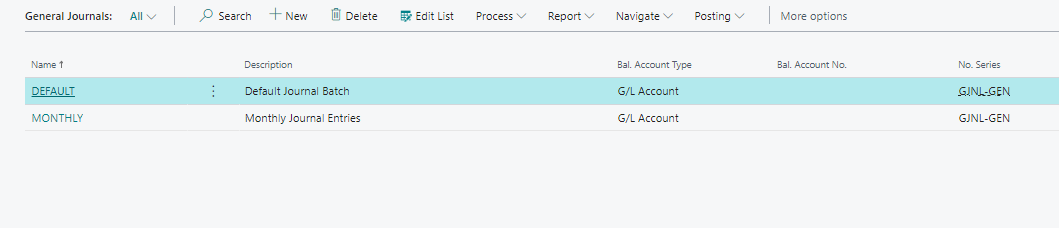
This time though there is no GPBANK General Journal, the journal list is only the OOTB journal (When getting the previous error, all the Cloud Migration Tool "CMT" journals were listed waiting to post).
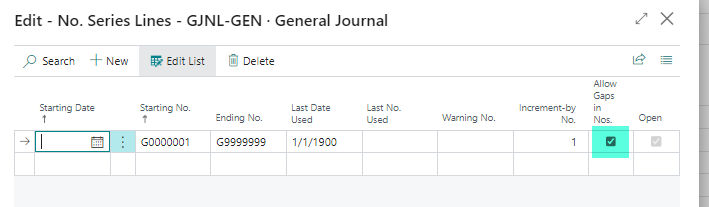
In attempting to prevent this issue, I updated the OOTB GJNL-GEN No.Series to 'Allow Gaps in Nos.'. But this didn't stop the error from happening.
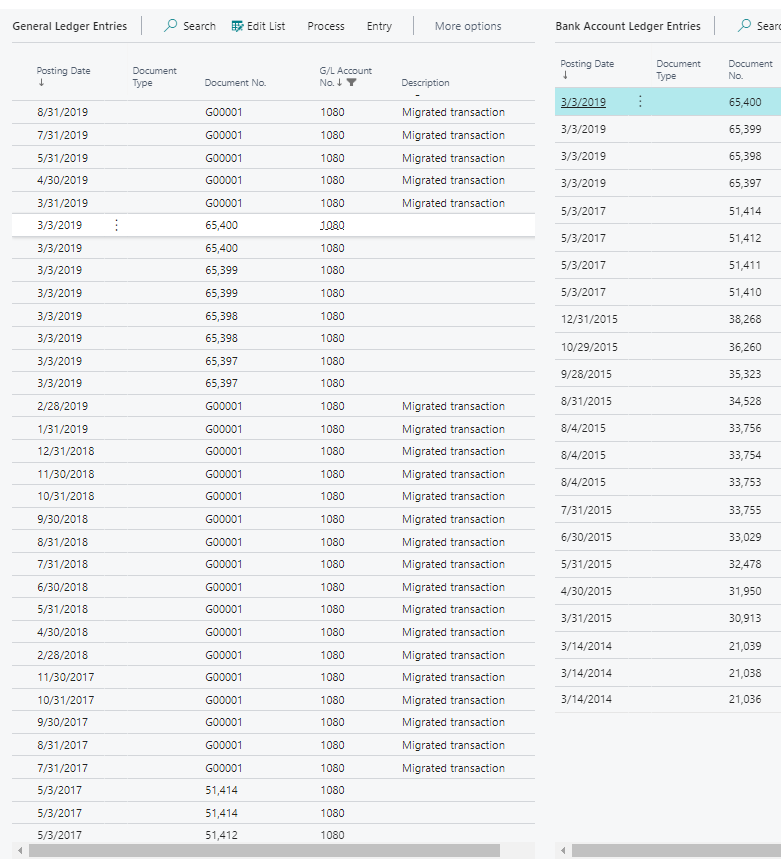
When reviewing the General Ledger entries with the Bank Account Ledger entries, we see that there is history showing up in the GL and not the Bank.
Theory
The theory that we are testing in the Thursday data migration test is that the error is being cause by inactive chequebooks.
Three inactive chequebooks (not used for years) had there GL account number changed a few months ago (user took my advice to start data clean up). I am going to set those three inactive chequebooks to their previous GL account setting before running a new migration Thursday.
Question
Thought comments on what else could be causing the GPBANK journal errors ahead of my Thursday test?
Additional Information
Continuation of previous post that focused on zero dollar amount error on Cloud Migration Tool created batch.
Thank you,
Sonny.
Going to Dynamics Summit 2022, feel free to connect with me.







