Hello everyone,
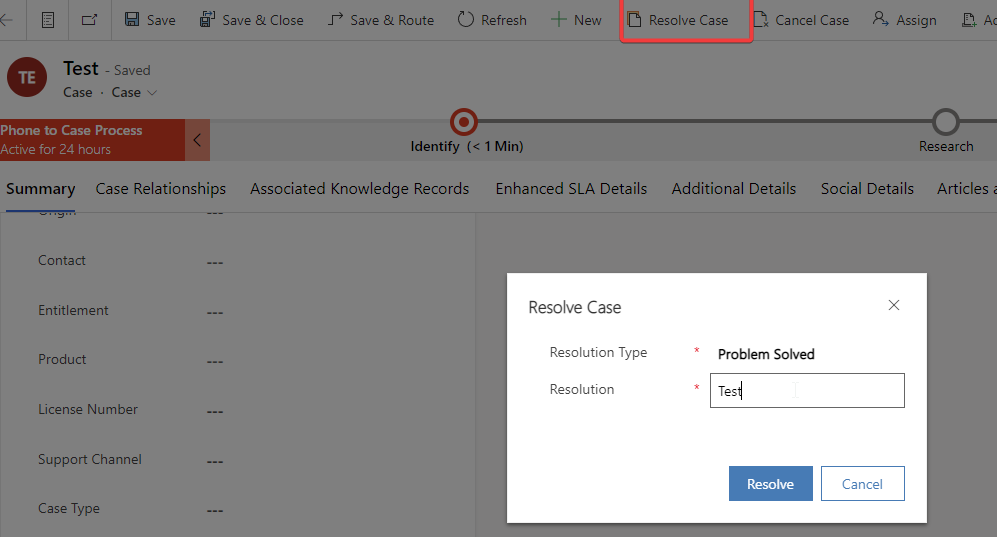
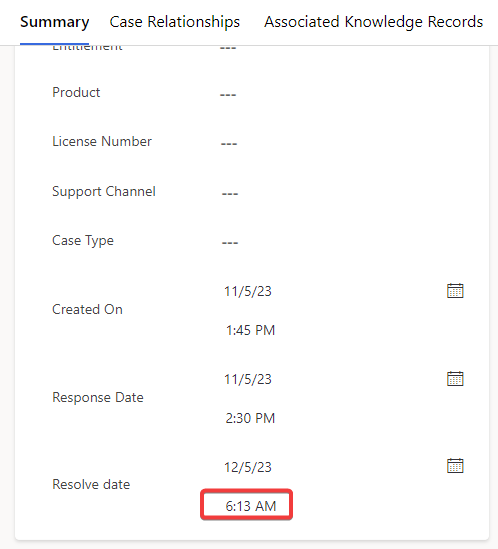
I am new to administering D365 Customer Service. When a user resolves a case (click "resolve case" button), the "resolve date" displays an incorrect time. I resolved the case around 2:13PM but on the field, it displays 5:13AM. Please the screenshots.
I checked my personalization settings > time zone, and it uses my current time zone. Another user also has the same issue.
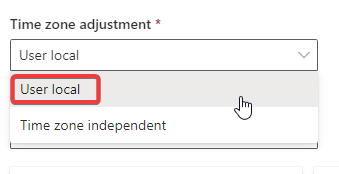
I also checked the field property of the "resolve date" field, and the current setting is set to "user local". When i try to change it, it displays an error, because the field "resolve time" is a calculated field which is dependent on the "resolve date".
Any idea where else can i check and resolve this?
Thanks in advance!