Hi Advait,
-> I thought the missing TO field would be reason that why you can't receive email,
it's OOB and required to send a email, please try clear browser case and switch another browser to test whether the field could come back,
otherwise you might raise a support ticket for investigation.
-> "but it is there below and I put mail id of admin there"
Do you mean {Contact{contact}} in regarding field, actually it refers to contact instead of admin, you should set TO field to a user who has admin role.
-> As a workaround(or not, because we could see CRM recommends us to use), you could try build a Flow instead of workflow to send admin user email when a new contact submitted.
(A potential issue would be that if a contact submits form multiple time, then admin might receive multiple emails, while in Flow, trigger has been restricted in When a record is created.)
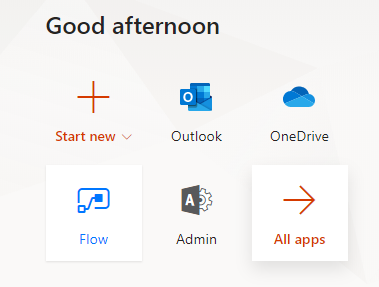
1. Find the icon in office.com
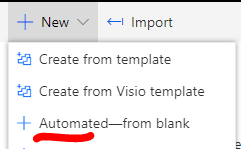
2. In left side menu -> My flows, create an automated flow.
3. Conntect to your org in flow settings.(easy to configure)
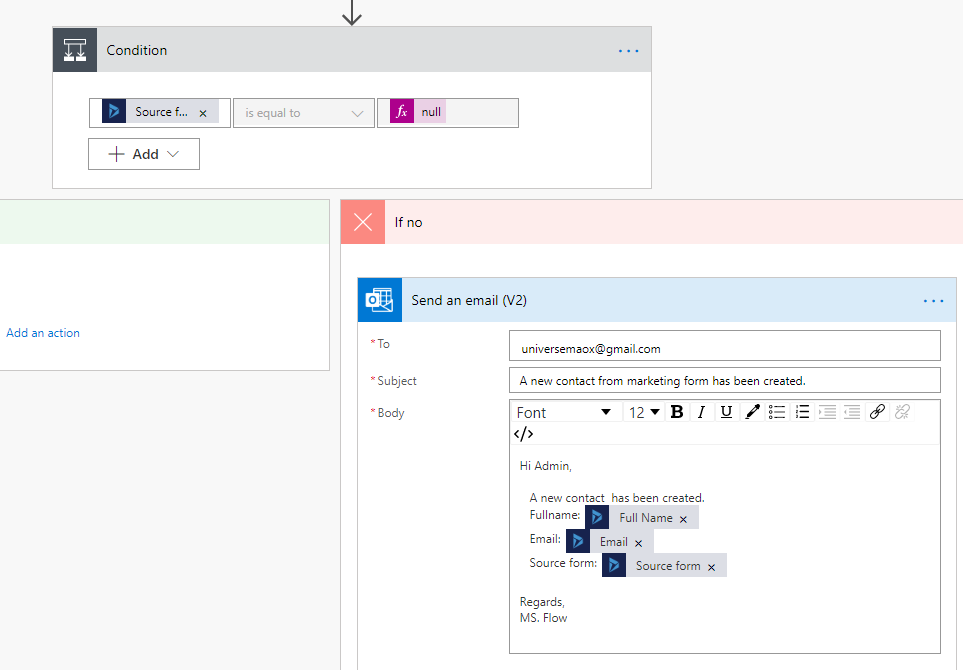
4. Flow configuration:
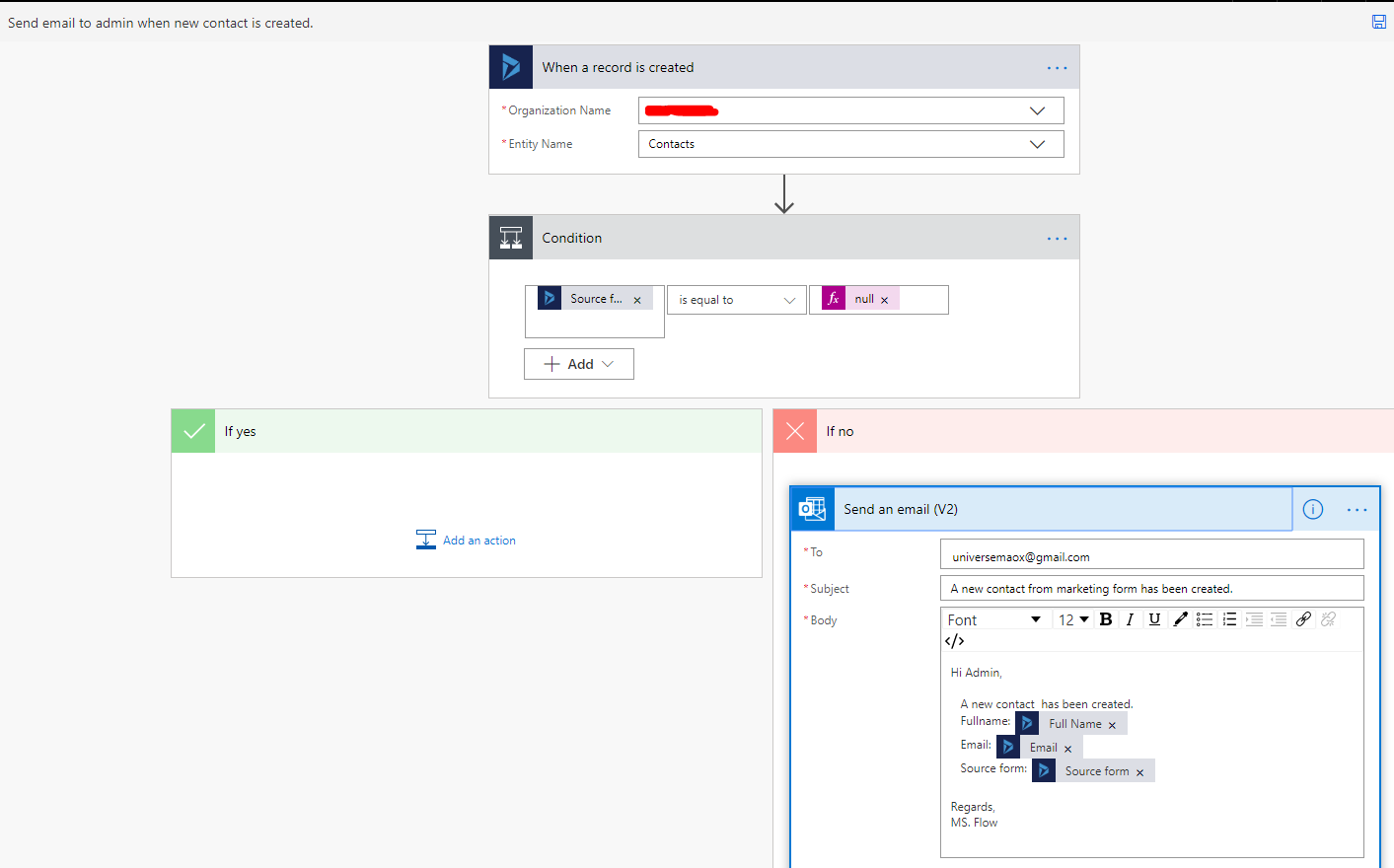
Pay attention to Condition, there are two source form fields, in my environment, its the second, you could try to switch to another if the previous selected not works.
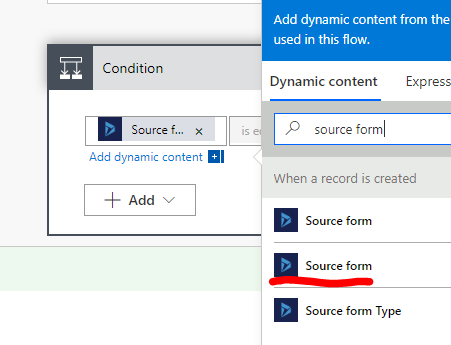
If the field not null, then send email:
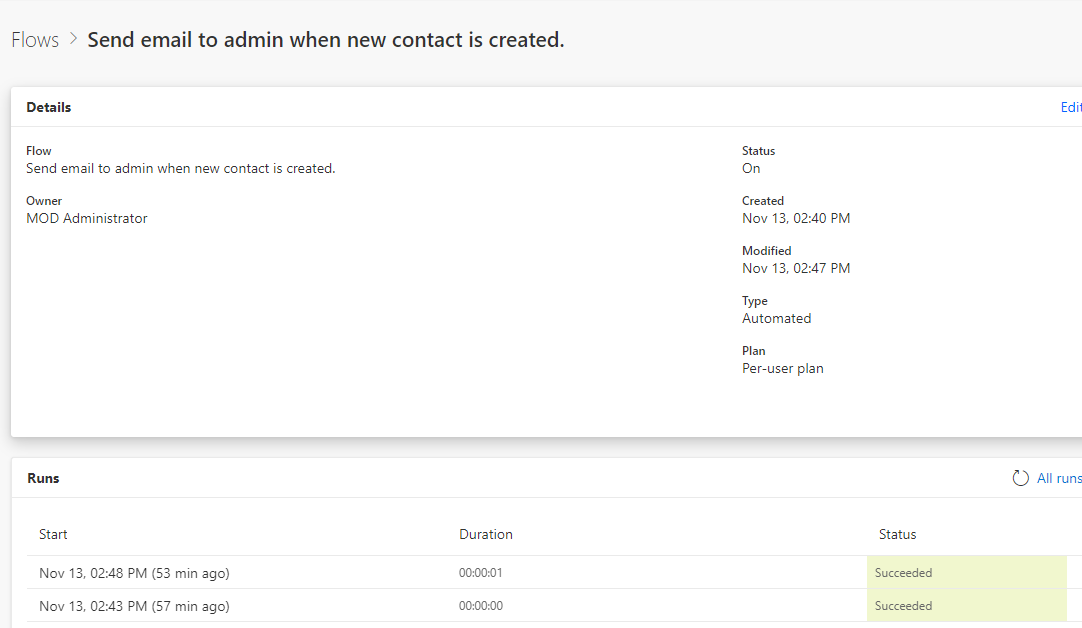
5. You could also check whether there is anything error during process:
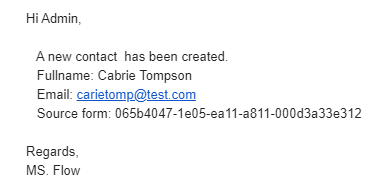
6. Result
Notes:
1. Flow runs independently compared with workflow, so we don't need to fire it in customer journey.
2. You could add more conditions for specific forms.
3. Due to source form field is lookup field, so more customization is needed to display formatted value.
Regards,
Clofly


