Hello,
We have multiple Dynamics Business Central customers and I am trying to connect PowerBI Desktop to a specific customers instance. The customer has added our account as a guest in their Azure Active Directory and has permissioned the account with an External Accountant licenses as well as provided Super permissions within BC. We are able to login to BC through the web portal as expected.
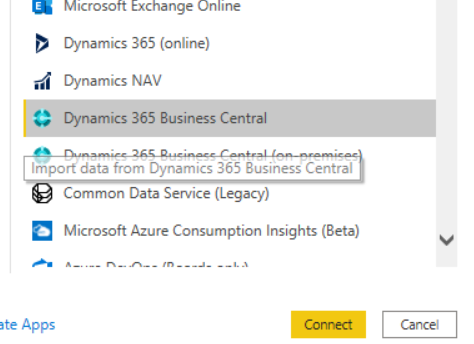
When we try to connect PowerBI Desktop we go through the Get Data Wizard, and select the Dynamics 365 Business Central connector. We login using the permissioned account. However, we do not see the customers instance.
-
If we try to edit the Data Source settings we receive an error that the instance does not exist.
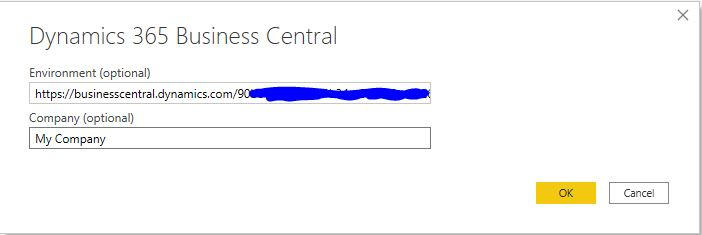

Questions:
- What is the correct format for the Environment dialog box? Where do I find that value?
- After we enter the correct environment URL is the Company required or will all companies be displayed?
- Is there a permission beyond Super that is required to connect with PowerBI?
Thank you,
Matt


