web
You’re offline. This is a read only version of the page.
close
Skip to main content

Announcements

No record found.

News and Announcements icon
Community site session details

Community site session details

Session Id :
Customer experience | Sales, Customer Insights,...
Suggested Answer

Text in email cutting words and sentences on mobile view

(0) ShareShare
ReportReport
Posted on by 14

Hello,

I have created an email from scratch rather using templates provided. When viewing the email on a mobile device some text and sentences are cut across two lines making it very displeasing to look at. 

This does not happen when using a designed template hosted in Dynamics. 

Can anyone suggest a quick win to make the text mobile responsive? 

Thank you,


Graham 

I have the same question (0)
  • cloflyMao Profile Picture
    25,210 on at

    Hi Graham,

    Could you share me screenshots of your custom marketing email for both desktop view and mobile view?

    What's mobile device do you use? Did you view it directly on browser or some client application?

    Compatibility among different devices, browsers or client softwares are different,

    you could try to test your custom email preview with Litmus preview feature:
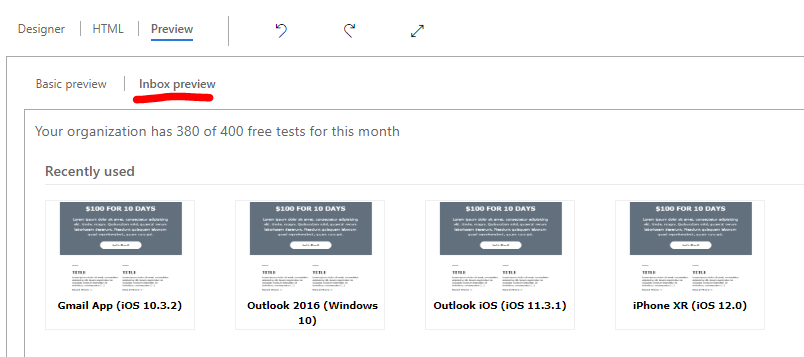
    pastedimage1577168679770v1.png

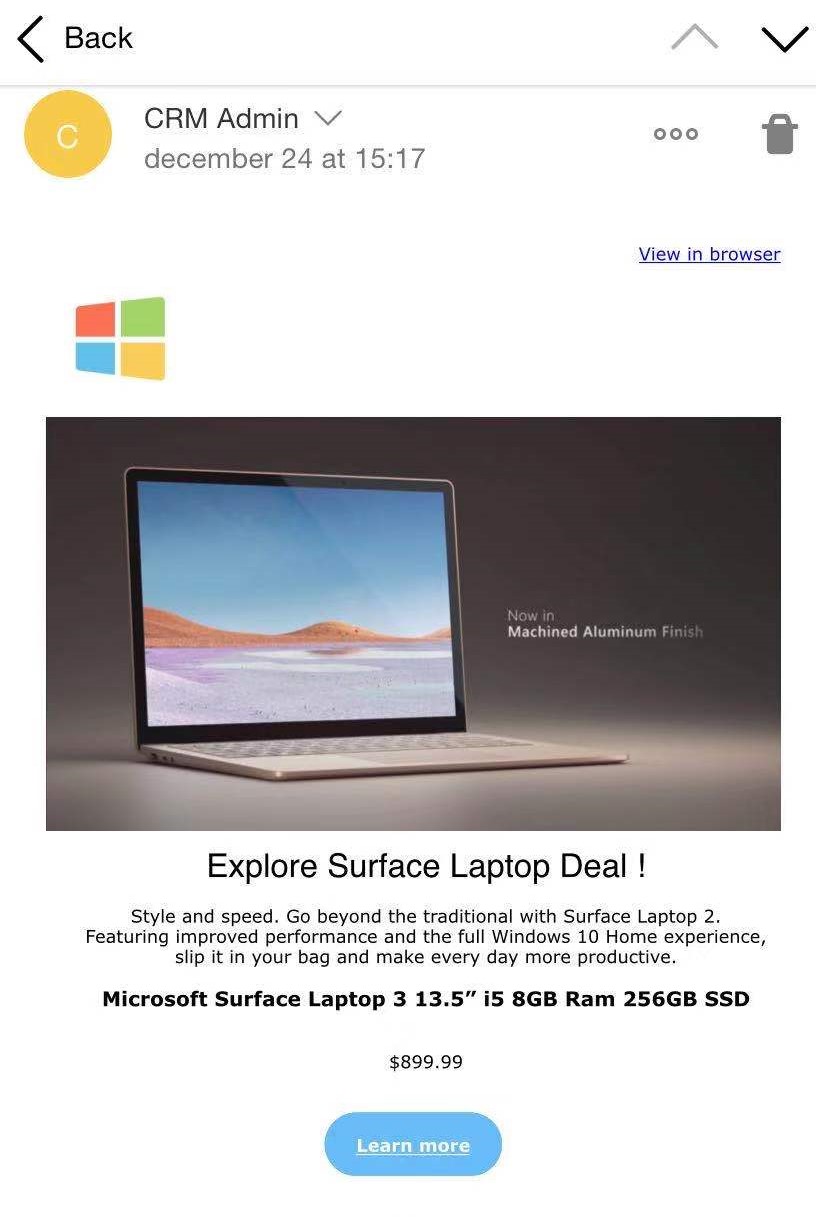
    To reproduce your issue, I also created an email, send both the customized and a default template to test,

    found that the looking issue you described happened on Outlook client.

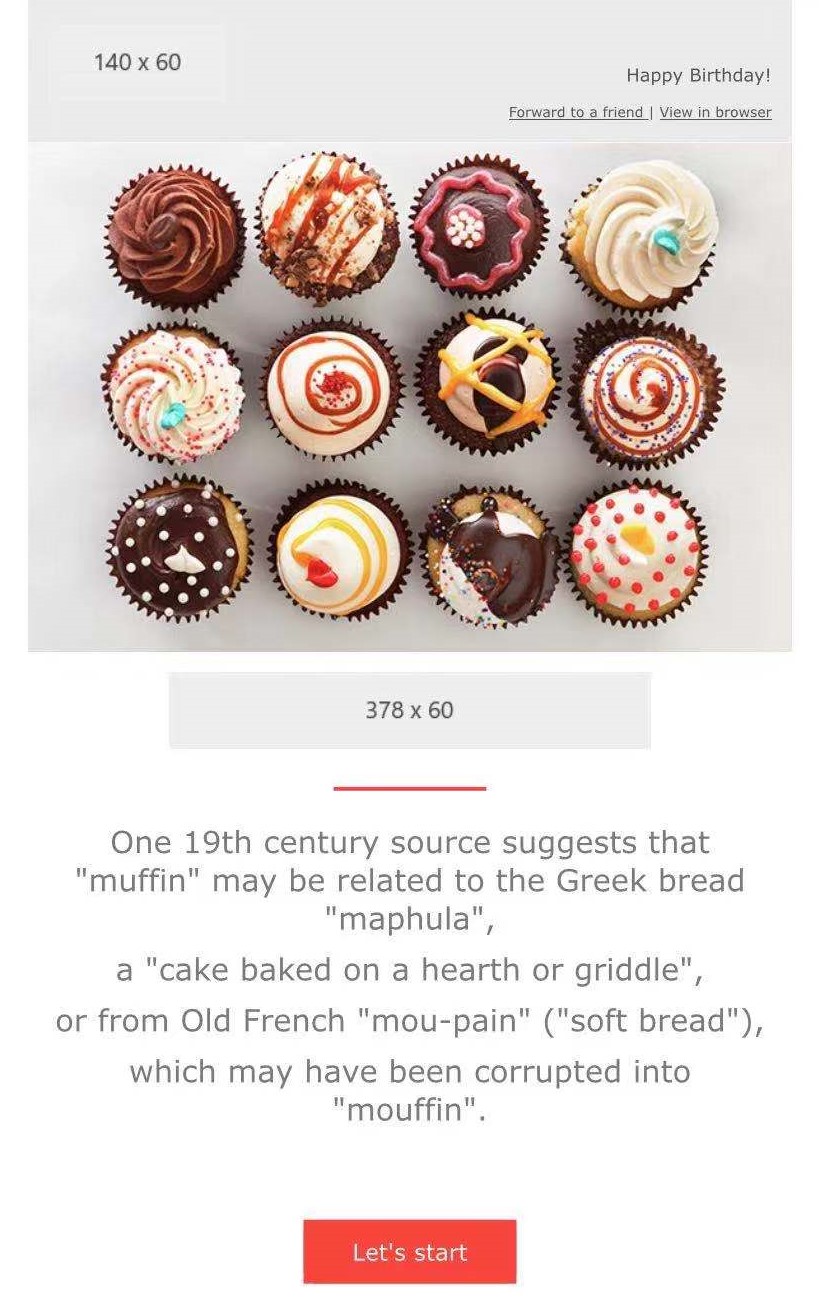
    Custom email on Yandex.(Chrome, iOS)

     It has same look as desktop preview.
    247044702.jpg

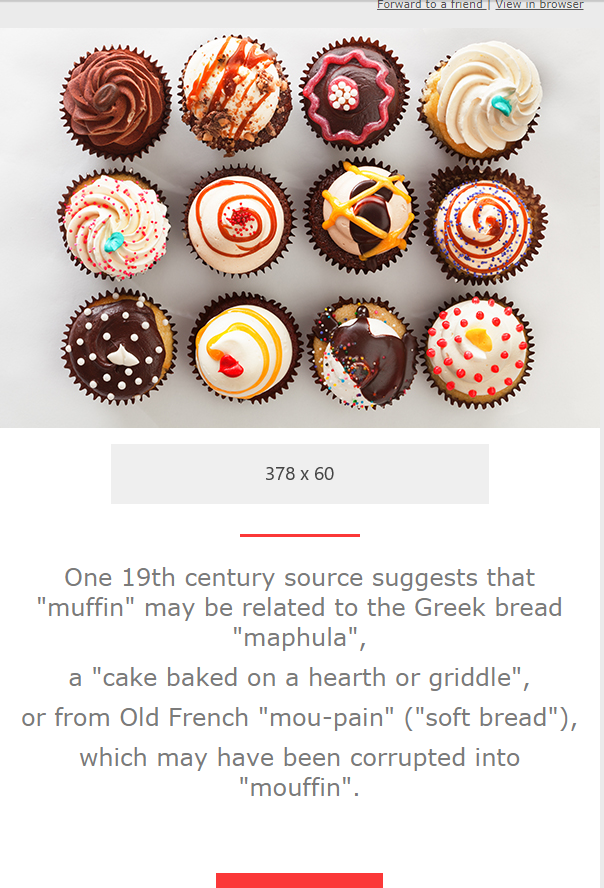
    Outlook(app, iOS)

    1717499014.jpg

    It looks like that font size is smaller in Yandex mobile view than Outlook app.

    and sentences have broken across two lines due to it had exceeded outer container.

    So it is just my thought, your issue would be that font size of text and sentences is large than container space, which caused break line behavior.

    So could you also share me about which template did you use?

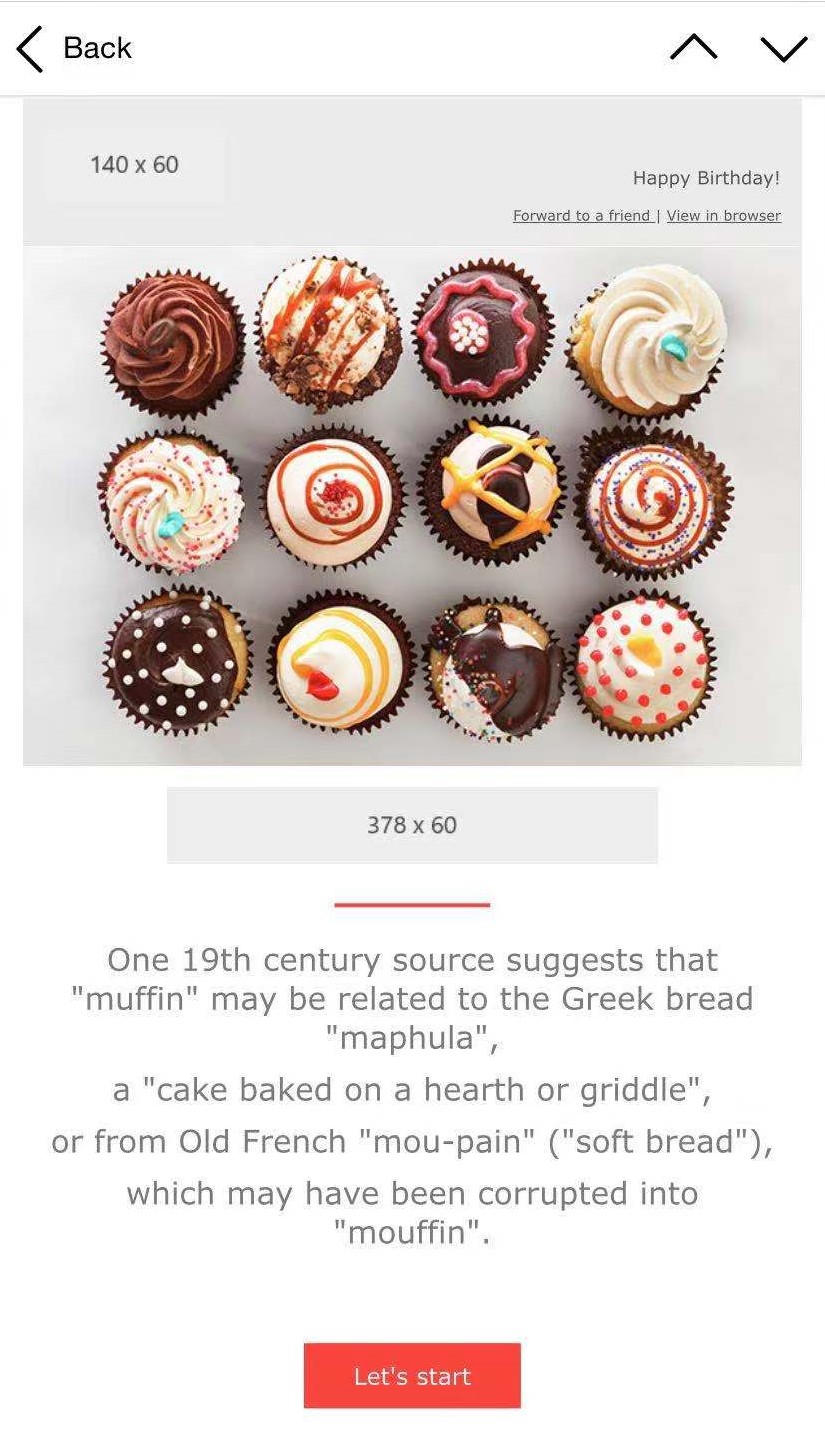
    I tested for ercolano:

    Yandex.(Chrome, iOS)
    Cake_5F00_Yandex.jpg

    Outlook(app, iOS)

    Cake_5F00_Outlook.jpg

    Desktop:

    pastedimage1577175022029v2.png

    Now they have same look,

    because there are enought space to keep sentence in one line,

    however, it was still required to break complete sentence to keep marketing email responsive among different clients.

    So in my thought, you could make text and sentence to be properly small to get responsive look.

    Please point out whether I have understood your issue correctly.

    If not, please share which template you had used and your custom email source code if possible, thanks.

    Regrads,

    Clofly

  • Suggested answer
    Mauro Marinilli Profile Picture
    355 on at

    HI Graham,

    it depends on the setup of the containers we use in our templates (but there's more to it, and it's a long story :) ).

    So I'd suggest that you update your instance to the latest build (Dec19) and use our new templates (you recognize them when you use them because you see the editor giving you new layout options like rows and columns on the right hand panel). So blank templates built from those initial ones will be responsive and still "blank".

    HTH

    Mauro

  • Graham McAdam Profile Picture
    14 on at

    Hello Clofly,

    I am unable to paste screenshots for some reason, apologies. Do you simply snippet and paste on the thread?

    I have tested on various devices and browsers.

    I used a blank template so I could utilise the multiple column feature. When I use other templates, the email is responsive.

  • Graham McAdam Profile Picture
    14 on at

    Hello Mauro,

    Thanks for taking the time to reply.

    Can you kindly explain "latest build (Dec 19) please?

    Thank you,

    Graham

  • cloflyMao Profile Picture
    25,210 on at

    Hi Graham,

    My trial marketing instance has expired and I forgot to backup for email in my first response.

    I'll build a new email from scratch to explore responsive design.

    What's I have found is that some clients won't change layout by default(yandex on mobile browser), instead it'll keep orignal appearance as what we get preview in email designer on desktop.

    While break line behavior happened on other clients such as Outlook(mobile browser) and Outlook app(iOS app).

    Did break line behavior happen on all of your tested devices and browsers?

    Regards,

    Clofly

  • Graham McAdam Profile Picture
    14 on at

    Hi Clofly,

    Apologies, it has been a while. Yes it is.

    I use templates already in Dynamics to avoid this problem, therefore this is not an urgent query.

    Thank you,

    Graham

  • Arttu Talvela Profile Picture
    25 on at

    Hi,

    Joining in on the conversation.

    I'm having similar problems than the original poster. The problem seems to occur both on mobile and desktop, with Outlook and Gmail. The text lines seem to be cutting in middle of a word.

    Also, the mobile version font sizes vary ALOT. Sometimes it makes them smaller than my default text size and sometimes bigger. Even in one email the size may vary in different sections. The variations are not consistent, as in two column sections would always be smaller or bigger, and they vary somewhat illogically.

    I hope my problem fits with this post.

    BR,

    Arttu

  • Graham McAdam Profile Picture
    14 on at

    Hello Arttu,

    I am not sure how I resolved the problem. I think I may have started from the beginning with a blank template.

    Sorry I could not be more detailed.

    Kind regards,

    Graham

Under review

Thank you for your reply! To ensure a great experience for everyone, your content is awaiting approval by our Community Managers. Please check back later.

Helpful resources

Quick Links

Introducing the 2026 Season 1 community Super Users

Congratulations to our 2026 Super Stars!

Meet the Microsoft Dynamics 365 Contact Center Champions

We are thrilled to have these Champions in our Community!

Congratulations to the March Top 10 Community Leaders

These are the community rock stars!

Leaderboard > Customer experience | Sales, Customer Insights, CRM

#1
11manish Profile Picture

11manish 176

#2
ManoVerse Profile Picture

ManoVerse 158 Super User 2026 Season 1

#3
Jimmy Passeti Profile Picture

Jimmy Passeti 57 Most Valuable Professional

Last 30 days Overall leaderboard

Product updates

Dynamics 365 release plans