web
You’re offline. This is a read only version of the page.
close
Skip to main content

Announcements

No record found.

News and Announcements icon
Community site session details

Community site session details

Session Id :
Microsoft Dynamics AX (Archived)

No sales tax calculated when making P.O

(0) ShareShare
ReportReport
Posted on by 807

dear all ,

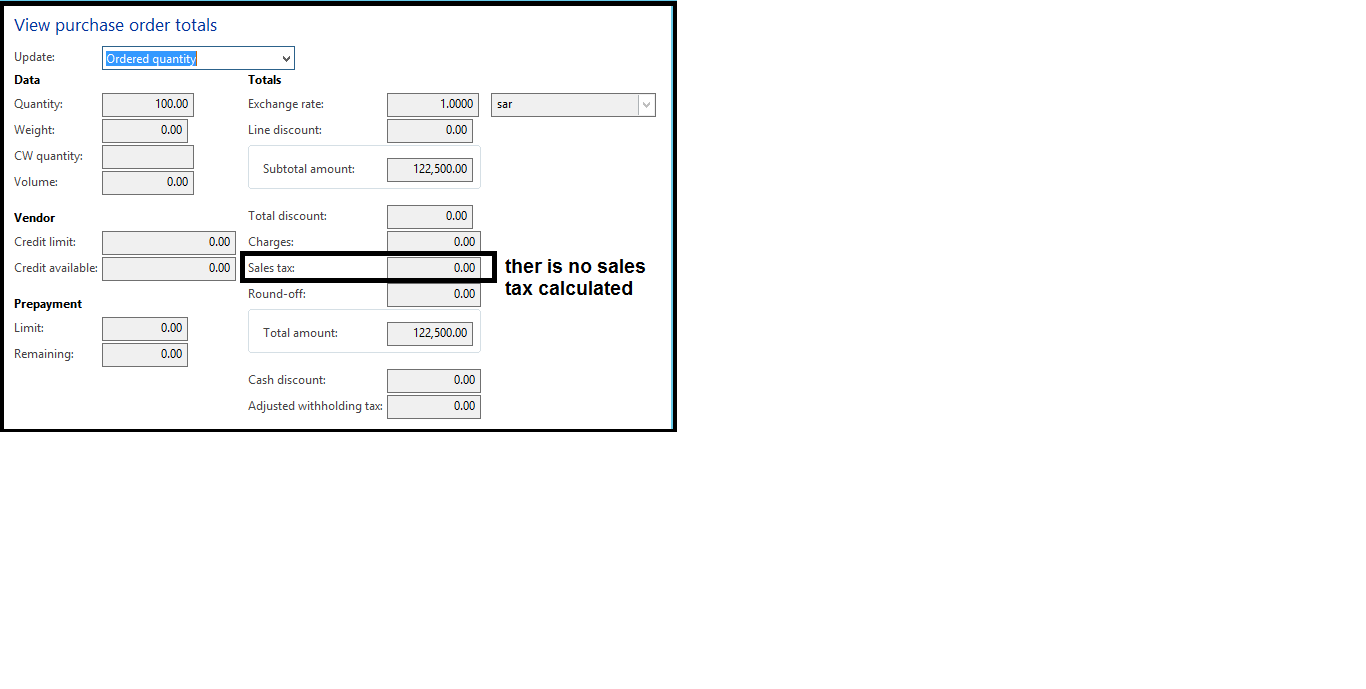
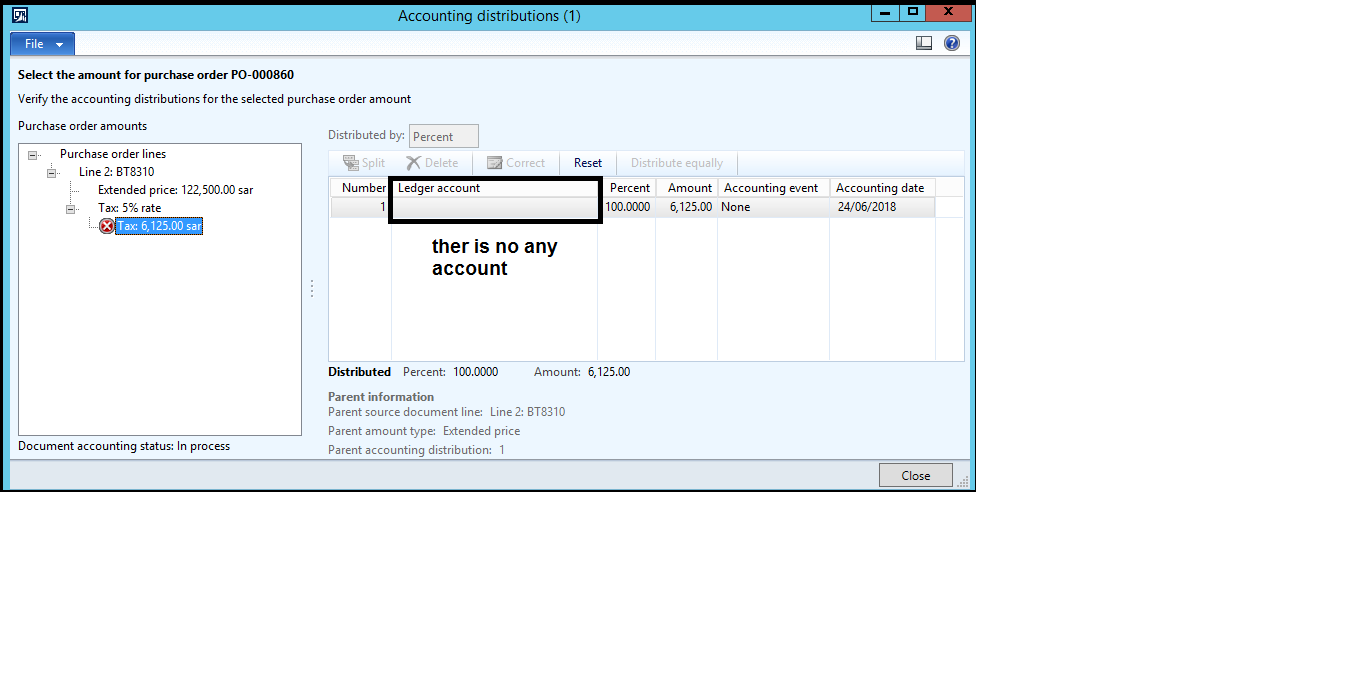
i am facing something before one day tax was working fine Now i try to create P.O , i can't find any sales tax calculated in View P.O total even when i check sales tax tab i found amount and i check all the setup nothing change  . i try to invoice it it display error (The Accounting distribution form is not available because there are no amounts to distribute.) 3652.2.png
44706.1.png

*This post is locked for comments

I have the same question (0)
  • Suggested answer
    Zain Mehmood Profile Picture
    4,189 Most Valuable Professional on at

    Hi Atef083,

    Can you check that the item you are selecting in the purchase order have the same tax code as the vendor? Please see because the system will not calculate the sale tax unless the tax code in the item sale tax group & the vendor sale tax group is not same.

    Regards,

    Zain Mehmood

  • atef@83 Profile Picture
    807 on at

    thanks for reply Zain

    But i checked salex tax for item and vendor are the same , yesterday was working fine i don't know what happen

  • Zain Mehmood Profile Picture
    4,189 Most Valuable Professional on at

    Hi Atef,

    Can you post the screen shots of the both vendor & item sale tax groups?

    Regards,

    Zain Mehmood

  • Khaled Alloud Profile Picture
    3,658 on at

    try to edit the PO and select the tax codes again.

  • atef@83 Profile Picture
    807 on at

    66157.4.png

    66157.4.png

    here i edit in Vendor and items nothing show and if i check sale tax  it show that there is tax calculated but without account to Post

    3583.6.png

  • atef@83 Profile Picture
    807 on at

    thanks Khaled

    i try to edit so many time but still also if i create new P.O same issue

  • Khaled Alloud Profile Picture
    3,658 on at

    what is the Value in the tax code, make sure they are not 0

  • Suggested answer
    Zain Mehmood Profile Picture
    4,189 Most Valuable Professional on at

    Hi Atef,

    You need to check the tax codes, I believe the names of the Item tax groups and Vendor tax groups are same. But the tax codes attached would be different.  Please the individual tax groups.

    Regards,

    Zain Mehmood.

  • Suggested answer
    Ludwig Reinhard Profile Picture
    Microsoft Employee on at

    Hello atef083,

    Has this issue been resolved?

    Would be great if you could keep us updated here.

    Many thanks and best regards,

    Ludwig

Under review

Thank you for your reply! To ensure a great experience for everyone, your content is awaiting approval by our Community Managers. Please check back later.

Helpful resources

Quick Links

Introducing the 2026 Season 1 community Super Users

Congratulations to our 2026 Super Stars!

Meet the Microsoft Dynamics 365 Contact Center Champions

We are thrilled to have these Champions in our Community!

Congratulations to the March Top 10 Community Leaders

These are the community rock stars!

Leaderboard > 🔒一 Microsoft Dynamics AX (Archived)

#1
CP04-islander Profile Picture

CP04-islander 26

#2
imran ul haq Profile Picture

imran ul haq 8

#3
André Arnaud de Calavon Profile Picture

André Arnaud de Cal... 4 Super User 2026 Season 1

Last 30 days Overall leaderboard

Featured topics

Product updates

Dynamics 365 release plans