Hi,
Although no report is produced, one way you can see more information is by drilling down on the G/L Register that is created by the "Adjust Exchange Rate" batch job and from there viewing the "Detailed Customer Ledger Entries" the system created to adjust each customer ledger entry. (
For example, below is the G/L Register that has been created when I've just ran the "Adjust Exchange Rates" batch job for "Customers"

If you click "Process > General Ledger Entries" you get the GL entries that have been created for this G/L Register:

If I now, click "Process > Find Entries" you can see the "Detailed Customer Ledger Entries" that were created. (I only ran the adjust exchange rates on Customers)
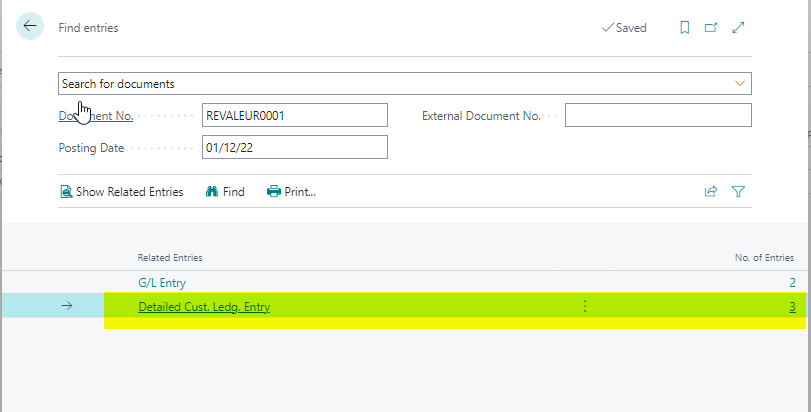
If I drill down on those, I can see the entries that were created to adjust the open customer ledger entries and if I personalise, I can add the customer ledger entry number so I can drill back on that as well.

Its not ideal but I hope this helps.
Thanks
Gavin







