Edit: Found a possible workaround with a bit of steps.
Here's a shortened version of my original write up. We are running version 1.35.4744.0 for Dynamics 365 for Marketing.
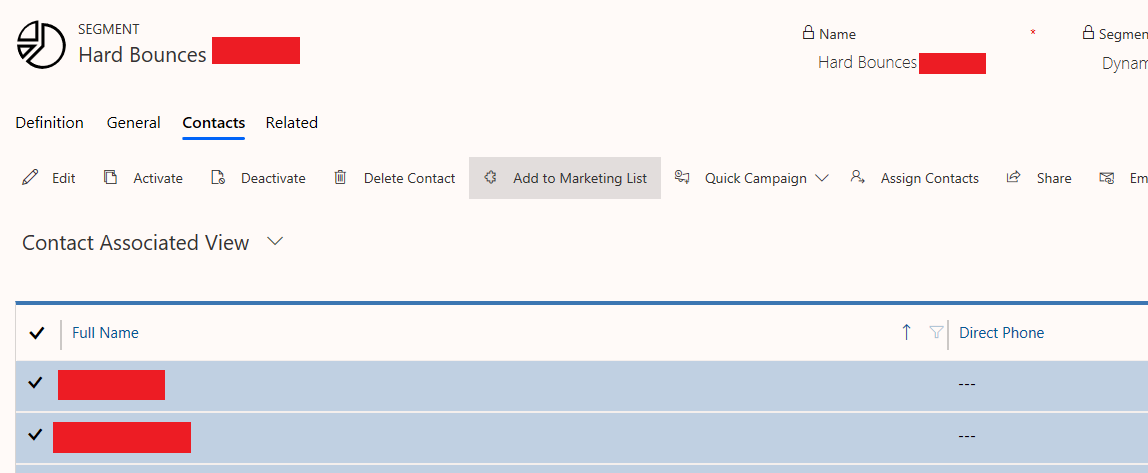
If you go to your Customer Journey's designer tab, and click on marketing email message tile, the properties view should display a table of KPI's. Click on the save icon to create a segment. Go Live with the segment and then click on the related tab to see your list of contacts.
Select all your hard bounce contacts and then add to a marketing list. You will have to create a new one if you haven't.
In that new Marketing List, click on the members tab and click on the (...) button for the option to Export Contacts to Static Worksheet.
As this may be specific to our production environment, can anyone verify?


