We recently upgraded field services to the latest version.
Upon doing that, every user (including administrators) gets a script error when opening the work order form.
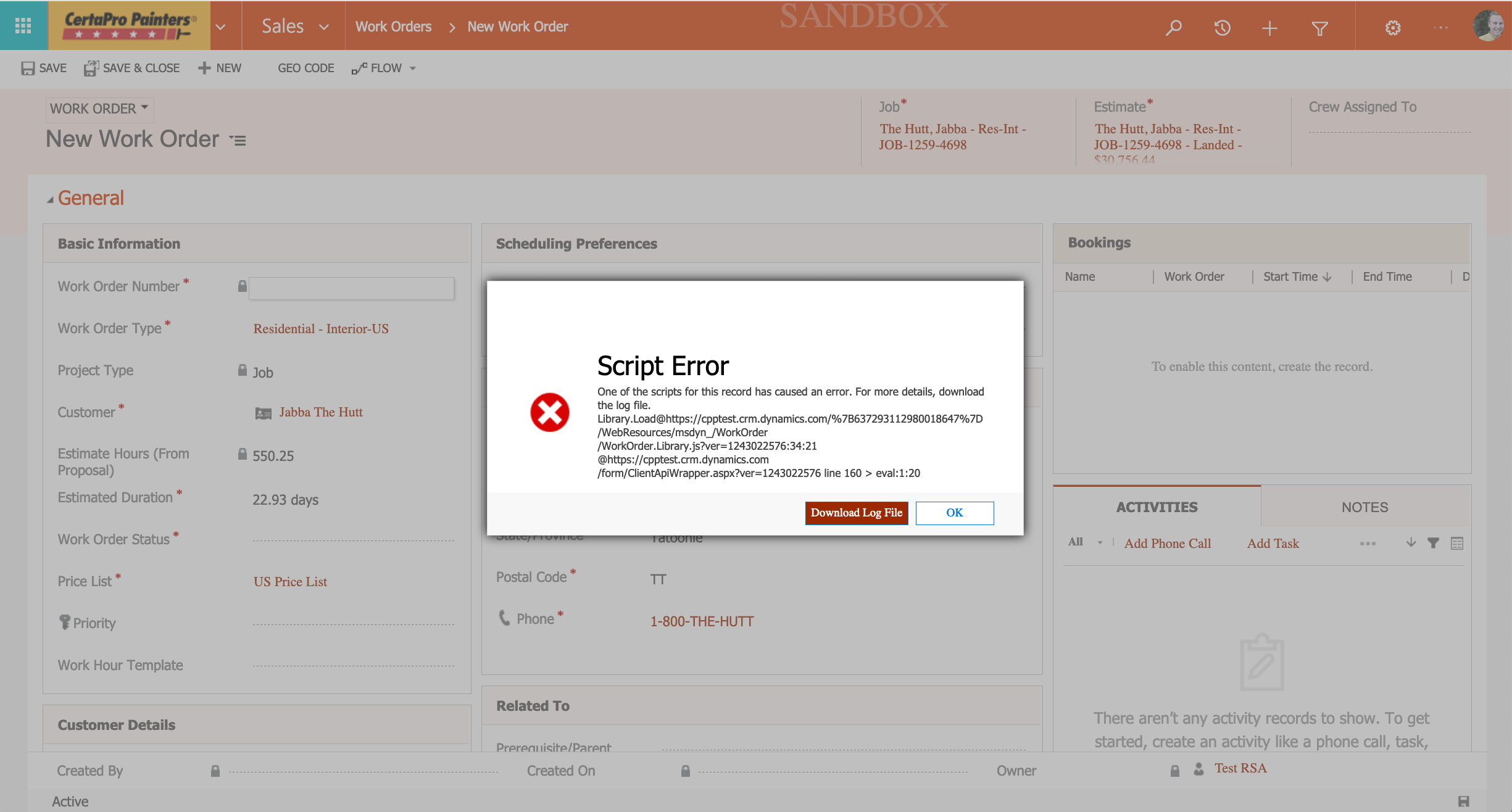
We disabled our own custom scripts to see if there is some kind of conflict, but even with all our custom scripts disabled, and only the three Microsoft native scripts enabled, the error still occurs.
We are using the 1.0.0.0 version of the Work Order form because that is where all our custom fields and logic exists.

You can see in the screen shot below that we disabled the only script we had that is custom.

Having done that, can anyone suggest why we might be getting errors with the Microsoft native scripts on an OOB form?
The script error details are not helpful and only show the following:
Library.Load@https://cpptest.crm.dynamics.com/{637293112980018647}/WebResources/msdyn_/WorkOrder/WorkOrder.Library.js?ver=1243022576:34:21
@https://cpptest.crm.dynamics.com/form/ClientApiWrapper.aspx?ver=1243022576 line 160 > eval:1:20
RunHandlerInternal@https://cpptest.crm.dynamics.com/form/ClientApiWrapper.aspx?ver=1243022576:160:1
RunHandlers@https://cpptest.crm.dynamics.com/form/ClientApiWrapper.aspx?ver=1243022576:118:19
OnScriptTagLoaded@https://cpptest.crm.dynamics.com/form/ClientApiWrapper.aspx?ver=1243022576:275:1
AppendScriptTag/scriptTag.onload/


