Announcements
No record found.
I have a problem regarding partial shipments and creating invoice from order. If I create an invoice a record is also added to "sales shipment header". When I want to get the "sales shipment header" by Order No. I get both the records of the orders. In my case I just want to get the records created for that shipment at that time. Is there a way to determine which "sales shipment header" is created for "Sales Invoice Header"? Is there a relation between the two?
Thanks in advance.
Hi, as far as I know, since there is a 1-to-many situation, they are not directly related.
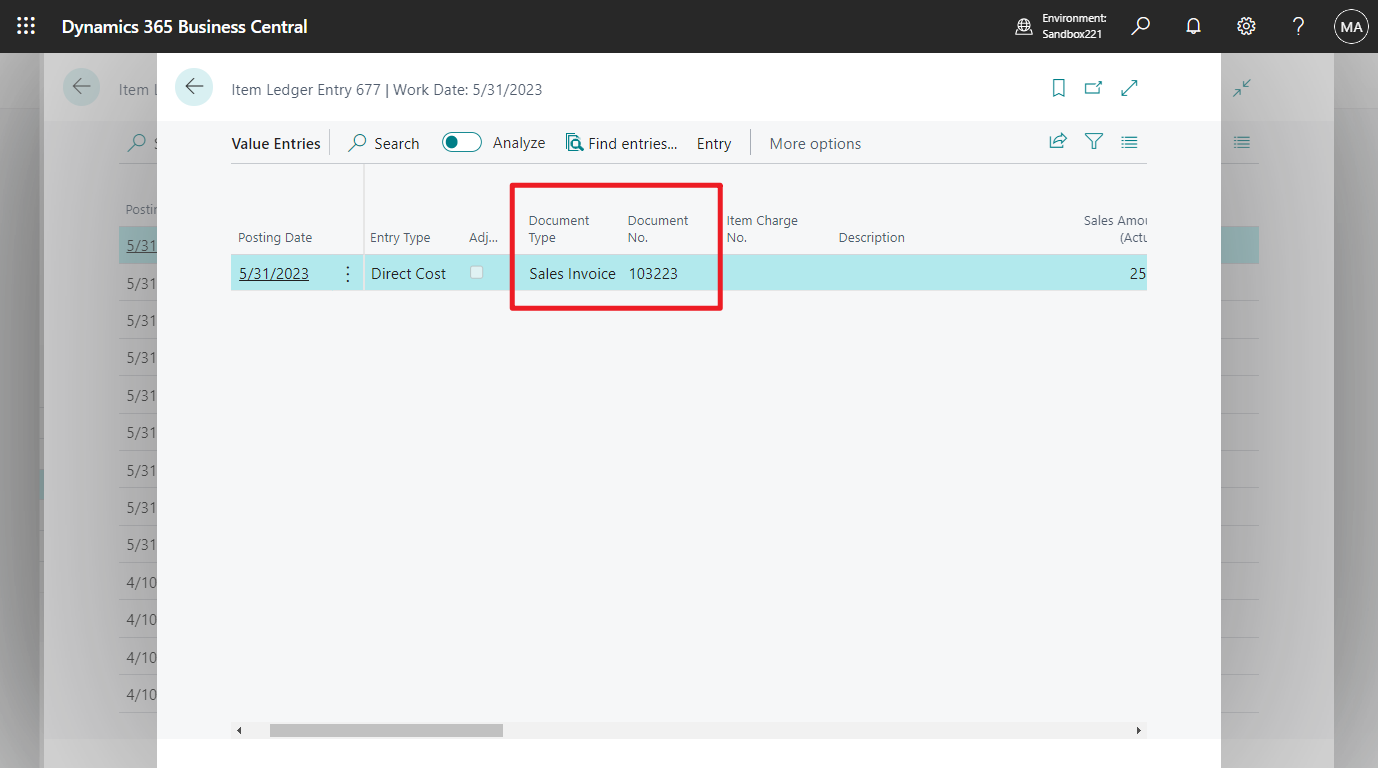
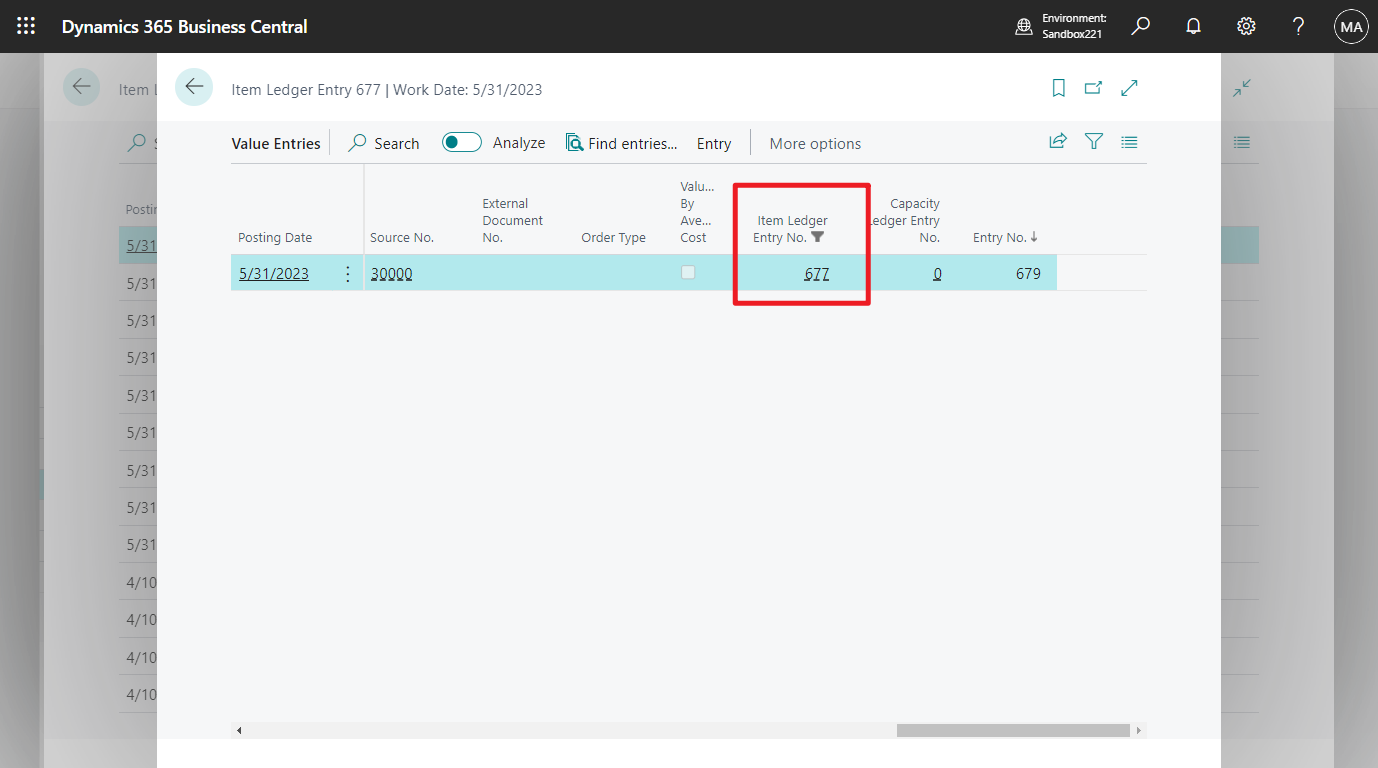
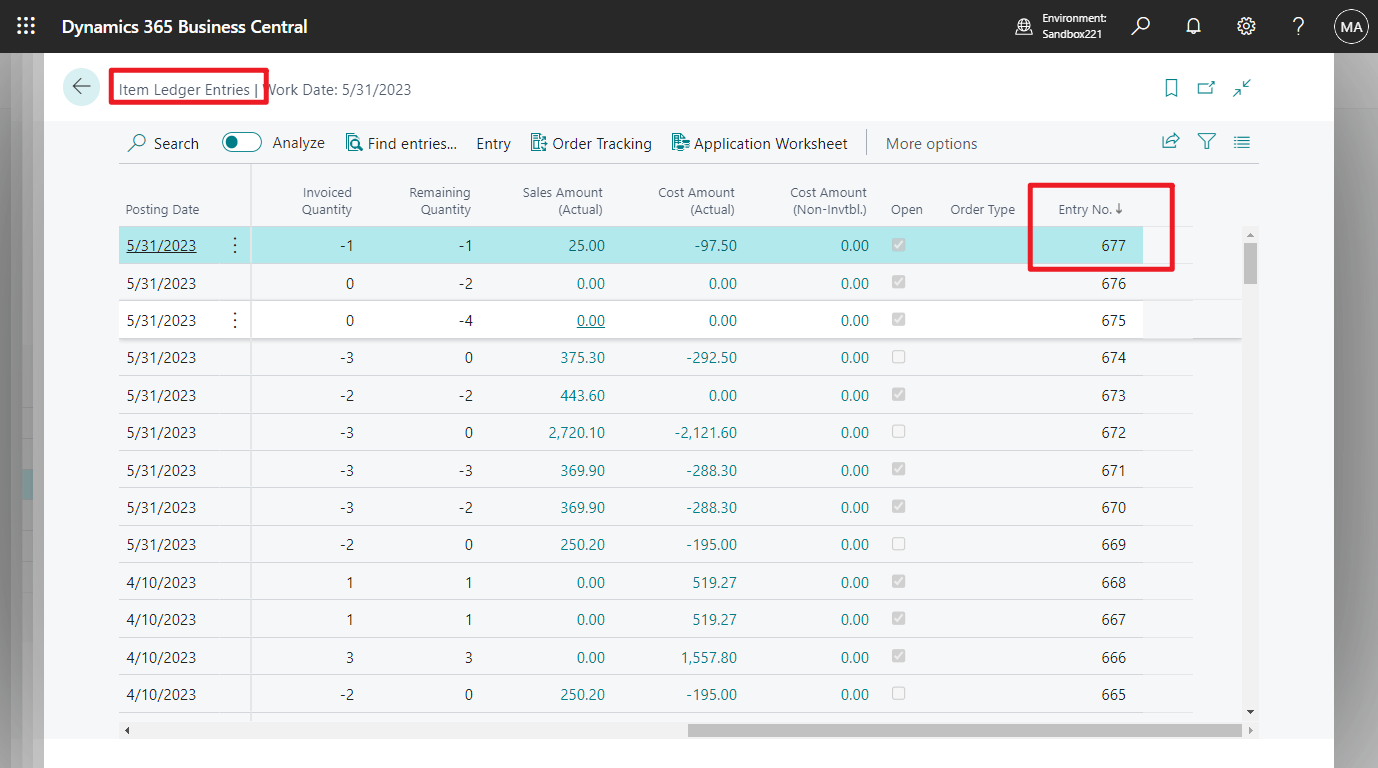
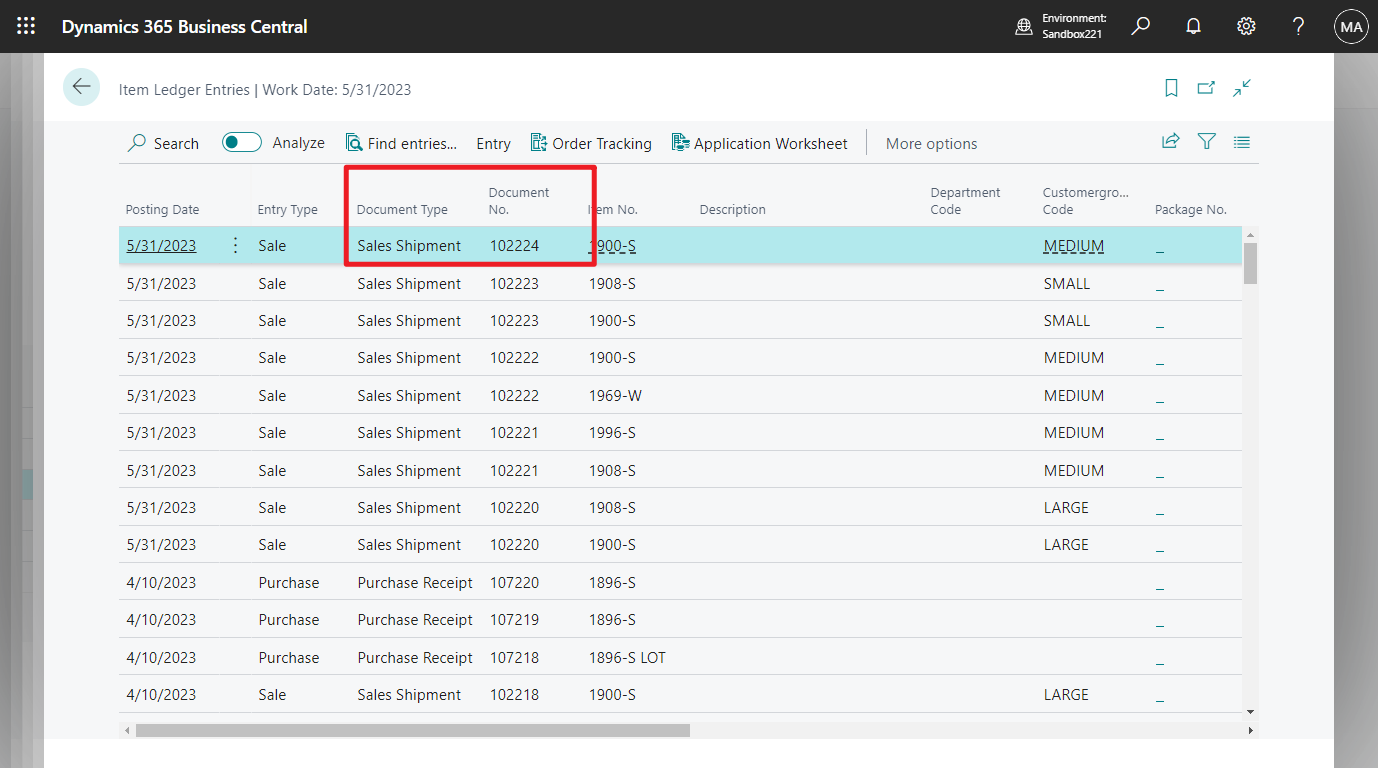
But in Item Ledger Entries and Value Entries, they are related by Item Ledger Entry No.
Hope this can give you some hints.
Thanks.
ZHU
Hi Zhu,
Thank you for clarifying that for me.But for example: If I have a "Sales Invoice Header" and I want to get the "Sales Shipment Header" for it in AL language, How would I be able to do so? Could you please give me an example?
What I did was:
Under review
Thank you for your reply! To ensure a great experience for everyone, your content is awaiting approval by our Community Managers. Please check back later.
Congratulations to our 2026 Super Stars!
We are thrilled to have these Champions in our Community!
These are the community rock stars!
Stay up to date on forum activity by subscribing.
OussamaSabbouh 2,024 Super User 2026 Season 1
YUN ZHU 1,383 Super User 2026 Season 1