Hi Peter,
We can edit left side menu by opening App Designer for marketing application in My Apps page:

The left side menu is called "Site Map" in App Designer:(click the pen icon to edit it)

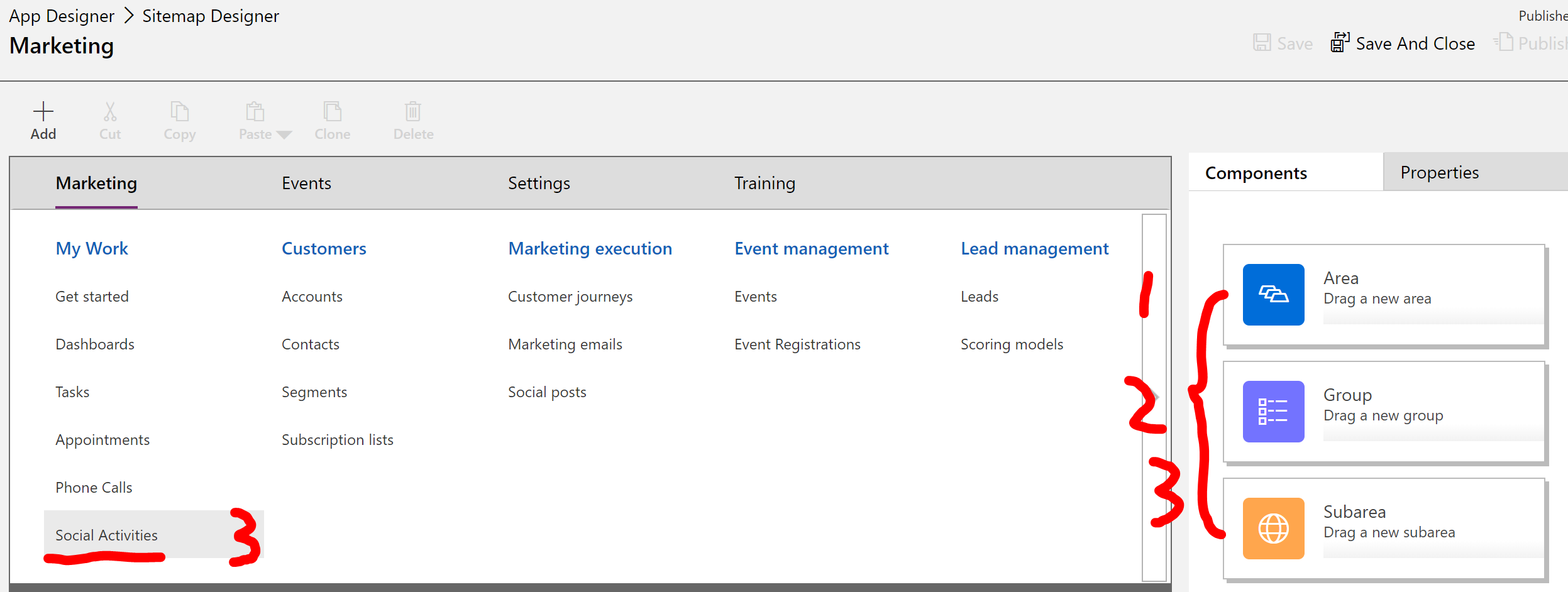
In the designer, an entity menu is called "Subarea":
we can add a new menu for custom entity by clicking "+New" or dragging a SUBAREA component to a group area.
Set the menu link to an Entity:

Remember to save and publish change:

Now a new item has been added to the menu:
(Area is whole menu, Marketing or Events or Settings are called area.)

Regards,
Clofly


