web
You’re offline. This is a read only version of the page.
close
Skip to main content

Announcements

No record found.

Community site session details

Community site session details

Session Id :
Small and medium business | Business Central, N...
Suggested Answer

Bill Of Material Posting Issue

(1) ShareShare
ReportReport
Posted on by
I've tried to post the Assembly BOM in my business central.
I can preview it but when im trying to post it then i'm getting this error: 
Inventory Adjmt. Account is missing in General Posting Setup Gen. Bus. Posting Group: '', Gen. Prod. Posting Group: MANUFACT.
I'm posting the whole process here: 
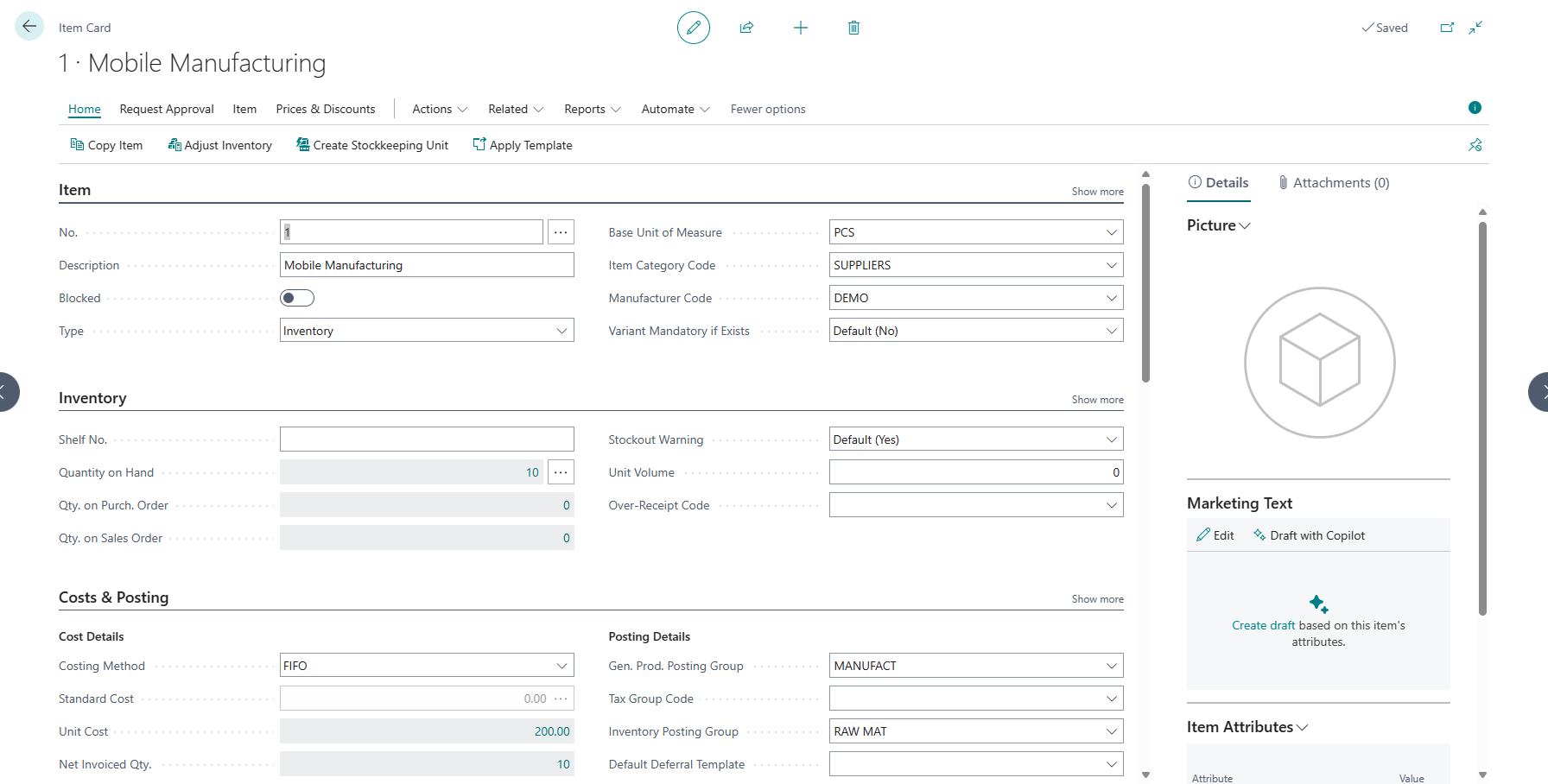
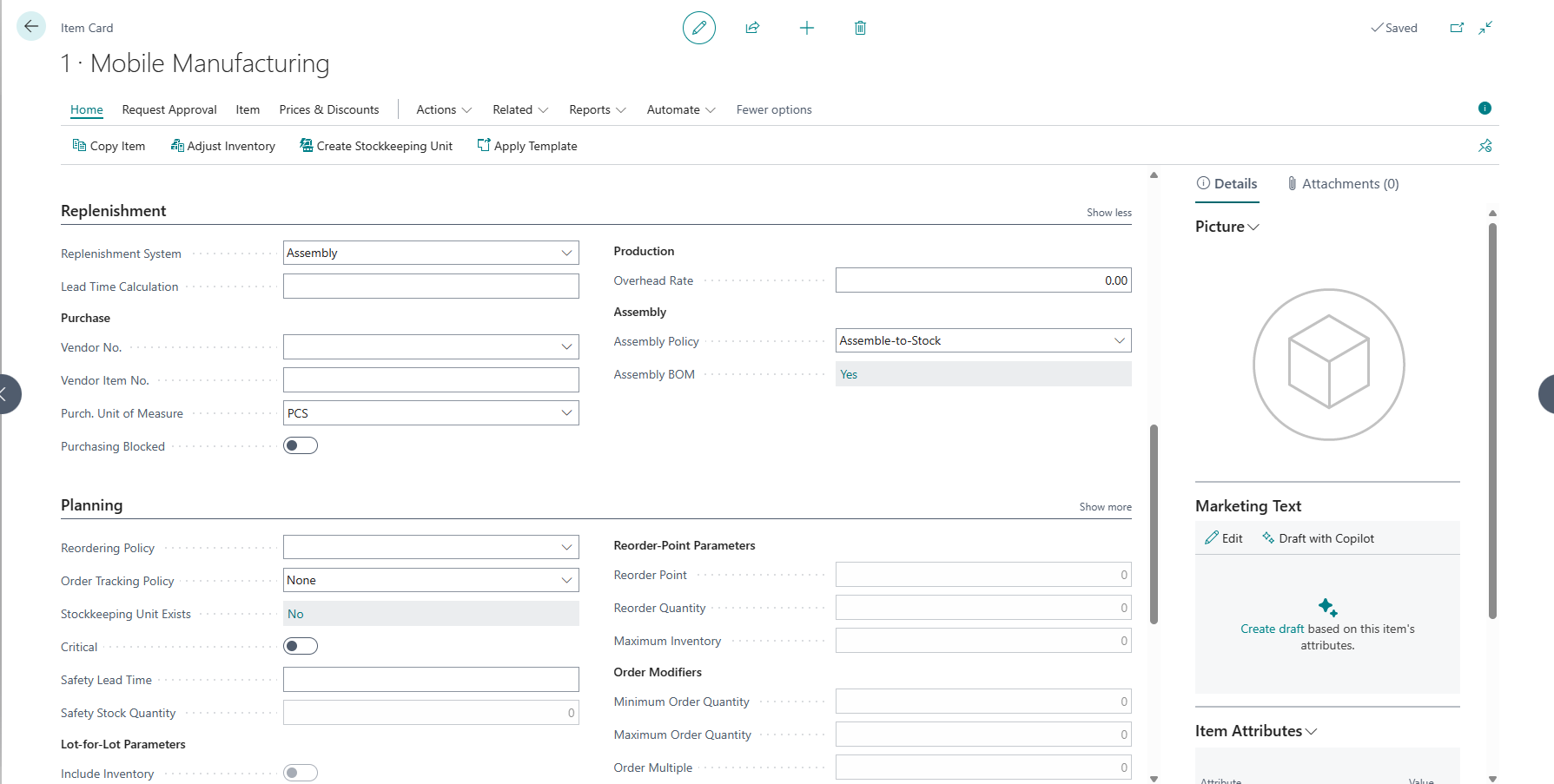
////Setting the BOM
 
////////Now posting the assembly order
////And I'm getting this error..
Can anyone guide me how to solve it
I have the same question (0)
  • Suggested answer
    Valentin Castravet Profile Picture
    31,935 Super User 2026 Season 1 on at
    Go to the General Posting Setup Page, find the row with a blank Gen. Bus. Posting Group, and with the Gen. Prod. Posting Group MANUFACT. Populate the Inventory Adjmt. Account field. 
     
     
    For example:


    When you consume an item on an assembly order the system will Credit the Inventory Account and Debit the Inventory Adjmt. Account. It will do the opposite of that entry for the item being assembled. Your Inventory Adjmt. Account is empty hence the error.
     
     
  • Suggested answer
    Jun Wang Profile Picture
    8,208 Moderator on at
    Valentin provides the solution. this is an error caused by incomplete setup and pretty straightforward to fix. the reason why BC asks for a blank business posting is likely because you are creating the assembly order independent of a sales order. For example, this might be an assembly to stock item and there is no business posting group for such assembly order. The blank posting group serves as a catch all setup to prevent posting error like your situation.
     
    Jun Wang

Under review

Thank you for your reply! To ensure a great experience for everyone, your content is awaiting approval by our Community Managers. Please check back later.

Helpful resources

Quick Links

Introducing the 2026 Season 1 community Super Users

Congratulations to our 2026 Super Stars!

Congratulations to our 2025 Community Spotlights

Thanks to all of our 2025 Community Spotlight stars!

Leaderboard > Small and medium business | Business Central, NAV, RMS

#1
OussamaSabbouh Profile Picture

OussamaSabbouh 2,515 Super User 2026 Season 1

#2
YUN ZHU Profile Picture

YUN ZHU 1,241 Super User 2026 Season 1

#3
Dhiren Nagar Profile Picture

Dhiren Nagar 1,152 Super User 2026 Season 1

Last 30 days Overall leaderboard

Featured topics

Product updates

Dynamics 365 release plans