web
You’re offline. This is a read only version of the page.
close
Skip to main content

Announcements

No record found.

News and Announcements icon
Community site session details

Community site session details

Session Id :
Customer experience | Sales, Customer Insights,...
Suggested Answer

Exclude Merged Records from Duplicate Detection job

(0) ShareShare
ReportReport
Posted on by 184

Hi all,

I have duplicate detection rules set up for contacts (which is quite basic, same first and last name, same email address).  When I run duplicate detection job for all active contacts, it shows records that are already merged. How do I exclude Merged records?

pastedimage1593649093170v1.png

When the record has already been merged, why does it still say as "Potential duplicate record"?

Cheers

Deeksha

I have the same question (0)
  • Suggested answer
    LuHao Profile Picture
    40,892 on at

    Hi partner,

    We can create a view to filter all non-merged records, and then create a Duplicate Detection job for this view.

    Please refer to https://community.dynamics.com/crm/f/microsoft-dynamics-crm-forum/223601/list-of-merged-records

    The Contact entity has a field "masterid" to indicate the ID of the record is was merged into.
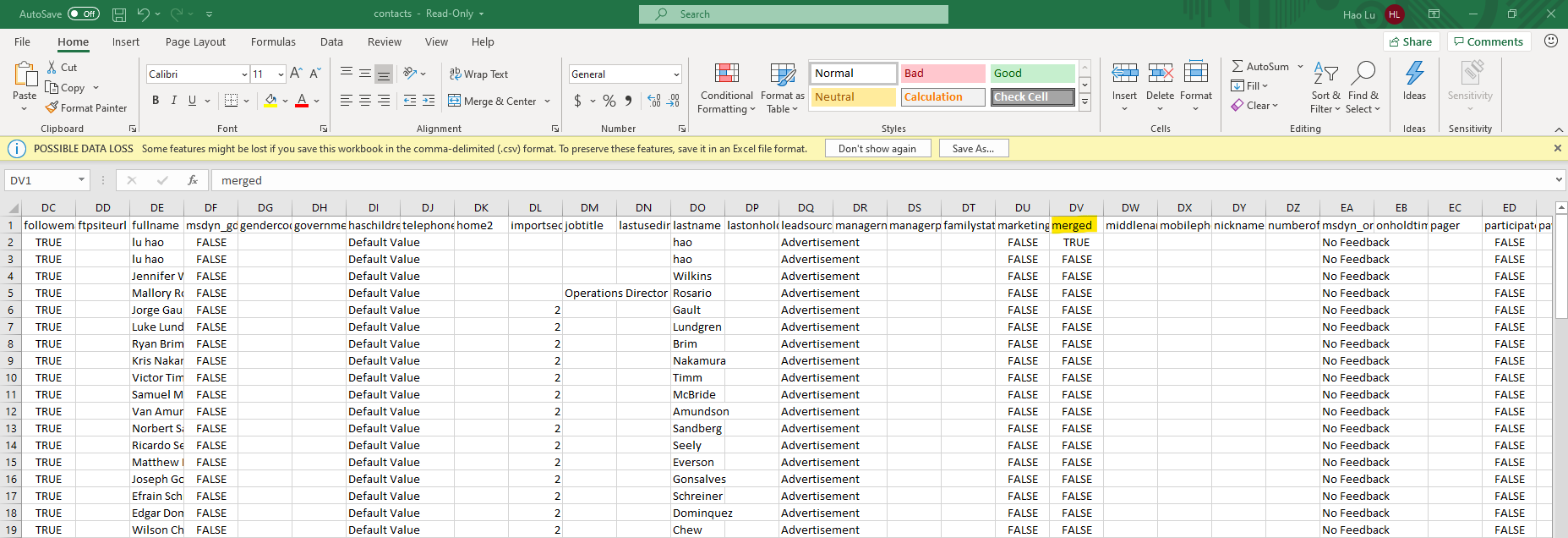
    pastedimage1593681994363v1.png

    This field is not available for conditions in the advanced find, so you won't be able to build a View on this condition.

    We will use the "View Designer" tool of XrmToolBox to set the conditions of the view.

    First new a Contact view to show non-merged contacts.

    This is the download page of XrmToolBox: https://www.xrmtoolbox.com/

    After downloading and extracting it, open XrmToolBox.exe.

    Use your account to connect to the D365 organization.

    Install "View Designer" in the Tool Library.

    Open "View Designer", click Open button to select Contact and the new view.
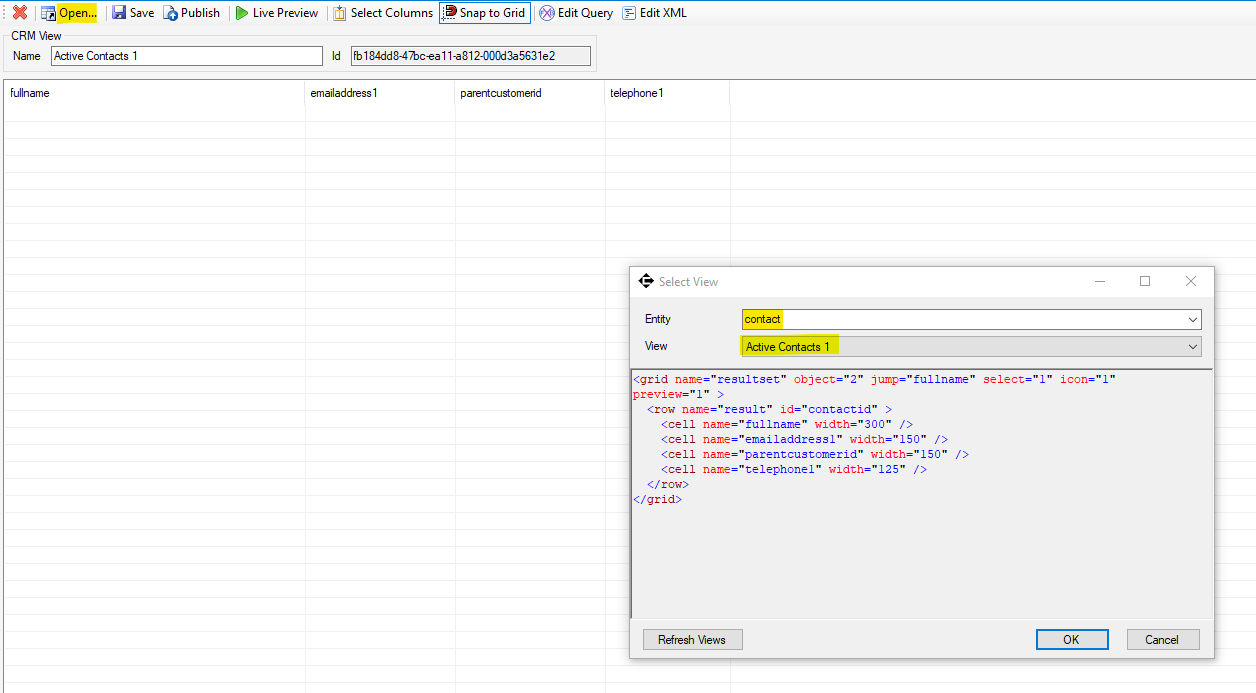
    pastedimage1593683440865v2.png

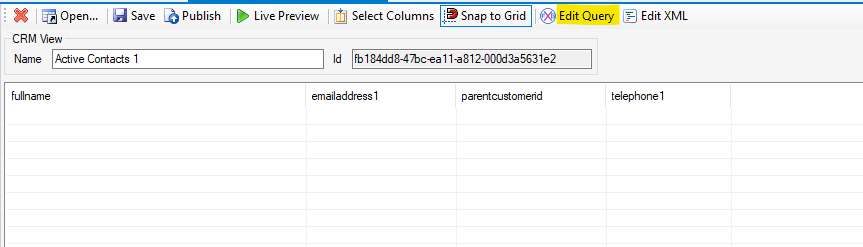
    Then click Edit Query button.

    pastedimage1593683475970v3.png

    Between <filter type="and"> and </filter>, add <condition attribute="masterid" operator="null" />

    Then click OK button, click Return FetchXML button.
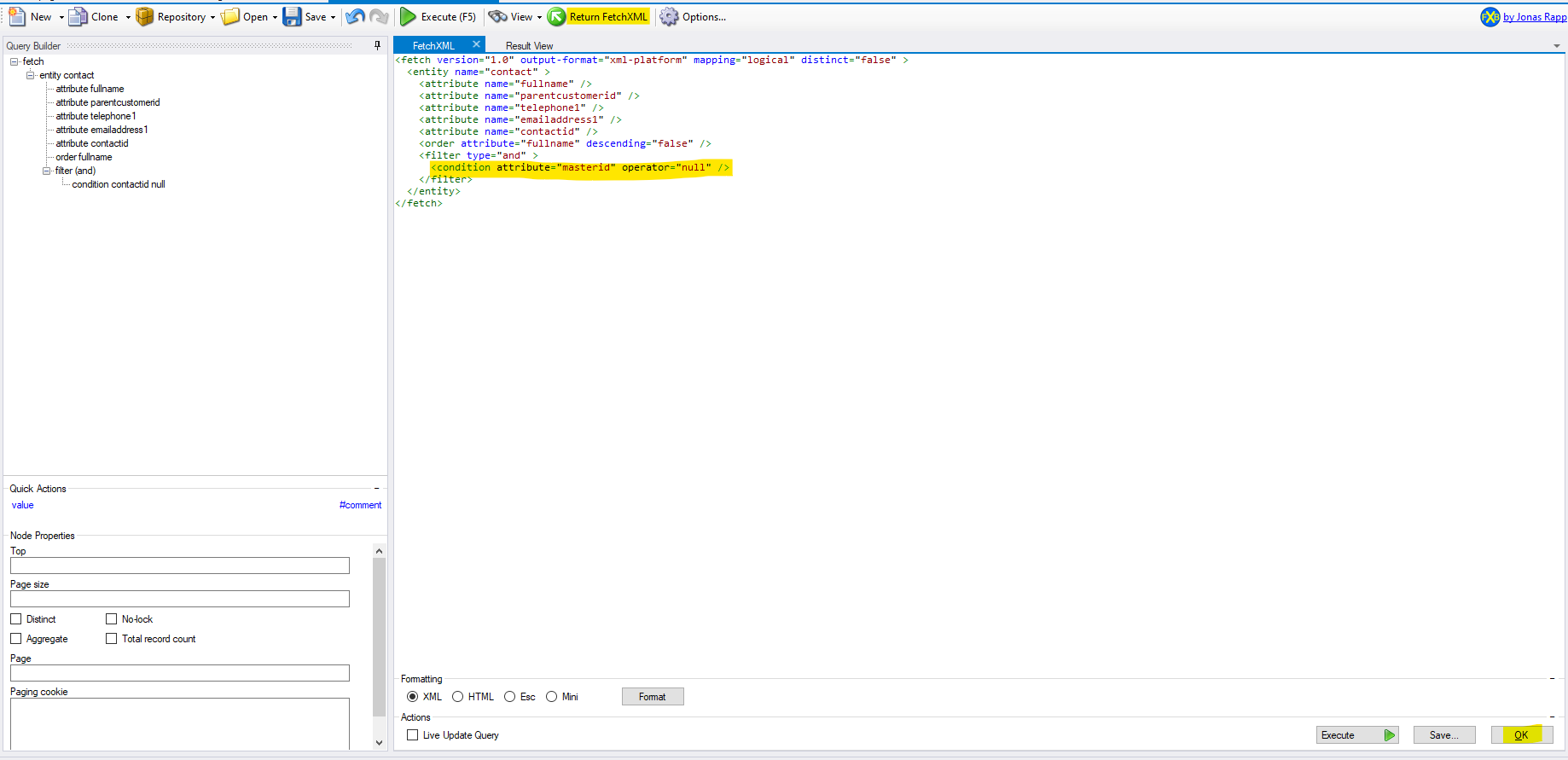
    pastedimage1593683585698v4.png

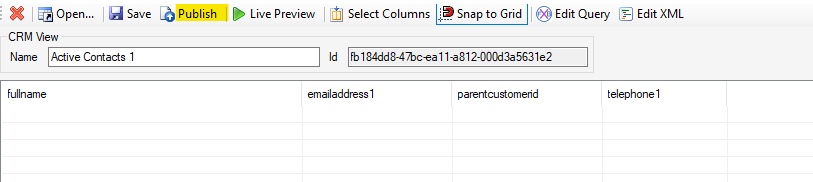
    Finally click Publish button.

    pastedimage1593683643502v5.png

    Go back to D365, when new a duplicate detection job, select the modified view.
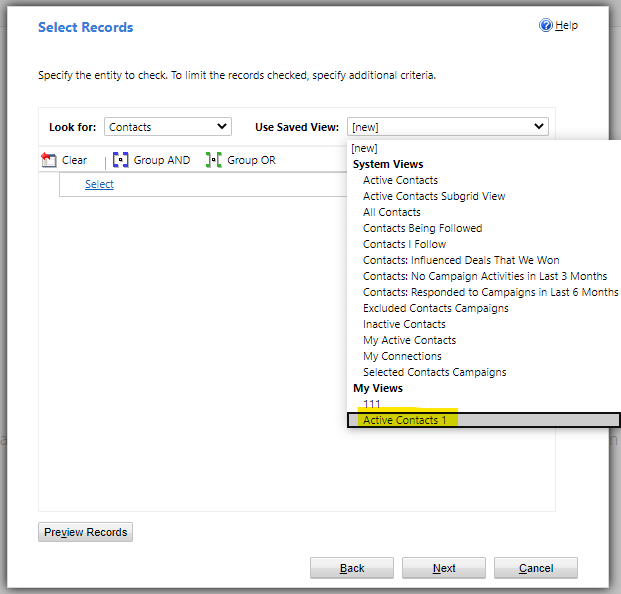
    pastedimage1593683699443v6.png

  • LuHao Profile Picture
    40,892 on at

    Hi partner,

    Has the problem been solved? Any updates?

    Please click Yes under "Did this answer your question?" to close this thread.

    pastedimage1594368766083v1.png

    Thanks.  : ) 

Under review

Thank you for your reply! To ensure a great experience for everyone, your content is awaiting approval by our Community Managers. Please check back later.

Helpful resources

Quick Links

Introducing the 2026 Season 1 community Super Users

Congratulations to our 2026 Super Stars!

Meet the Microsoft Dynamics 365 Contact Center Champions

We are thrilled to have these Champions in our Community!

Congratulations to the April Top 10 Community Leaders

These are the community rock stars!

Leaderboard > Customer experience | Sales, Customer Insights, CRM

#1
ManoVerse Profile Picture

ManoVerse 130 Super User 2026 Season 1

#2
11manish Profile Picture

11manish 117

#3
Muhammad Shahzad Shafique Profile Picture

Muhammad Shahzad Sh... 69 Most Valuable Professional

Last 30 days Overall leaderboard

Product updates

Dynamics 365 release plans