web
You’re offline. This is a read only version of the page.
close
Skip to main content

Announcements

No record found.

News and Announcements icon
Community site session details

Community site session details

Session Id :
Customer experience | Sales, Customer Insights,...
Suggested Answer

Why isn't our Security Roles restricting users from seeing others records on a view?

(0) ShareShare
ReportReport
Posted on by 50

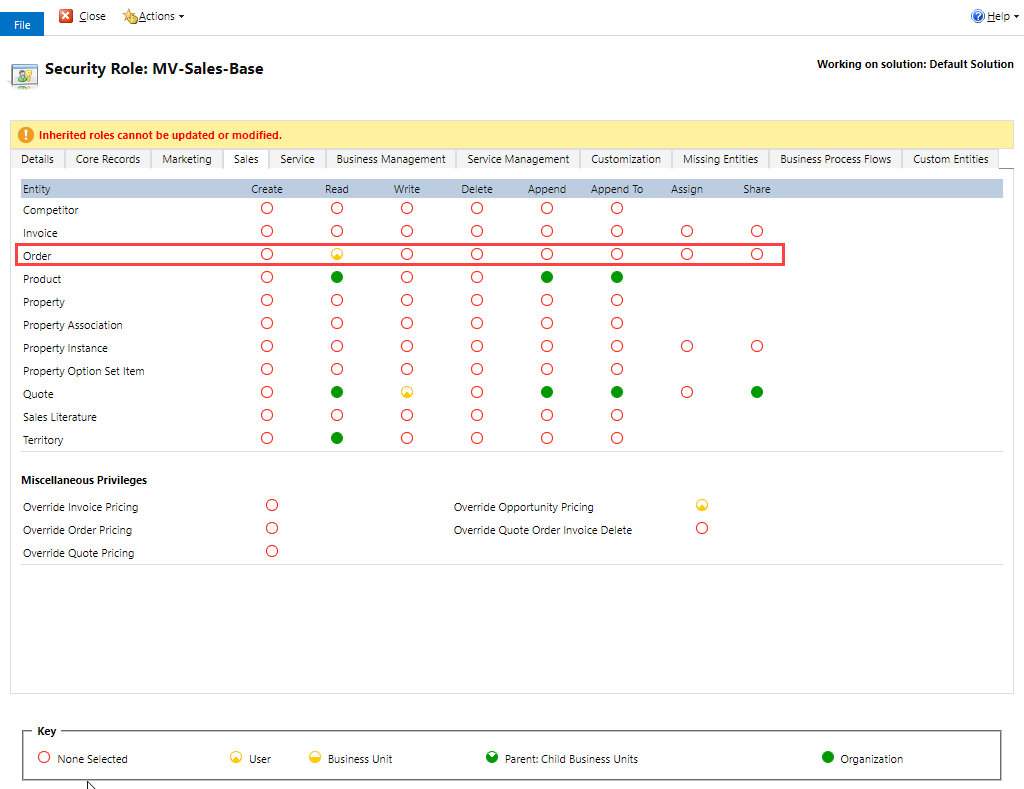
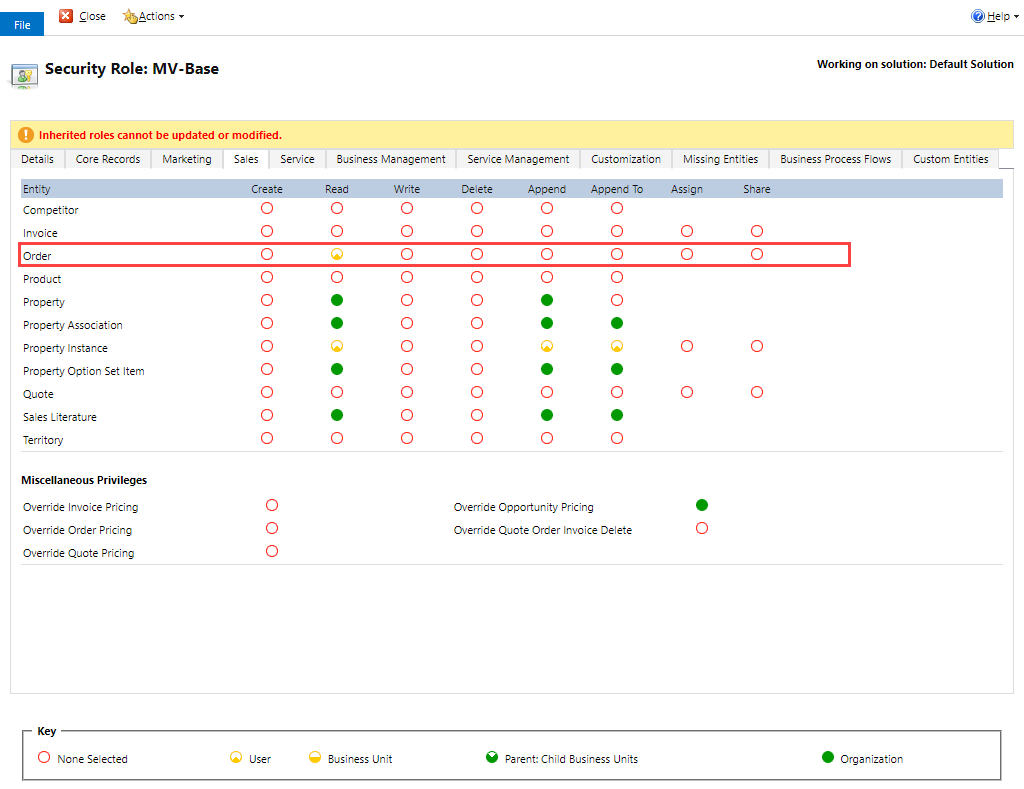
We are attempting to restrict users from seeing other users Sales Orders.  I have setup User Read rights on the Security Roles, but the test user can still see "All Orders".

Test User:
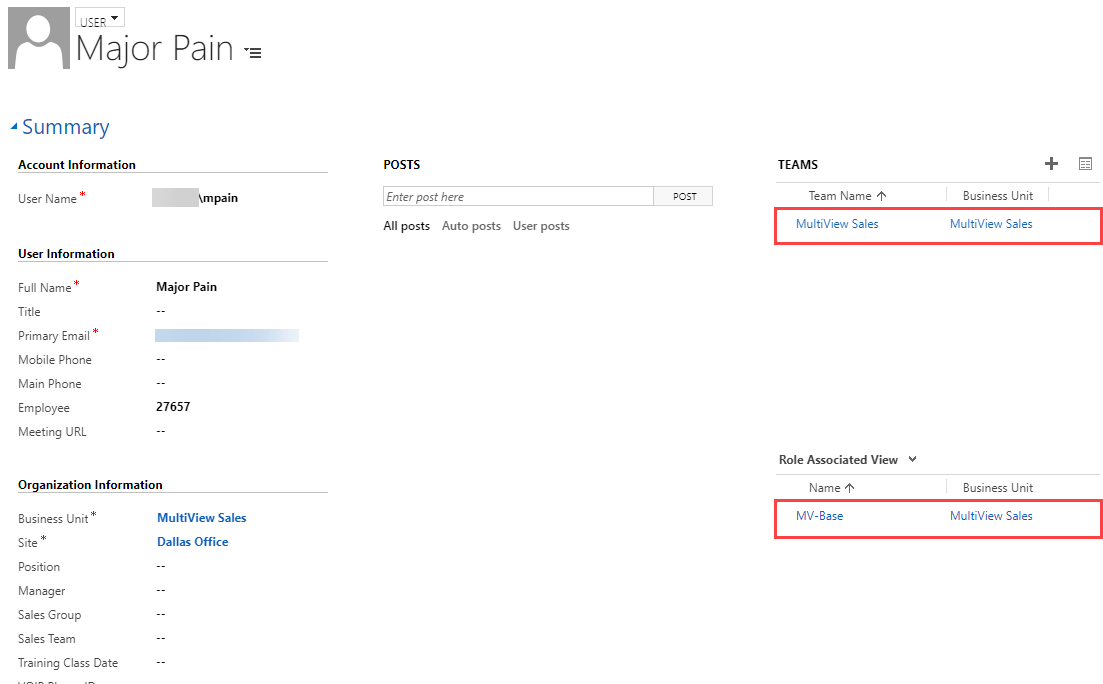
pastedimage1630338566055v4.png

Test Users Team Permissions:

pastedimage1630338629425v5.png

Test Users Role Permissions:

pastedimage1630338638460v6.png

Test Users View:

pastedimage1630338648783v7.png

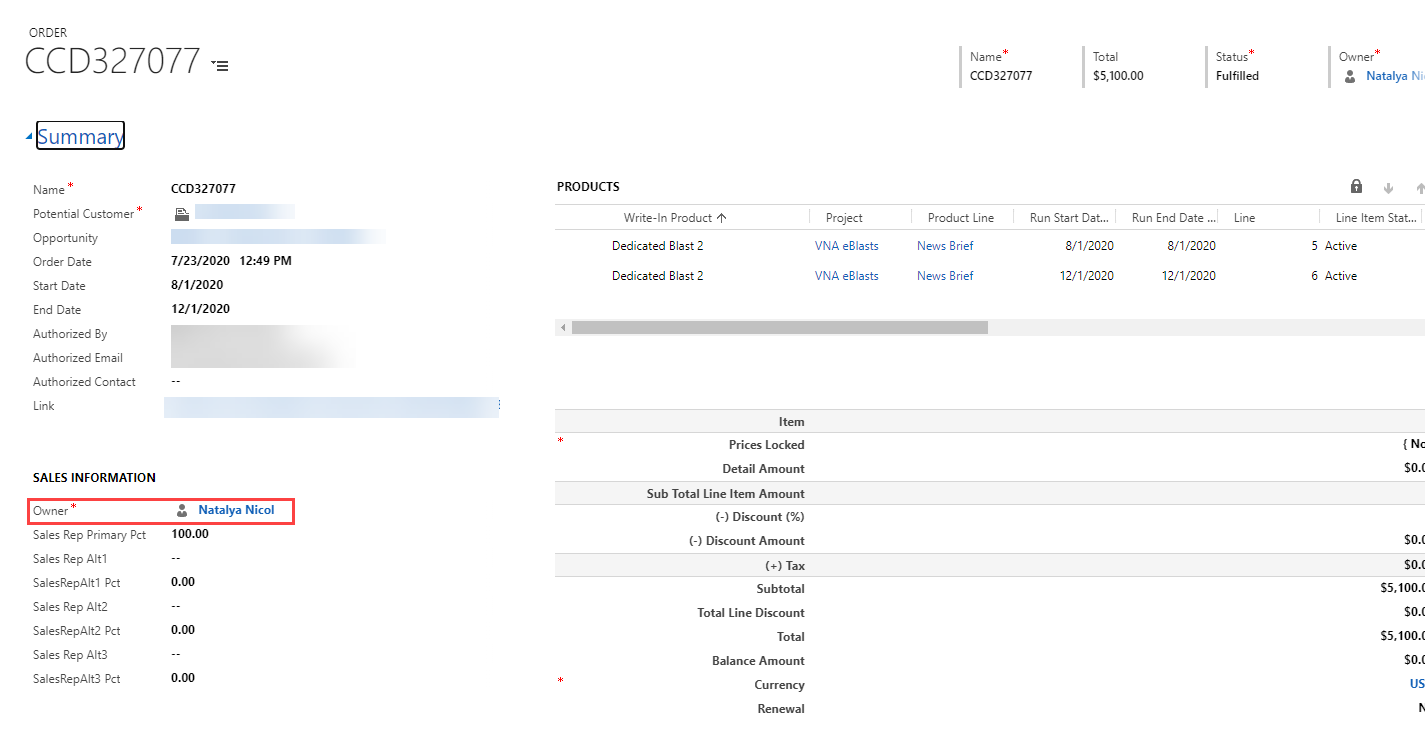
Test Users Access to others Records:  

pastedimage1630338657921v8.png

I have the same question (0)
  • Suggested answer
    Kenneth Ariel Chaves Herrera Profile Picture
    Microsoft Employee on at

    Hi DavidDe, I hope you are doing good.

    I can use record-based security to control access to sale orders records to specific users.

    Here documentation that will help:

    Use record-based security to control access to records (Developer Guide for Dynamics 365 Customer Engagement) | Microsoft Docs

    If this answers your question, please check it as verified to help others finding useful information.

    Welcome to this amazing community.

  • DavidDe Profile Picture
    50 on at

    Hello Kenneth,

    I believe that is how I have this setup with the users having only User read access.  But it is still not working as expected.

  • Rakesh90 Profile Picture
    200 on at

    Hi,

    Can you double check that the default team 'MultiView Sales' does not have any security roles assigned?

    You can also use 'Access checker' tool from the Xrmtoolbox to check the user's access to the Order entity

    pastedimage1630491880433v1.png

    If the above suggestion worked, please mark my answer as verified

  • DavidDe Profile Picture
    50 on at

    Hello Rakesh, thank you for the reply.

    I tried to use the 'Access Checker' in XRMToolBox, but you can only search by User and 'Multiview Sales' is a Team.  

    Although using XRMToolBox I did pull these permissions to show that Multiview Sales should only have Read rights to Orders.

    Using 'Access Security Roles' in XRMToolBox:

    pastedimage1630510955787v1.png

Under review

Thank you for your reply! To ensure a great experience for everyone, your content is awaiting approval by our Community Managers. Please check back later.

Helpful resources

Quick Links

Introducing the 2026 Season 1 community Super Users

Congratulations to our 2026 Super Stars!

Meet the Microsoft Dynamics 365 Contact Center Champions

We are thrilled to have these Champions in our Community!

Congratulations to the April Top 10 Community Leaders

These are the community rock stars!

Leaderboard > Customer experience | Sales, Customer Insights, CRM

#1
Muhammad Shahzad Shafique Profile Picture

Muhammad Shahzad Sh... 69 Most Valuable Professional

#2
ManoVerse Profile Picture

ManoVerse 62 Super User 2026 Season 1

#3
11manish Profile Picture

11manish 43

Last 30 days Overall leaderboard

Product updates

Dynamics 365 release plans