web
You’re offline. This is a read only version of the page.
close
Skip to main content

Notifications

Announcements

No record found.

Community site session details

Community site session details

Session Id :
Finance | Project Operations, Human Resources, ...
Answered

Custom Fields not appearing in the export - to excel nor in the worker table

(0) ShareShare
ReportReport
Posted on by 175

Hi Experts  & Support,

I have added 2 custom fields i.e. 'Employment Status' & 'Resident Status' in the Employee page. When the Employee page is opened in Excel (exported the data), the newly added custom fields are not appearing. Through data-connector tried to search the custom fields but in the tables also couldn't found the columns (please refer below the screenprint.

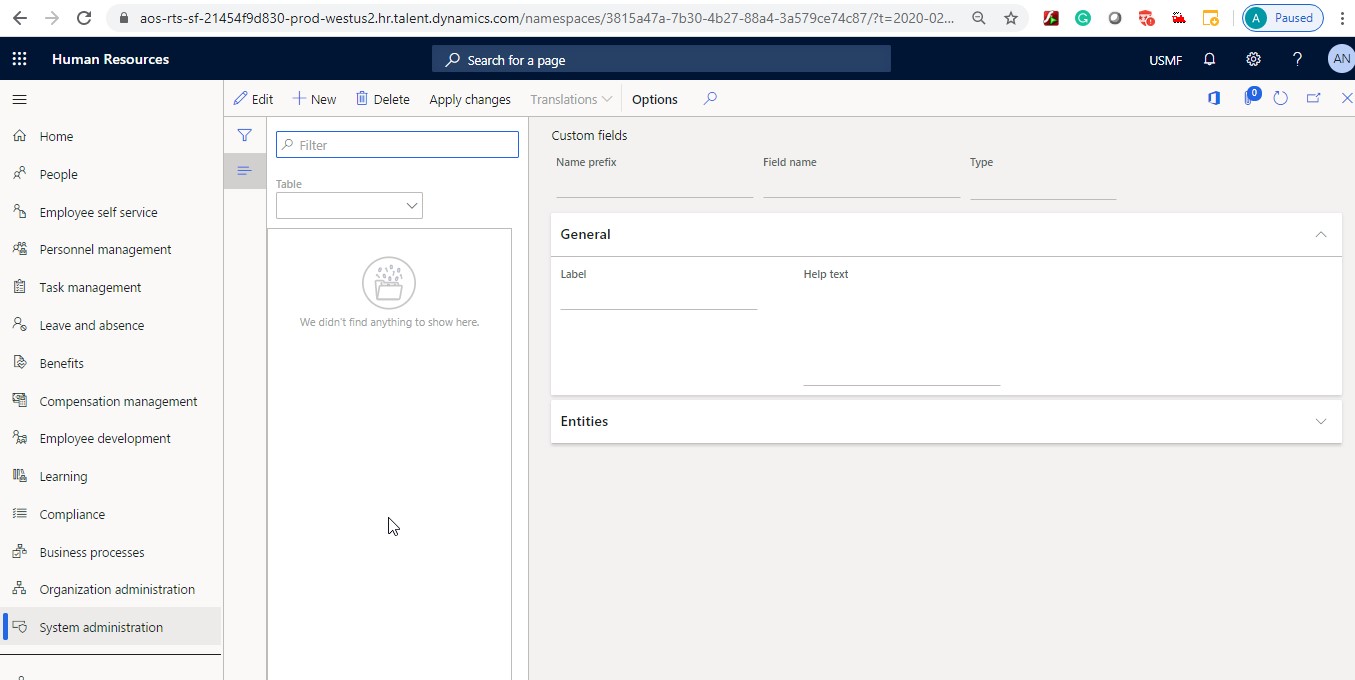
In the System Administration --> Custom Field page, the newly added custom fields are not appearing.

Note: System Administration --> Personalization page, access of newly added custom fields are given to all users. 

Kindly help.
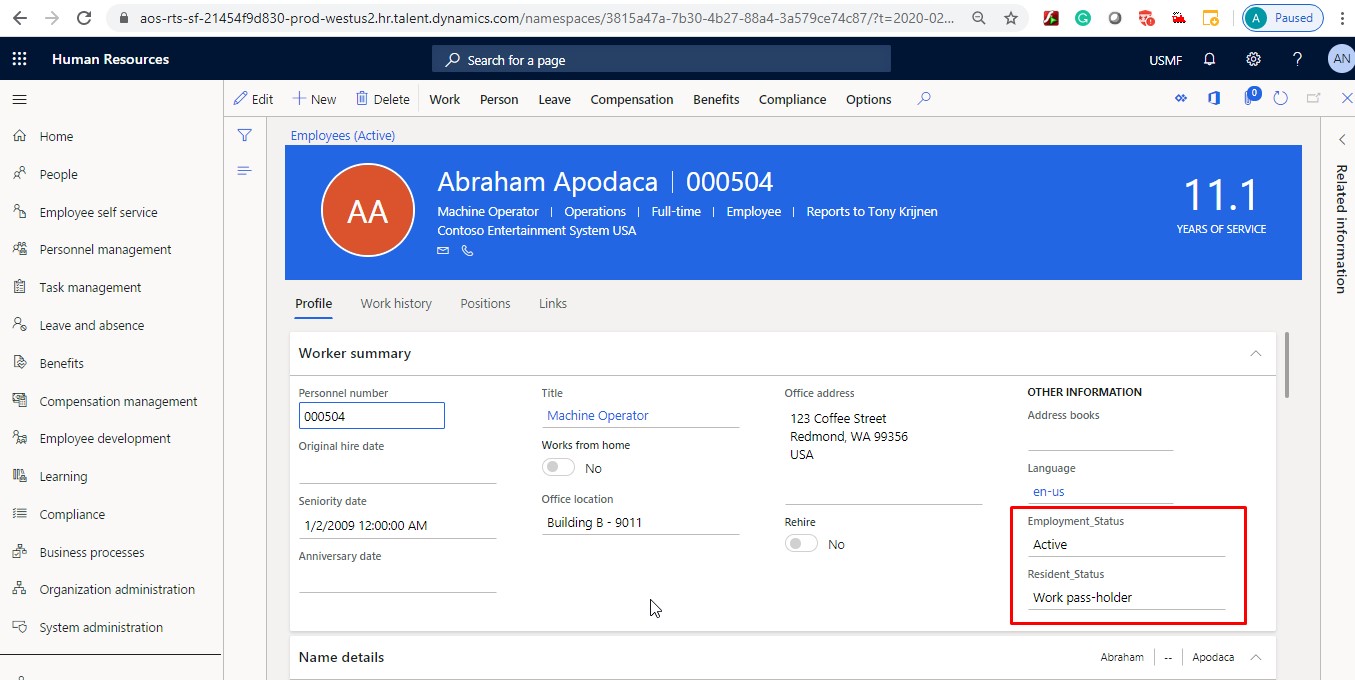
In-the-Excel_2C00_-Custom-Fields-are-not-appearing-when-exported.jpg

Custom-Field-Page.jpg

I have the same question (0)
  • Verified answer
    Community Member Profile Picture
    on at

    Hi Anwar,

    Please note that once you have created a new custom field it has to be added to the right table and later the new field has to added/ enabled on the correct entity.

    pastedimage1580981489795v7.png

    pastedimage1580980536681v4.png

    pastedimage1580981561688v8.png

    When you have saved all your changes and applied them, you may export the entity via excel workbook designer which will have the new field or else go to 
    make.powerapps.com, select the right environment

    pastedimage1580981910657v9.png

    Search for the right entity, verify if the custom field has been correctly added or not-
    pastedimage1580981980979v10.png

    Click on Edit data in excel-

    pastedimage1580982072792v11.png

    pastedimage1580982125769v12.png

    This workbook has the new custom field by which you can either export or push new data into the system.

    Note:- Standard export will not fetch custom field and related data simply because the new field is not a part of standard entity.

    Hope this helps! Good luck.

  • anwarahmed Profile Picture
    175 on at

    Hi Konica Dixit,

    Thank you for your details reply. Appreaciate your efforts.

  • yadavA Profile Picture
    60 on at

    Hi Konica,

    I tried exporting the custom field into excel but couldn't get the custom field. Please could you tell what am I here.

    pastedimage1581503403409v1.png

Under review

Thank you for your reply! To ensure a great experience for everyone, your content is awaiting approval by our Community Managers. Please check back later.

Helpful resources

Quick Links

Responsible AI policies

As AI tools become more common, we’re introducing a Responsible AI Use…

Neeraj Kumar – Community Spotlight

We are honored to recognize Neeraj Kumar as our Community Spotlight honoree for…

Leaderboard > Finance | Project Operations, Human Resources, AX, GP, SL

#1
Martin Dráb Profile Picture

Martin Dráb 692 Most Valuable Professional

#2
André Arnaud de Calavon Profile Picture

André Arnaud de Cal... 558 Super User 2025 Season 2

#3
Sohaib Cheema Profile Picture

Sohaib Cheema 364 User Group Leader

Last 30 days Overall leaderboard

Product updates

Dynamics 365 release plans