web
You’re offline. This is a read only version of the page.
close
Skip to main content

Notifications

Announcements

No record found.

Community site session details

Community site session details

Session Id :
Small and medium business | Business Central, N...
Suggested Answer

Importing open Sales Orders - what item fields are needed when doing Lots/Serial/Reservations?

(0) ShareShare
ReportReport
Posted on by

We are getting ready to go live on Business Central and are working through setting up a configuration package to bring in our open Sales Orders. The difficulty we are running into is some items were giving us a message that the "Quantity (Base)" field needed to be populated. I added that and some items came in, but some didn't and am now getting an error on some items "Reserved Qty. (Base) must be equal to '0' in Sales Line: Document Type = Order, Document No.= XXXXXXXXXXXX"
Is there any guidance as to what is needed for this and when? Also, I don't even see the Reserved Qty. (Base) field as a field I can add to the configuration pack.

Thanks,

Kevin

I have the same question (0)
  • Guy McKenzie Profile Picture
    1,336 on at

    If you are importing item tracking lines, these go into the reservation entry table.

    Have you tried importing the sales line first and then the reservation line?

    If you have the reservation line in prior to the sales line, you will get errors like the one you are experiencing.

    If you have created reservation entries, they are not always the easiest to clear. Is this a live environment or a pre go-live?

  • Suggested answer
    Francisco Bedolla Profile Picture
    1,123 on at

    Hi

    You need to make a development or create a import package with reservation line as Guy explains

    the problem is

    when you make a sale, you select an item in the sales line, IF the item has tracking, then is marke to look for a reservation entry line, if bc doesnt find the line, then asks the user to add the item tracking info (ie lot no) and this happends in another table different from the sales line, so, you need to:

    create a sales order

    add a sales line

    manually add the lot info

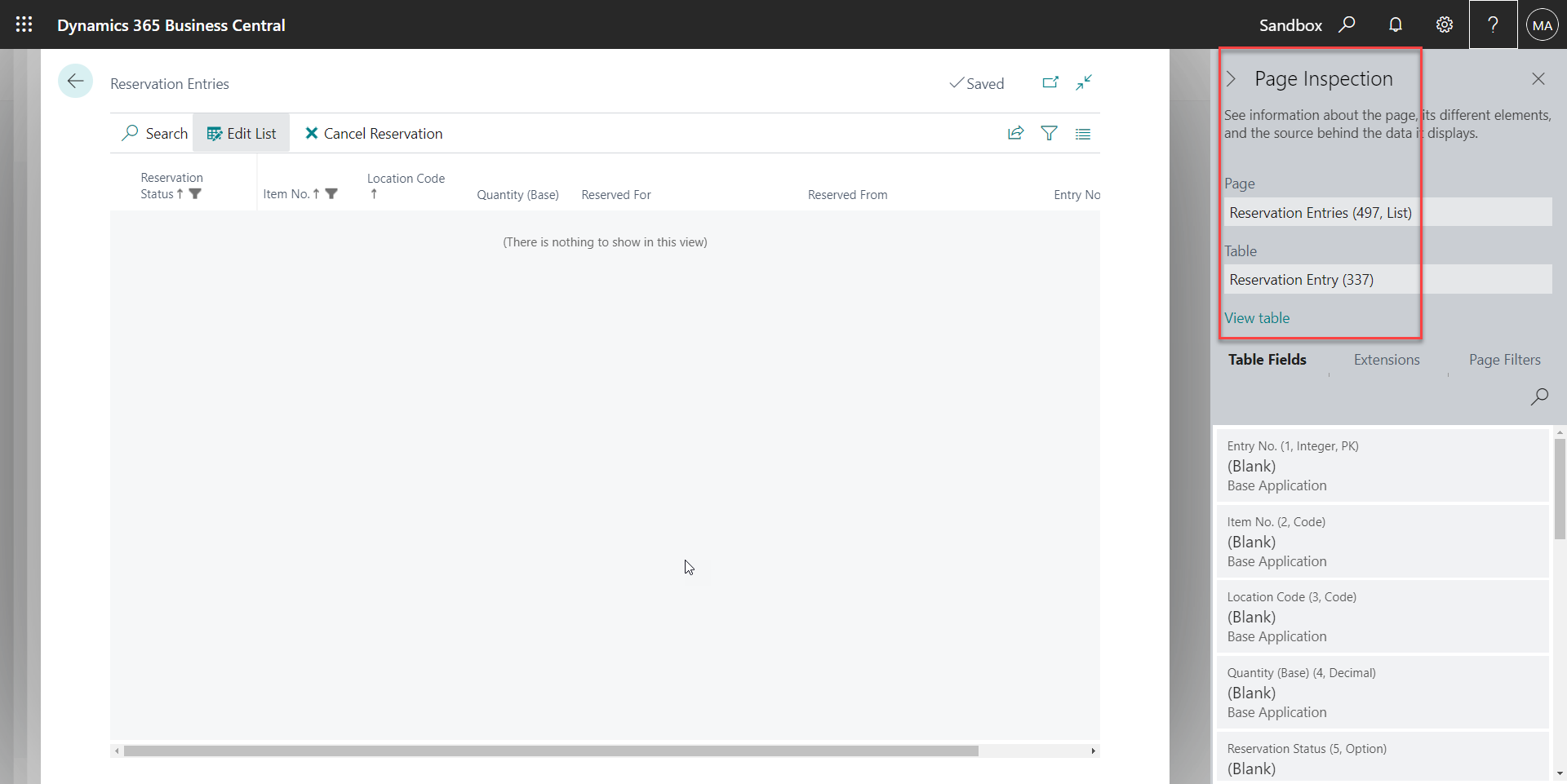
    then open the table reservation entry (view table) and copy that to excel
    pastedimage1658095169298v1.png

    analyze the table data looking for the table 37 (sales line)

    try to emulate that info in a second order using your package adding the table and the required data 

  • Suggested answer
    Inge M. Bruvik Profile Picture
    1,105 Moderator on at

    I think you will struggle to import reservation lines and at the same time keep you data consistent.

    My recommendation would be to import the sales orders and then do the reservation afterwards either manually or in code.

Under review

Thank you for your reply! To ensure a great experience for everyone, your content is awaiting approval by our Community Managers. Please check back later.

Helpful resources

Quick Links

Responsible AI policies

As AI tools become more common, we’re introducing a Responsible AI Use…

Neeraj Kumar – Community Spotlight

We are honored to recognize Neeraj Kumar as our Community Spotlight honoree for…

Leaderboard > Small and medium business | Business Central, NAV, RMS

#1
OussamaSabbouh Profile Picture

OussamaSabbouh 3,229

#2
Jainam M. Kothari Profile Picture

Jainam M. Kothari 1,867 Super User 2025 Season 2

#3
YUN ZHU Profile Picture

YUN ZHU 1,153 Super User 2025 Season 2

Last 30 days Overall leaderboard

Featured topics

Product updates

Dynamics 365 release plans
