web
You’re offline. This is a read only version of the page.
close
Skip to main content

Announcements

News and Announcements icon
Community site session details

Community site session details

Session Id :
Small and medium business | Business Central, N...
Suggested Answer

Report Extension

(0) ShareShare
ReportReport
Posted on by

Hello Experts,

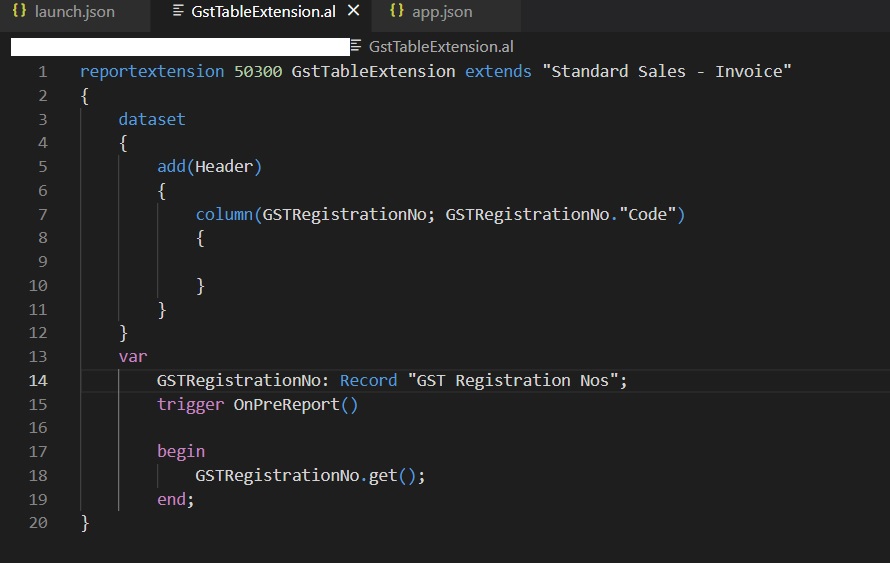
I am trying to do sales invoice report extension to bring  "GST Regiatration No." value in to the Report layout.

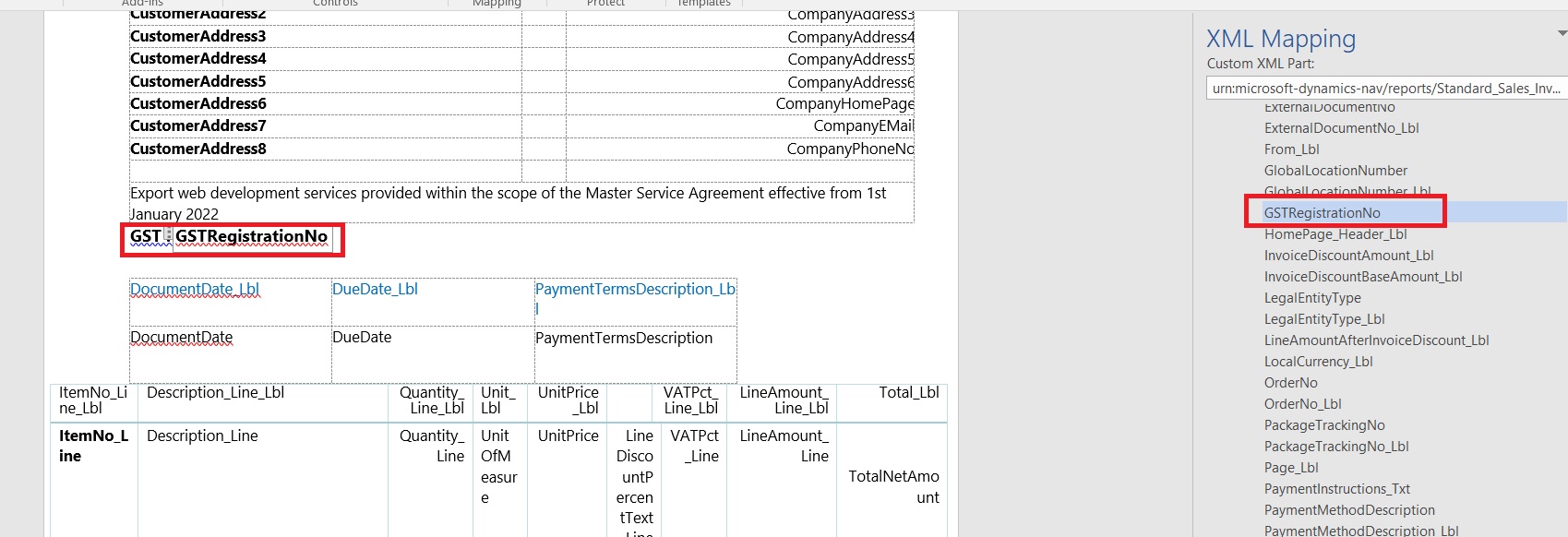
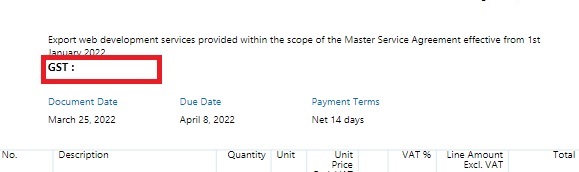
I could to map the corresponding "GST Registration No" field in the XML Mapping for the custom report word layout. But the data is not populating for the "GST Registration No" when running the report. 

I am using IN Localization. 

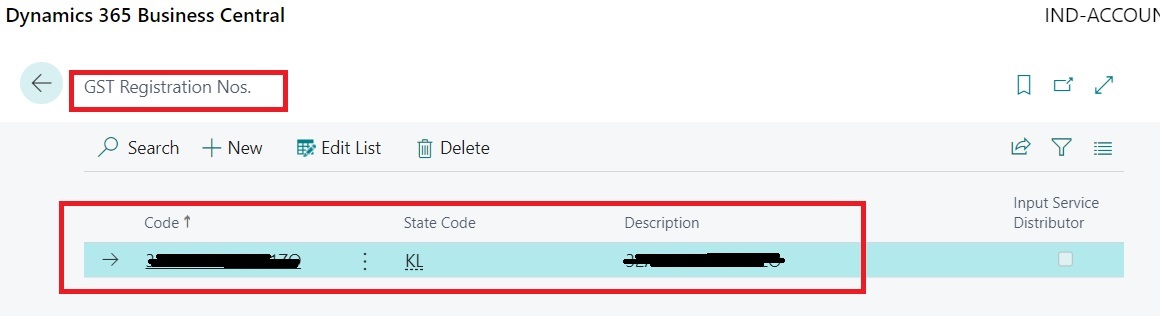
Relevant screen shot's are attached for reference.

Thank you for sharing your inputs to solve this issue.
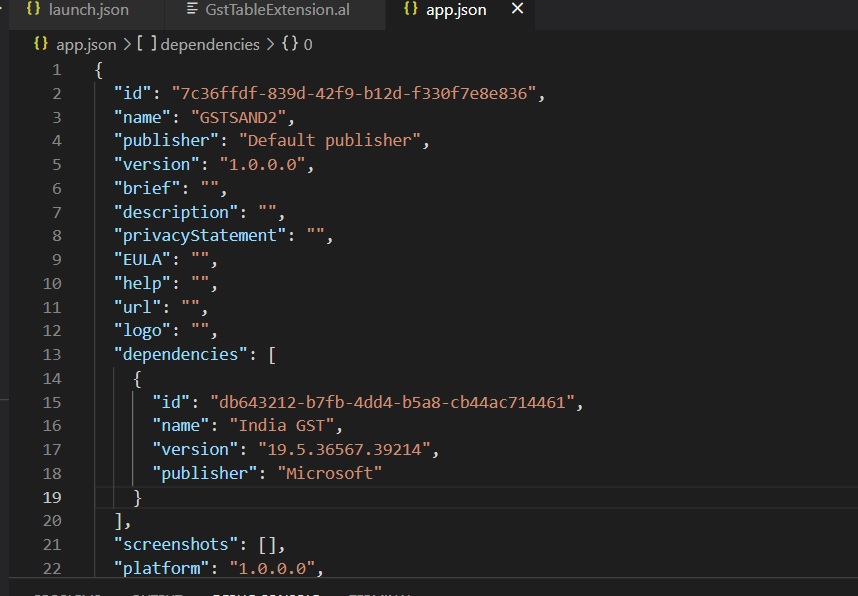
App-Json.pngTable-Extension.png

xml-word-layout.pngGST-Reg-No.jpg

Report.jpg

Regards,

Ranjith

I have the same question (0)
  • matthias_rabus Profile Picture
    160 on at

    Hi Ranjith,

    please check if the Get was successful. Use the debugger and see if the variable is filled or run the request page and use "Send to" => Microsoft Excel (data), then check how the data is present

  • Suggested answer
    JAngle Profile Picture
    159 on at

    GET requires the primary key values of the table to be passed. Is there a value from the header dataitem you can use? I would you onaftergetrecord as the trigger in that case

  • matthias_rabus Profile Picture
    160 on at

    Get would use default values for missing parameters, so in this case it will use empty string

  • Community Member Profile Picture
    on at

    Hi Matthias Rabus,

    Thank you for your input .

    Appreciate if you can elaborate it.

    Regards,

    Ranjith

  • Suggested answer
    IB-29041624-0 Profile Picture
    1,191 Moderator on at

    In line 18 where you write GSTRegistrationNo.Get(); you need to change that so you tell BC what primary key you want to run get on

    GSTRegistrationNo.Get(ValueOfPK);

    If there is several fields in the PK of the table you need to seperate the values with a comma.


Under review

Thank you for your reply! To ensure a great experience for everyone, your content is awaiting approval by our Community Managers. Please check back later.

Helpful resources

Quick Links

Season of Sharing Community Challenge Winners!

Congratulations to our community stars!

Women in Power Builds Momentum

Expanding mentorship, skilling, and AI innovation

Congratulations to the July Top 10 Community Leaders

These are the community rock stars!

Leaderboard > Small and medium business | Business Central, NAV, RMS

#1
OussamaSabbouh Profile Picture

OussamaSabbouh 595 Super User 2026 Season 2

#2
YUN ZHU Profile Picture

YUN ZHU 364 Super User 2026 Season 2

#3
Grigorios Mavrogeorgis Profile Picture

Grigorios Mavrogeorgis 331 Super User 2026 Season 2

Last 30 days Overall leaderboard

Featured topics

Microsoft Training Manuals

Product updates

Dynamics 365 release plans