Hi Thomas,
What's the version of your marketing application? Mine is 1.35.10059.1039 and lookup form field works.
Could you try follow steps:
Firstly, have you published all customizations when selected Skole entity for relevance search?
Secondly, please check whether a datalist element for lookup field is actually generated, with browser inspector.
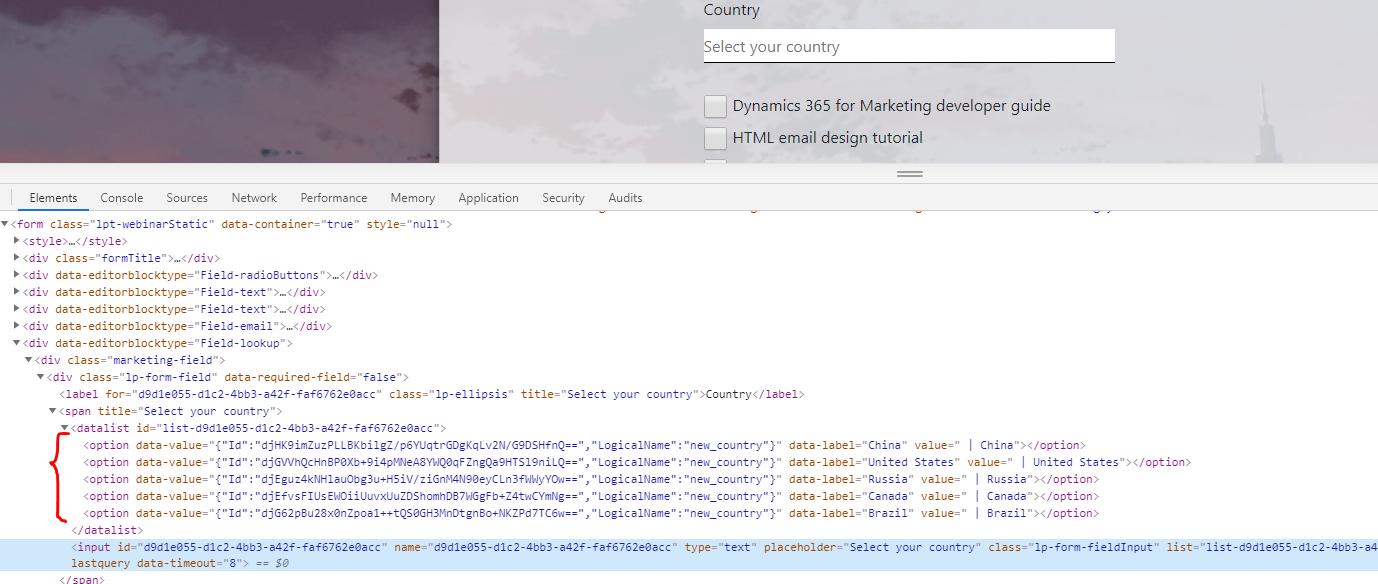
If the hidden element has been actually created, then type some keywords in lookup input field to check whether any options could display.
By default, lookup field won't display any options, even if we focus cursor in it.
e.g:
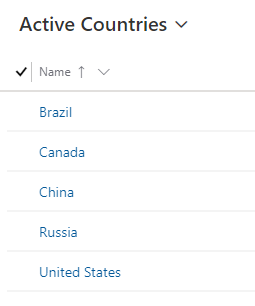
There are 5 custom country entity records in my marketing app:
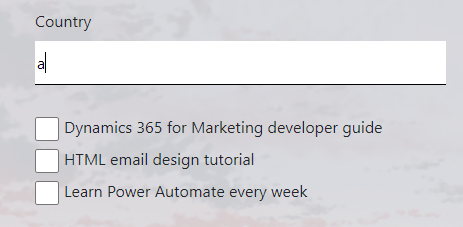
If I type 'a' in the field, nothing happens, because there is no country name starts with 'a'.
Only when I type 'c', then countries which contain 'c' character display.
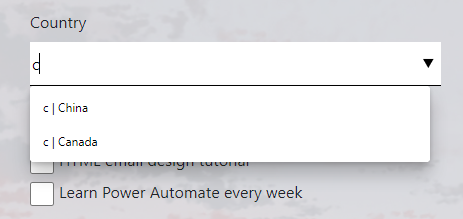
So try to type some keywords that could match existing records in Marketing app to make options appear.
Regards,
Clofly


