web
You’re offline. This is a read only version of the page.
close
Skip to main content

Notifications

Announcements

No record found.

Community site session details

Community site session details

Session Id :
Finance | Project Operations, Human Resources, ...
Answered

How to include all Project-Based lines marked READY TO INVOICE to a single Invoice?

(0) ShareShare
ReportReport
Posted on by 515

Hi there,

I have a question please on Project Operations Invoicing. I have created several actuals (time and expenses) for a project and would like to include them all on a manually generated invoice.

My project based contract line is set up to include everything:
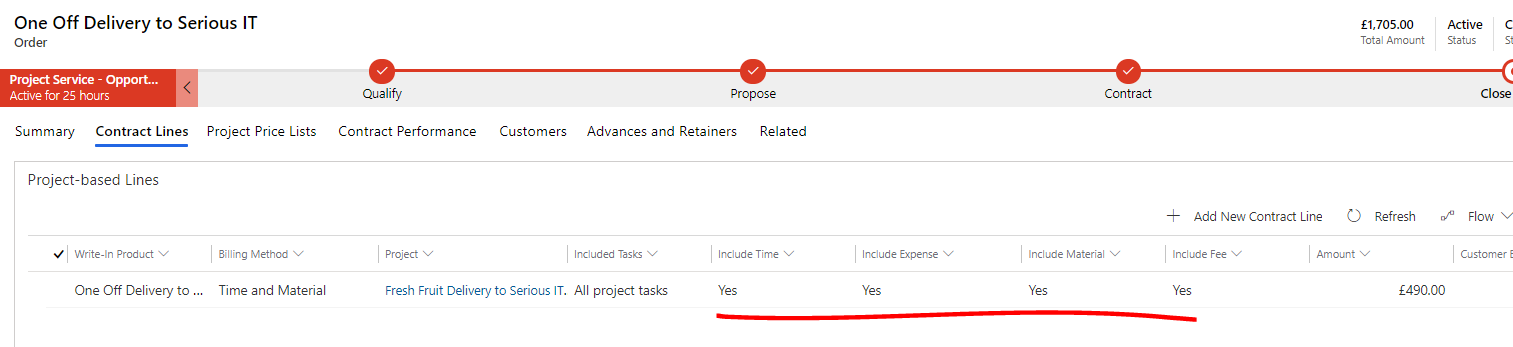
pastedimage1629756332193v1.png

I had 3 actuals for the project associated with this contract line. All 3 are marked ready to invoice.

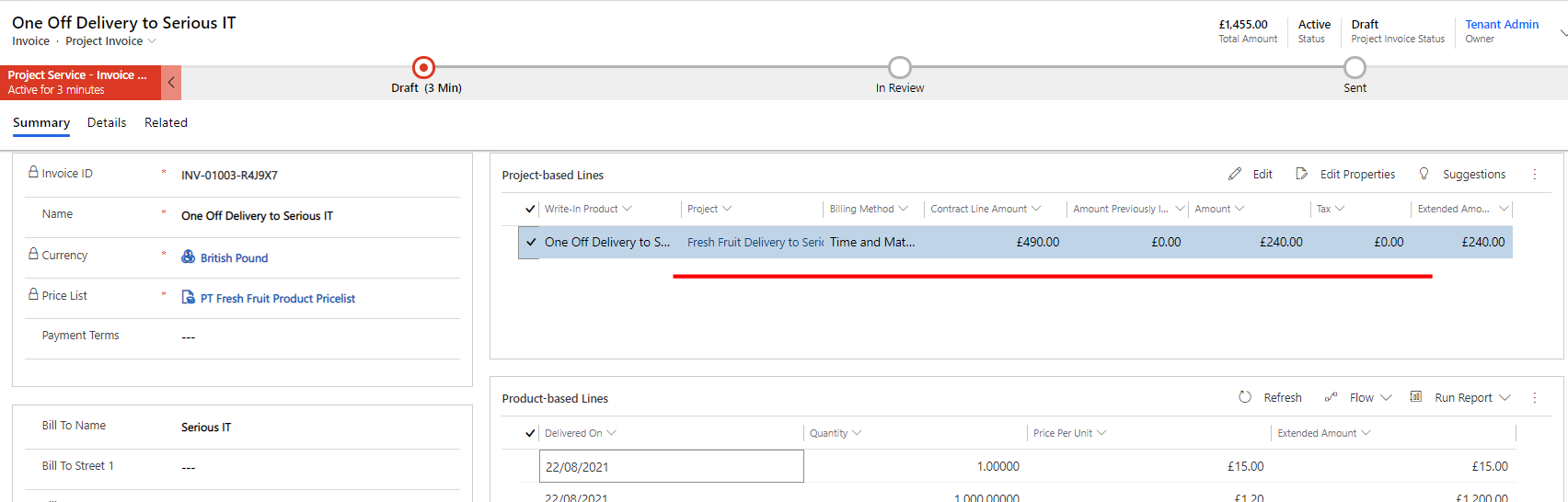
However after the draft invoice is created I can only see 1 actual record included in the invoice. The other 2 actuals remains ready for invoice. 

pastedimage1629756416663v2.png

pastedimage1629756439521v3.png

Can anyone explain why this might be, and how to include the other 2 actuals in the existing draft invoice?

Thanks very much.

I have the same question (0)
  • Verified answer
    PriscillaT Profile Picture
    515 on at

    Ok sorry folks. I worked it out. It was because the system was only pulling to the invoice in actuals  with date that matched on or before the invoice generation date. I waited overnight and pulled in the lines again and the total on the invoice is now correct.

    Apologies.

  • apa Profile Picture
    8,284 Moderator on at

    No worries, this is a really good topic to have on the community forum. Invoicing "the future" is a frequent question in ProjOps implementations so it's good to have this here. As you discovered, the system won't allow us to invoice "the future" :)

Under review

Thank you for your reply! To ensure a great experience for everyone, your content is awaiting approval by our Community Managers. Please check back later.

Helpful resources

Quick Links

Responsible AI policies

As AI tools become more common, we’re introducing a Responsible AI Use…

Neeraj Kumar – Community Spotlight

We are honored to recognize Neeraj Kumar as our Community Spotlight honoree for…

Leaderboard > Finance | Project Operations, Human Resources, AX, GP, SL

#1
André Arnaud de Calavon Profile Picture

André Arnaud de Cal... 467 Super User 2025 Season 2

#2
Martin Dráb Profile Picture

Martin Dráb 420 Most Valuable Professional

#3
BillurSamdancioglu Profile Picture

BillurSamdancioglu 241 Most Valuable Professional

Last 30 days Overall leaderboard

Product updates

Dynamics 365 release plans