web
You’re offline. This is a read only version of the page.
close
Skip to main content

Announcements

No record found.

News and Announcements icon
Community site session details

Community site session details

Session Id :
Finance | Project Operations, Human Resources, ...
Answered

Approve button is not showing up in Purchase Requisition after submitting in AX D365 F&O

(0) ShareShare
ReportReport
Posted on by 100

Hi Experts, 

AX version - Finance and Operation(10.0.5) Update 29(7.0.5372.35448)

I am working with workflow, after submitting it, it is assigning to the approver(me) but I am not getting any approve button to proceed and the action remains pending.

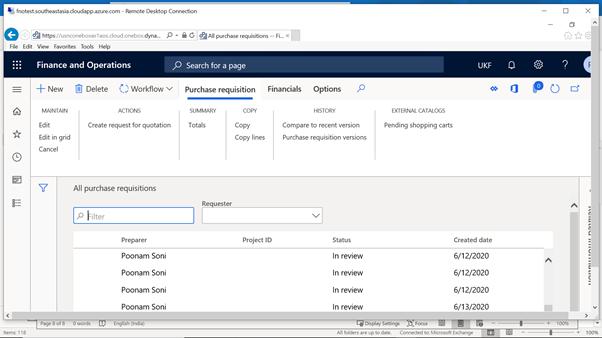
Please find the below screen shots:
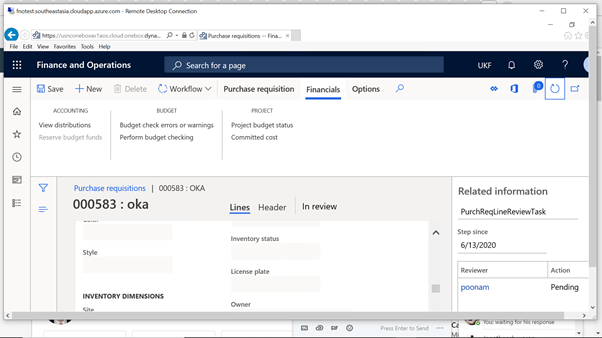
pastedimage1592196485794v1.png

pastedimage1592196589561v2.png

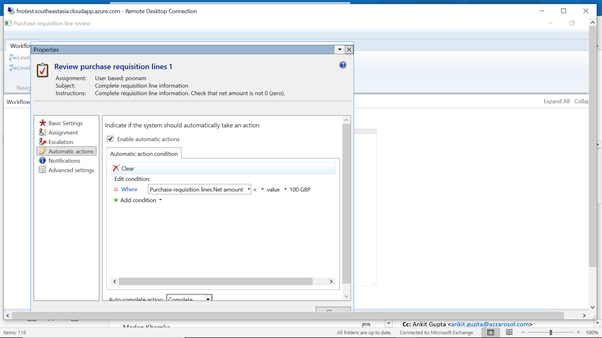
Please find the screen shot of my Basic workflow setup:

1) Purchase requisition line review
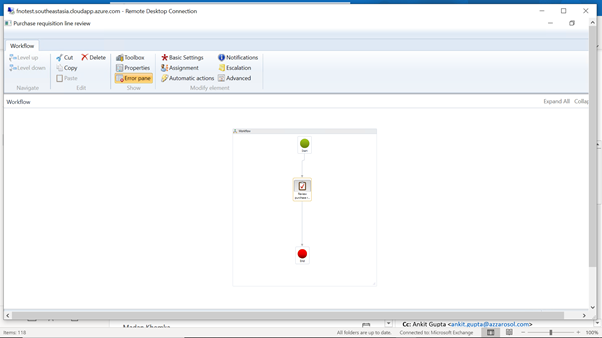
pastedimage1592196706259v4.pngpastedimage1592196714559v5.png

Approver is only one user(me)

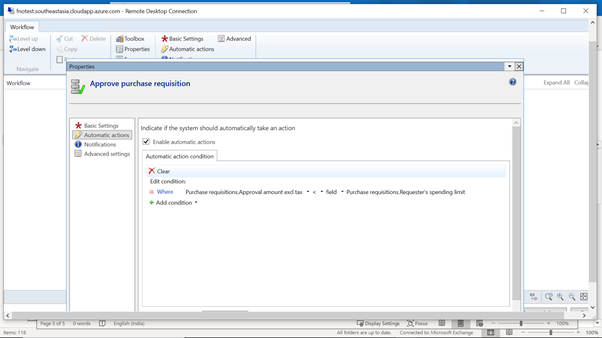
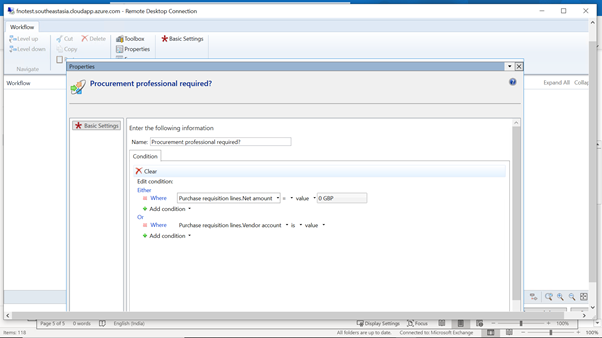
2) Pruchase requisition review:
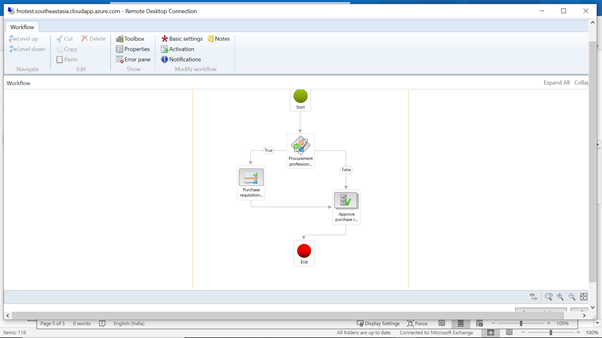
pastedimage1592196771692v6.png

pastedimage1592196814175v7.png

pastedimage1592196866703v8.png

Approver is only one user(me)

3)Purchase order workflow:
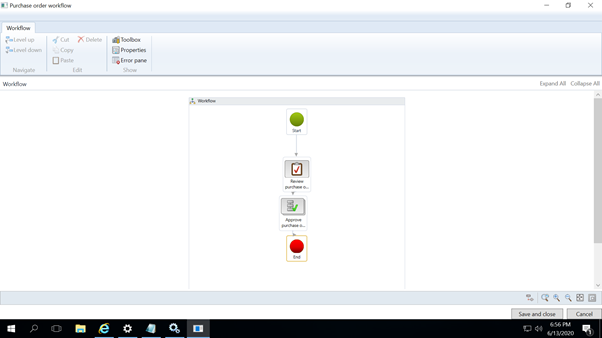
pastedimage1592196885208v9.png

pastedimage1592196896800v10.png

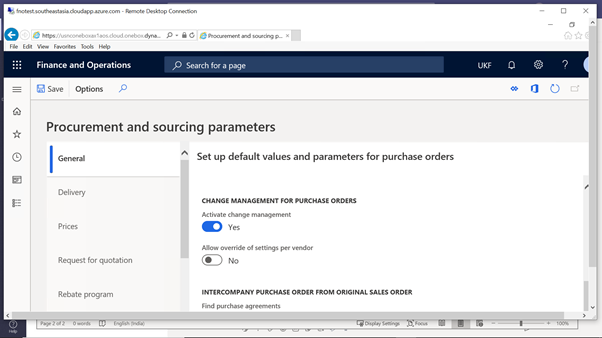
The Procurement sourcing parameter:

pastedimage1592196644711v3.png

Default workflow infrastructure configuration screen shots:
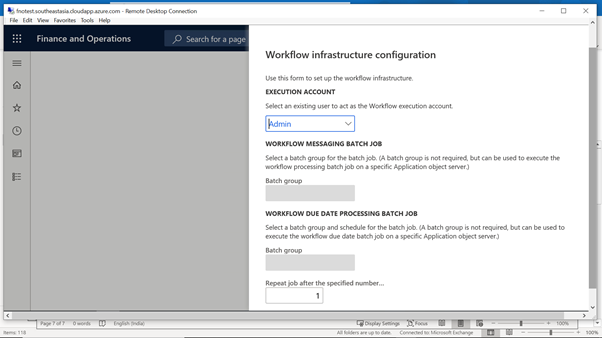
pastedimage1592196943683v11.png

And server is assigned to Empty batch server as selected.

Kindly suggest if I am missing any setup here, as I am setting it for the first time. And all the status is in in-review, unable to proceed.

Thanks in advance.

I have the same question (0)
  • Suggested answer
    Rahul Mohta Profile Picture
    21,046 on at

    check workflow history, might have error out

    submitter cannot be approver

  • Suggested answer
    Ludwig Reinhard Profile Picture
    Microsoft Employee on at

    Hi PSoni,

    Can you open the workflow history button/form and check if some tasks have been created or whether the workflow got stuck somewhere?

    Best regards,

    Ludwig

  • PSoni Profile Picture
    100 on at

    Hi Rahul,

    Thanks for responding. there is no error showing in workflow history:

    pastedimage1592202887890v1.png

  • PSoni Profile Picture
    100 on at

    Dr. Ludwig , it is stuck in Purchase requisition line -item

    pastedimage1592203118457v2.png

    pastedimage1592203074949v1.png

  • qianwang Profile Picture
    7,168 on at

    Hi PSoni,

    Did you check it from line workflow? If there is no complete option, please share the relevant item assigned screenshot of line workflow history.

    134.png

    135.png

    Regards,

    QianQW

  • Ludwig Reinhard Profile Picture
    Microsoft Employee on at

    Hi,

    Can you see the person to which the last work item - the one that is pending - is assigned to?

    Best regards,

    Ludwig

  • André Arnaud de Calavon Profile Picture
    305,182 Super User 2026 Season 1 on at

    Hi Psoni,

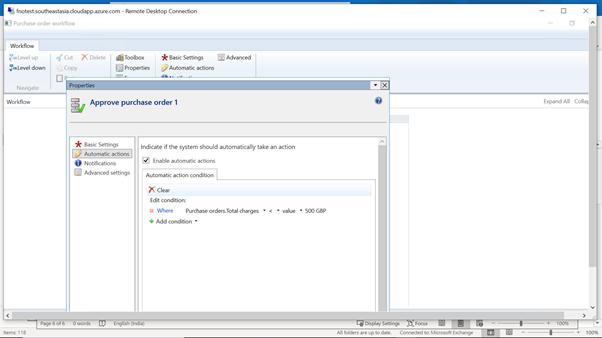
    The screenshots are not clearly readable as they are quite small. I do see something with conditions on amounts etc.

    I would suggest to review all those conditions and look at the sub workflow status if they are still running or in an error state.

  • PSoni Profile Picture
    100 on at

    Hi Ludwig,

    I have assigned myself(poonam) as approver but work items is getting assigned to others.

    pastedimage1592225988514v1.png

    I have kept everywhere Assignment user as Poonam, not sure from where it is taking this names.

  • PSoni Profile Picture
    100 on at

    Hi QianQW,

    Please find below wrokflow history

    pastedimage1592227774086v1.png

  • Suggested answer
    SouravDam Profile Picture
    11,732 on at

    Hello PSoni,

    Screenshots you provided are very small and cannot see the detail you configured clearly!

    However; you can check in below areas to ensure if this is working fine.

    --- Reset usage data for the user you set as an approver. Go to "System administration > Users > User options" and do the reset.

    --- Is there any line level approval workflow you activated as showcased by QianQW? If 'yes', then process that first.

    --- Else; "Disable" the "Enable automatic actions" check box that you enabled in the workflow configuration and see if this solves the case.

    87827.JPG

    Best regards,
    Sourav Dam

    Kindly mark this thread 'Yes' if this is answered your query which may help other community members in this forum.

Under review

Thank you for your reply! To ensure a great experience for everyone, your content is awaiting approval by our Community Managers. Please check back later.

Helpful resources

Quick Links

Introducing the 2026 Season 1 community Super Users

Congratulations to our 2026 Super Stars!

Meet the Microsoft Dynamics 365 Contact Center Champions

We are thrilled to have these Champions in our Community!

Congratulations to the April Top 10 Community Leaders

These are the community rock stars!

Leaderboard > Finance | Project Operations, Human Resources, AX, GP, SL

#1
Giorgio Bonacorsi Profile Picture

Giorgio Bonacorsi 699

#2
André Arnaud de Calavon Profile Picture

André Arnaud de Cal... 582 Super User 2026 Season 1

#3
Subra Profile Picture

Subra 493

Last 30 days Overall leaderboard

Product updates

Dynamics 365 release plans