web
You’re offline. This is a read only version of the page.
close
Skip to main content

Announcements

No record found.

News and Announcements icon
Community site session details

Community site session details

Session Id :
Microsoft Dynamics AX (Archived)

Sales order - Holds - Color

(0) ShareShare
ReportReport
Posted on by

Hi,

i find out hold function in sales order. Looking on this https://stoneridgesoftware.com/placing-a-sales-order-on-hold-in-dynamics-ax-2012-part-1-setting-up-functionality/ i interested in colouring function.

In hold reason codes (Sales and marketing/Setup/Sales orders/Order hold codes) i didn't find anything about color:
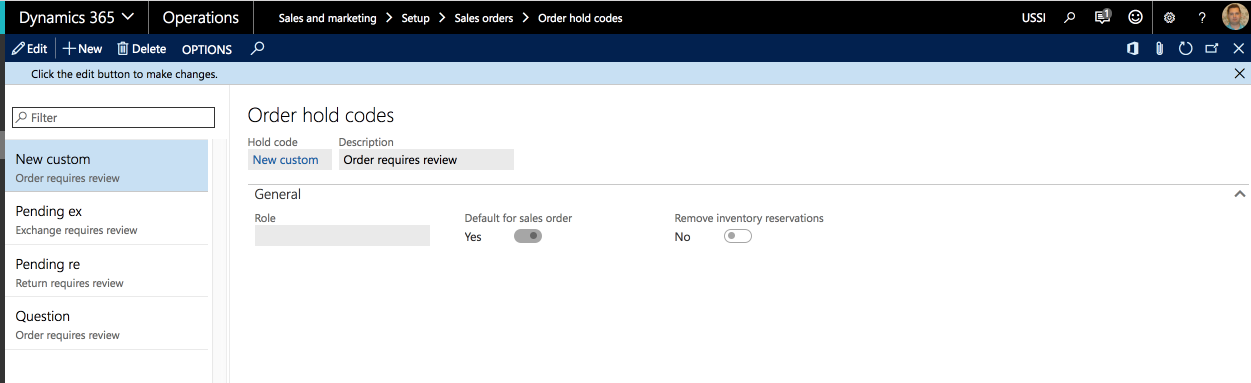
Order-hold-codes-_2D002D00_-Operations-2017_2D00_05_2D00_29-11_2D00_30_2D00_10.png

So i go to AR / Setup / AR parameters and choose colour: 
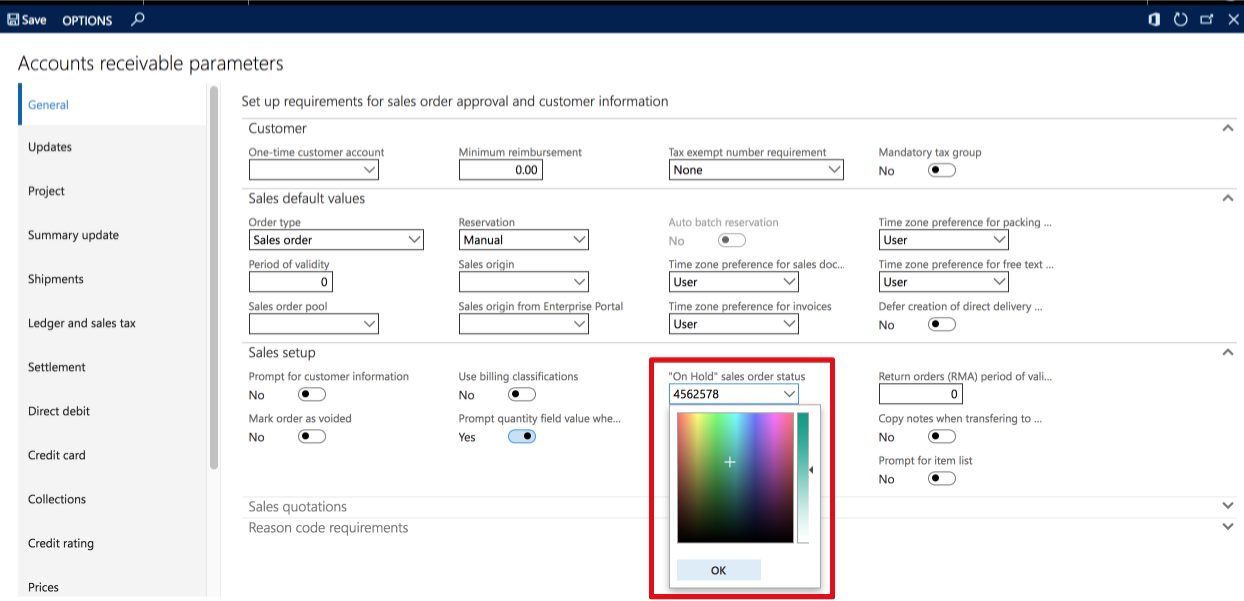
Accounts-receivable-parameters-_2D002D00_-Operations-2017_2D00_05_2D00_29-11_2D00_32_2D00_17.png

Then i go to AR / All sales orders clicked Order holds and created hold line for order. I even made it "Check out" but hold orders have same colour as general orders:
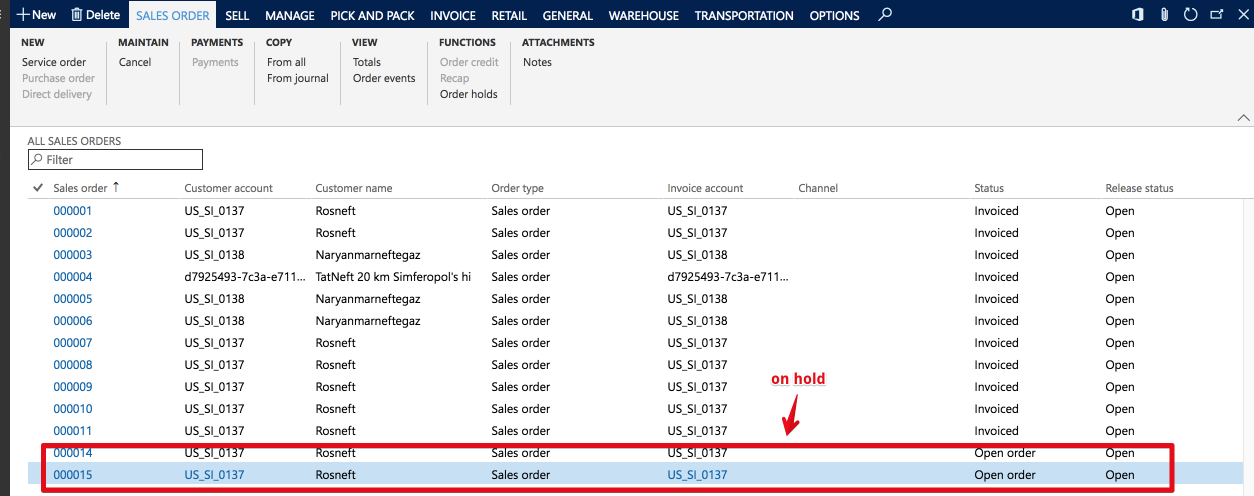
All-sales-orders-_2D002D00_-Operations-2017_2D00_05_2D00_29-11_2D00_36_2D00_07.png

Which setting or actions i missed to made hold orders change their colour?

*This post is locked for comments

I have the same question (0)
  • Max2012 Profile Picture
    on at

    I think it only works with the Call center functionality which is part of the Retail module. 

  • Yohann Rolland Axcible Profile Picture
    3,111 on at

    Indeed, but not tested though.

    docs.microsoft.com/.../work-with-order-holds

  • NataliiaS Profile Picture
    on at

    Hi Maxim_msk,

    In order to use hold codes you do not need call center functionality, it works without it as well. However seems like different order colors can be seen only from the Customer service form or if you open sales order details:

    customer-service-form.PNG

    customer-service-form.PNG

Under review

Thank you for your reply! To ensure a great experience for everyone, your content is awaiting approval by our Community Managers. Please check back later.

Helpful resources

Quick Links

Introducing the 2026 Season 1 community Super Users

Congratulations to our 2026 Super Stars!

Meet the Microsoft Dynamics 365 Contact Center Champions

We are thrilled to have these Champions in our Community!

Congratulations to the April Top 10 Community Leaders

These are the community rock stars!

Leaderboard > 🔒一 Microsoft Dynamics AX (Archived)

#1
CP04-islander Profile Picture

CP04-islander 24

#2
Michel ROY Profile Picture

Michel ROY 14

#3
Jagadabi Profile Picture

Jagadabi 6

Last 30 days Overall leaderboard

Featured topics

Product updates

Dynamics 365 release plans
