Hi Johnson,
I have tested how to customize event portal in recent days, please follow steps below to show a custom field value in event portal.
1. Run event website locally with any of those tutorials.
https://docs.microsoft.com/en-us/dynamics365/marketing/developer/portal-hosted
https://community.dynamics.com/crm/b/misscrm360exploration/posts/tutorial-how-to-build-deploy-and-test-locally-dynamics-365-portal-or-dynamics-marketing-event-portal-and-connect-it-to-your-dynamics-365-instance-live
2. Create a new web entity configuration record to whitelist the custom field.
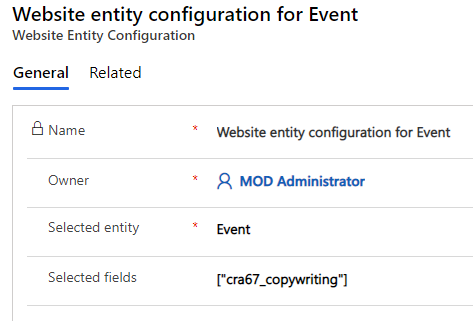
https://docs.microsoft.com/en-us/dynamics365/marketing/developer/customize-events-api-response
3. Add custom code in eventregistration.component.html. (We could insert it before card-footer element, then replace the field name with yours.)

4. Local test result
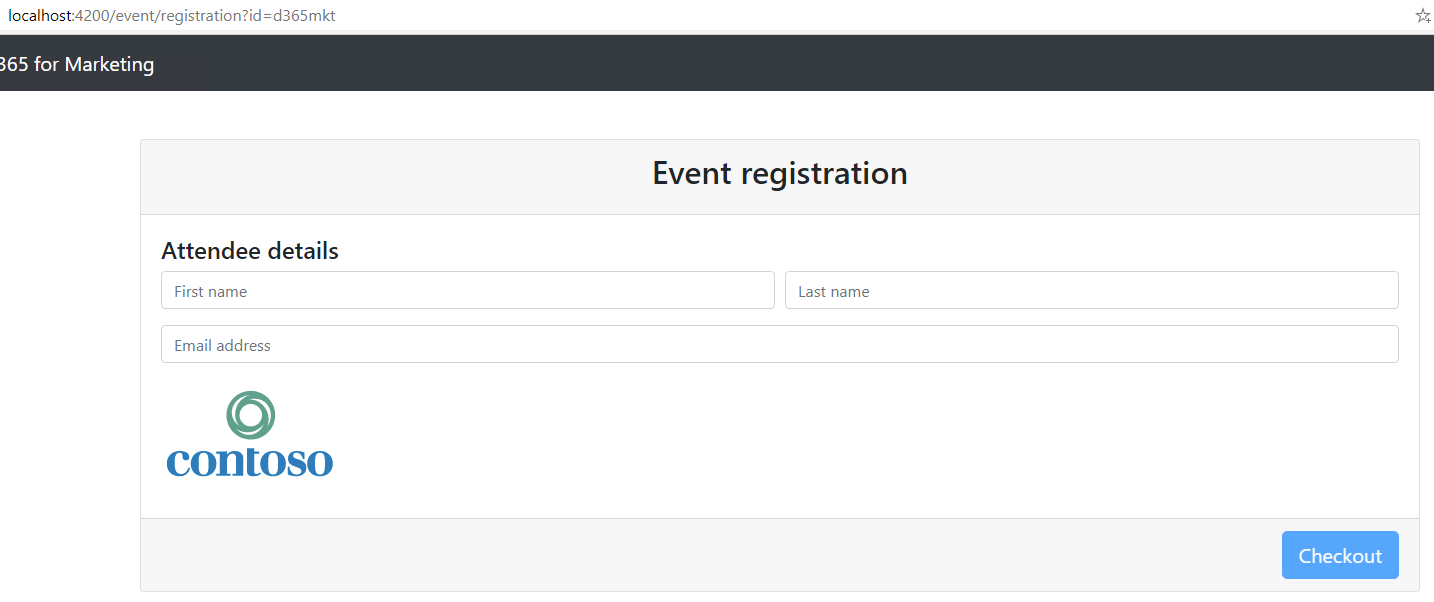
It reads URL from Copywriting field.
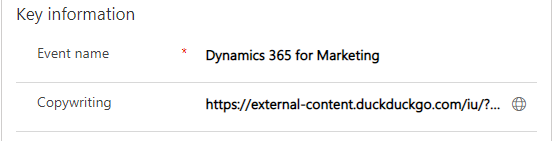
5. Run the deployment script in Scripts folder, it will build the website for production, and upload built files to corresponding web file records.
(In other word, our customization will be complied into main.es file and be synced to main.js file.
You could read this article for more details:
https://community.dynamics.com/crm/b/misscrm360exploration/posts/tutorial-customize-and-deploy-dynamics-365-marketing-event-management-or-other-portal)
6. The final expected result is that our customization have been applied to Event Portal successfully,
however, it seems that there is issue for my script, the sample event website of mine is 1.19.0, which is last year release,
thus I need to do further test for final result.
Try to run deployment script if you have done step 1 - 5.
Regards,
Clofly


