When setting up a configuration attribute in the product configurator, the decimal attributes always round to 2 decimals both in the "default settings" and the user entry form.
Is there a way to increase the decimal precision?
The requirement is to have 5 decimal precision for data entry and use in calculations.
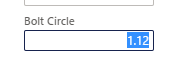
I was able to trace down a macro "#PC" that hard codes the places to 2, but didn't think we could override a macro.
// formatting
#define.numberOfDecimals(2)
I also found code that uses System.Globalization to find decimal precision.
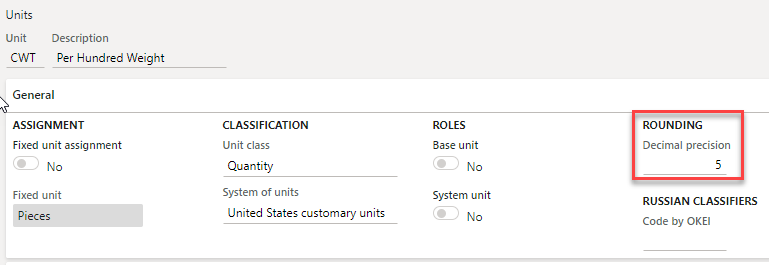
Ideally, the Decimal precision should match the UOM decimal precision set up on the attribute.

Version: 2020 release wave 1 10.0.11 (10.0.464.10002) Update 35







